
A submission timeout does not establish that the business action failed. Check the current task state before retrying because processing may have completed while its response was lost.
For the complete workflow around this question, continue with Receive SMS Online: Complete Steps, Codes and Troubleshooting. The link opens the relevant section.
Understand what the submit button was doing
The same-looking verification step can precede sign-in, a contact change, an order confirmation or another action. Some consequences are more significant than checking a code alone. Read the original page and confirmation flow so you know what could already have happened.
If the page still shows processing, follow its waiting or query instructions. Do not open several tabs and submit the same action independently. Requesting replacement codes immediately can also make it harder to associate later messages with the original request.
Keep the task reference, approximate time and error wording if available. There is no need to store the active code in a note or send it to a helper. Those details do not establish whether the business operation completed.
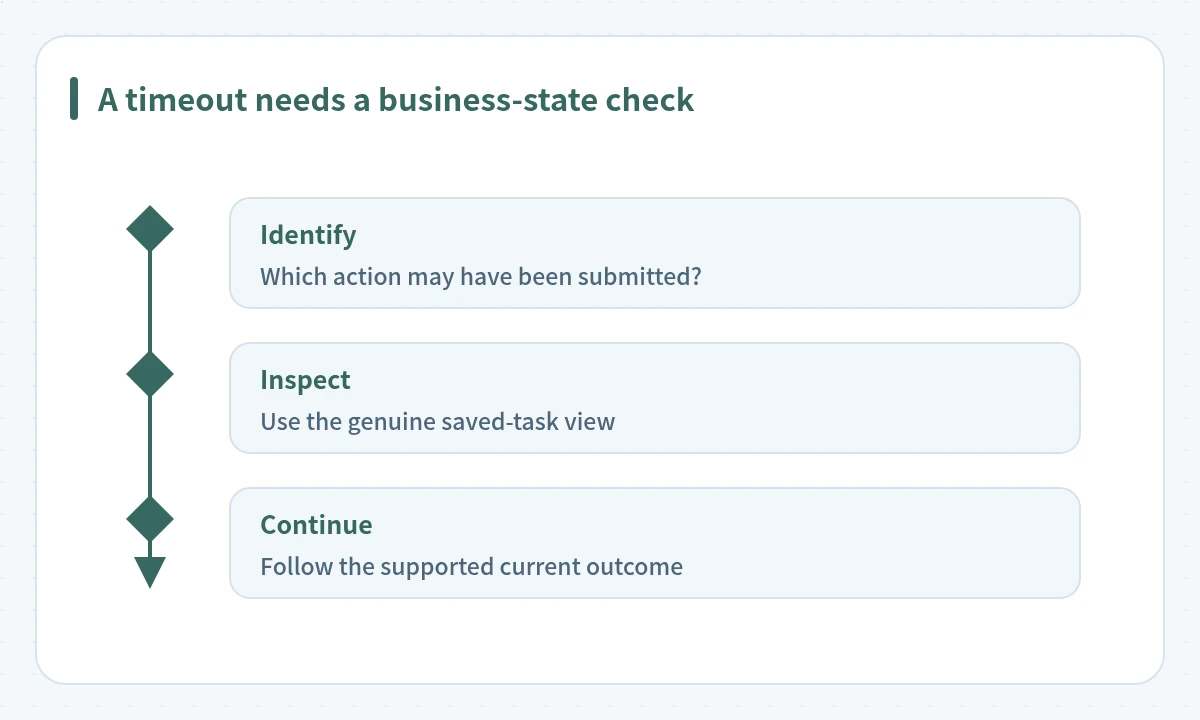
Query a result that belongs to the business task
For an order, inspect its official status. For an account setting, reopen the relevant saved field. For sign-in, confirm whether you entered the intended account. Use known official entry points, rather than links supplied by an unexpected support contact.
A browser error page, loading animation and inbox history describe different observations from those business results. None alone proves the operation was rejected. Also match the exact object: the most recent successful order might be a different order with a similar amount or time.
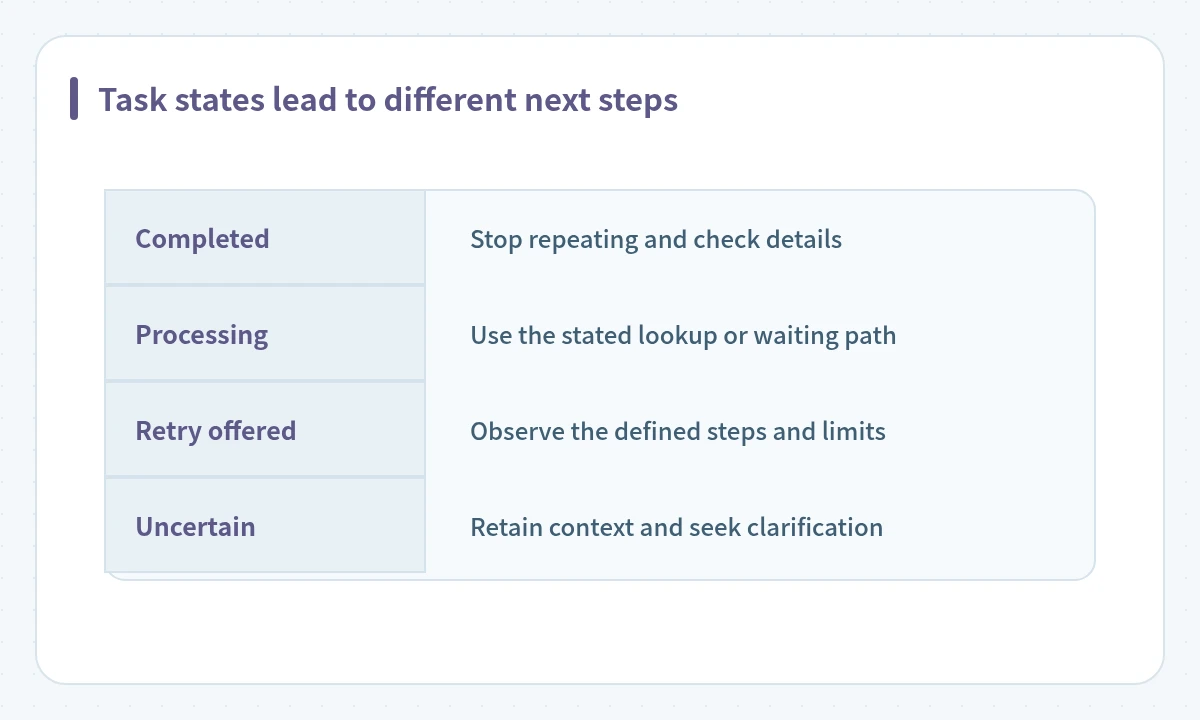
| Confirmed state | Next step |
|---|---|
| Completed | Stop resubmitting and check the intended details |
| Processing | Follow the service’s supported waiting or lookup path |
| Failed with retry offered | Use the stated steps and restrictions |
| Still uncertain | Retain task context and seek official clarification |
Restart only under a supported condition
A service may offer a specific retry or restart control. Follow it and observe any waiting interval. Do not assume every website prevents duplicate orders, charges or settings changes. Where the original operation could have such effects, resolve its state before improvising another submission.
If the request has ended, an old code cannot reopen it simply because the text remains visible. Use the current business flow rather than trying different historic messages. Receiving and submission validity remain separate questions.
If the old screen reappears after a refresh, treat it as a view that still needs interpretation. Restored form contents are not a business receipt. Compare them with the saved task result before choosing a next action.
Report the uncertainty without handing over access
A concise report can say which task was submitted, when the timeout appeared and what the normal status view now shows. Include a non-sensitive request reference where the system provides one. Passwords, codes and session exports are not required for that explanation.
After access resumes, check that the final result is the action you actually intended. A page that no longer reports an error might still show a pending state or a different account. Align the account, task object and saved outcome before marking the issue resolved.
If several people are assisting, give one person responsibility for the next permitted action. Parallel guesses from multiple sessions can introduce a second problem while everyone is trying to diagnose the first.
Main guide for this question
Receive SMS Online: Complete Steps, Codes and Troubleshooting
