
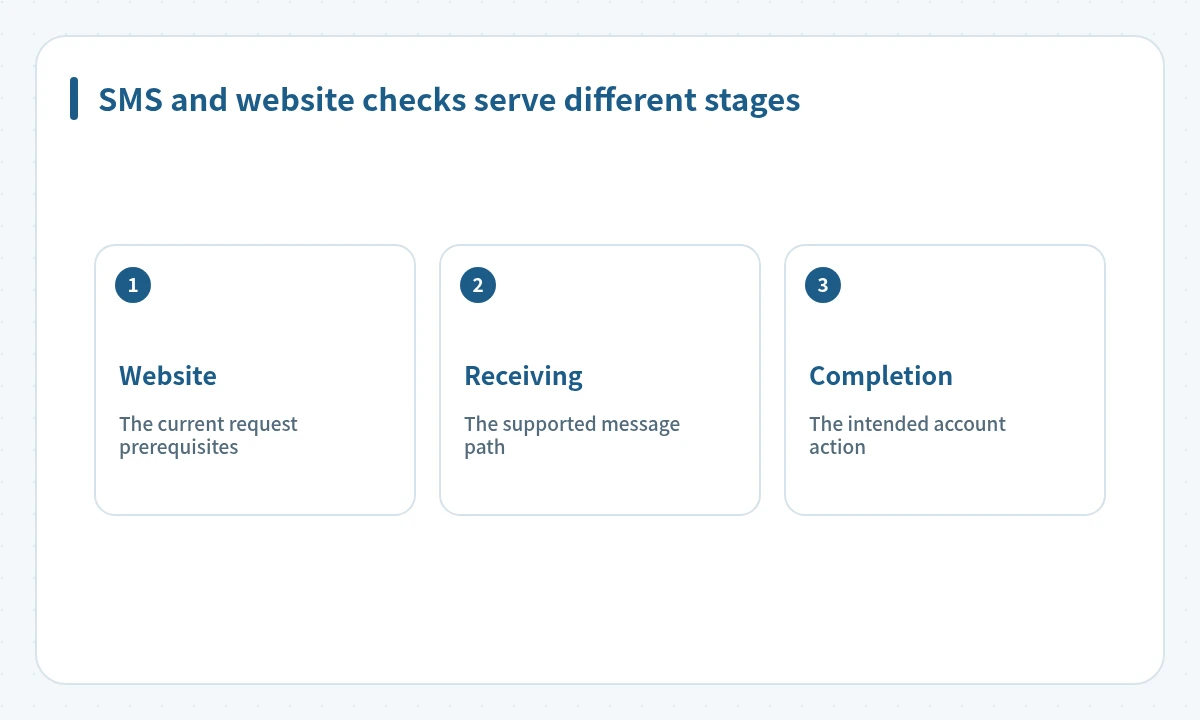
An SMS verification step does not replace a website’s CAPTCHA or other required checks. Follow the target service’s supported flow and help route rather than expecting the receiving service to remove those conditions.
Identify where the page has stopped
A site may require a challenge before accepting a send request, or it may ask for another check later. Read the actual prompt and task state. An empty inbox does not establish that a sending attempt was accepted, so repeated resend clicks may not address the stage that is blocked.
The receiving service and the target website have different responsibilities. A number’s ability to receive ordinary messages does not determine every condition for starting or completing a verification request. Do not turn a receiving-capability claim into a promise that the entire website flow will succeed.
Use the official help for the specific obstacle
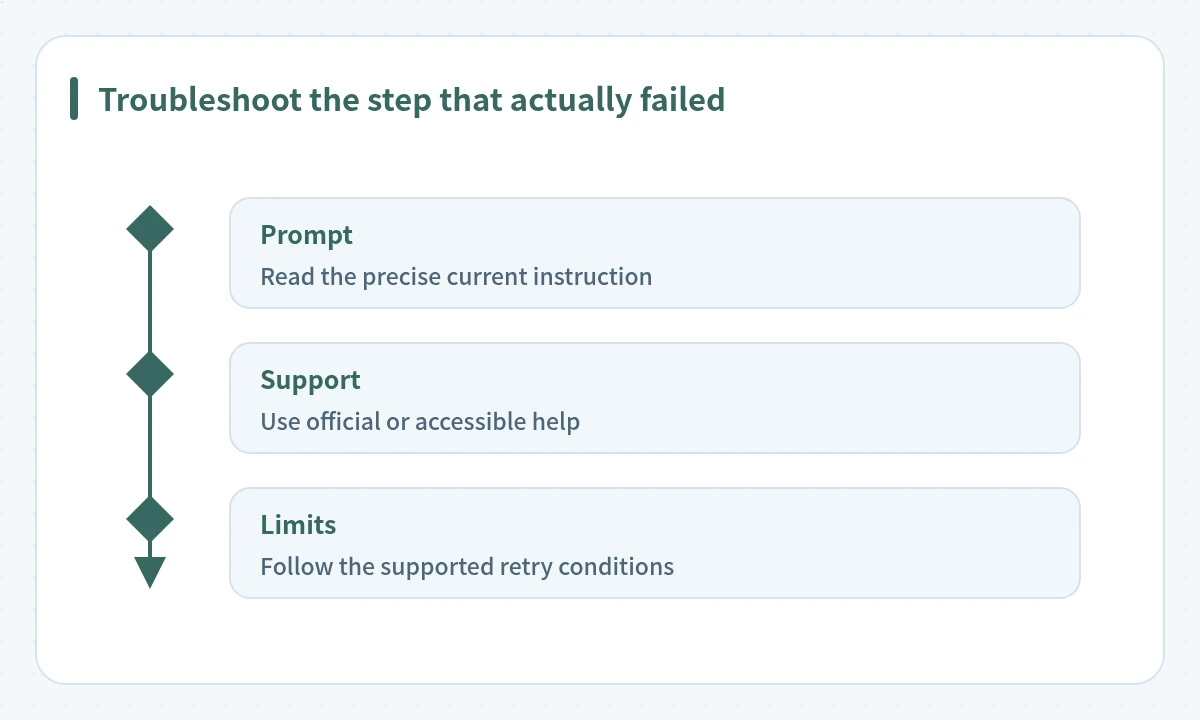
If a challenge fails to load, check normal connectivity and supported browser conditions on the trusted page. If it cannot be operated with assistive technology, look for the business’s accessibility or alternative procedure. Neither problem requires handing an active code to an unknown helper.
| Observation | Appropriate question |
|---|---|
| Send request not accepted | Which prerequisite remains incomplete? |
| Challenge fails to load | What normal browser or connection condition is required? |
| Accessible operation fails | Which supported accessible route is available? |
| Further attempts restricted | What does the formal help or waiting instruction require? |
Do not disable broad security protections, install an unfamiliar extension or purchase a challenge-bypass service to make the page advance. Follow stated restrictions. Creating additional accounts or rotating resources to avoid a limit does not resolve the original account’s supported procedure.
A received code still belongs to one intended task
If a message arrives, confirm that the account and action are yours. A person claiming to finish the remaining steps may be asking you to approve something else. An inbox record cannot establish that their session or request matches the task you intended.
Keep passwords, active codes and remote control of your device within the appropriate authorised process. A helper can explain an error or locate official documentation without taking over authentication. Do not assume that an offer of technical help justifies sharing every piece of access material.
If you cannot establish which step the page requires, stop before changing unrelated inbox settings. A redacted copy of the prompt and a description of the preceding action can help official support identify the boundary without access to the receiving account.
Report the stage accurately
Record the page name, approximate time, previous action and prompt, excluding secrets. Ask the target business which supported step is required next. That question is more precise than telling the receiving provider that verification does not work when the website has not yet accepted a send request.
If the business confirms sending, then inspect the receiving record and normal query conditions. If the current request has ended, restart only through the permitted route and observe any waiting or attempt limits. An old text is not general material for the next challenge.
The useful result is a correctly completed, authorised task. Keep the responsibility for each stage visible so troubleshooting does not create repeated requests or unnecessary disclosure while addressing the wrong component.
