
A calendar day and a rolling 24-hour interval cover different ranges. Check time zone, actual endpoints and other filters before deciding that records are missing.
Name the window before comparing the count
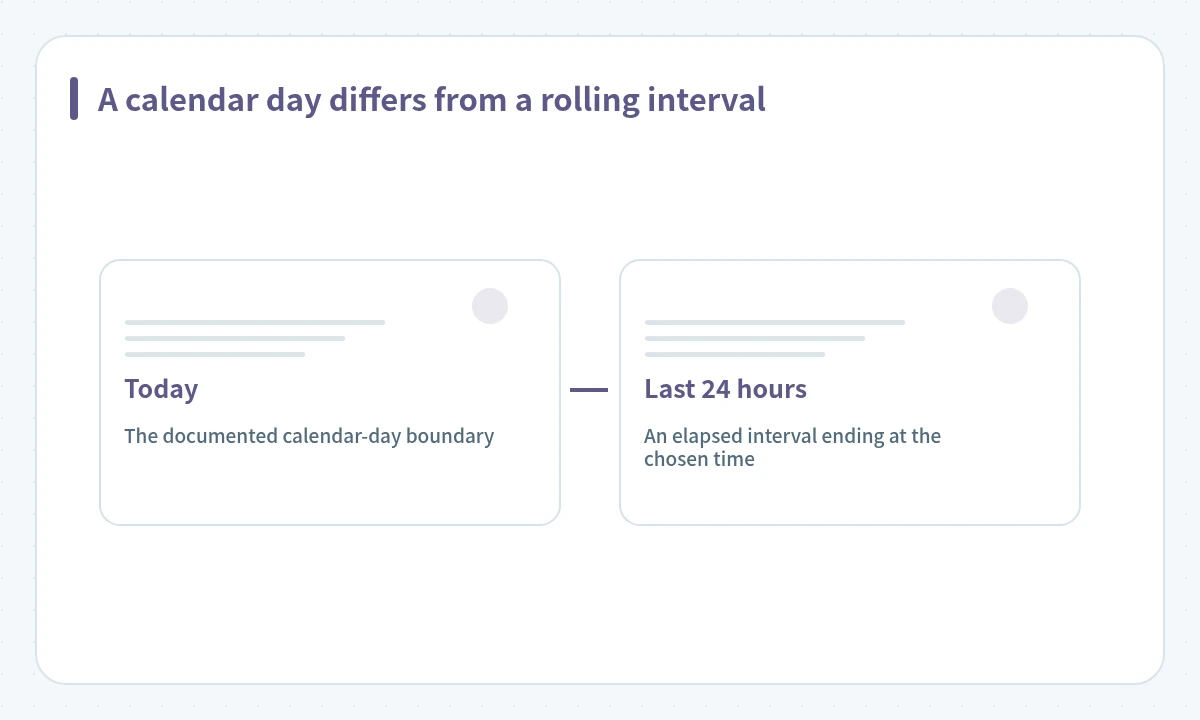
If it is 10:00 in the relevant time zone, a calendar-day query may begin at midnight. A rolling 24-hour interval ending then reaches back into the previous day. This is an illustrative comparison, not a statement about the buttons or default filters of a particular receiving product.
Read the current interface and documentation. “Today” might be evaluated using an account setting, a service-defined zone or another documented arrangement. Do not silently substitute the device’s local zone, and do not infer the reader’s location from the receiving number’s prefix.
The dates still need boundary rules
A start date and an end date can be insufficient without knowing the time fields being filtered and how boundaries are handled. Does the service use its receiving timestamp or a different record time? Does an end date cover the whole named day? Are the endpoints inclusive? Use the provider’s actual definitions rather than assumptions carried over from another application.
Keep the original timestamp and any stated offset when investigating an edge record. A conversion for convenient reading should be a separate working value. Around a daylight-saving transition, a local calendar day also need not have the same elapsed length as an ordinary 24-hour interval.
For a record close to midnight, compare the defined instant with the selected zone and boundaries. Its apparent date on another device is not enough to prove it belongs in the current filter.
Change one condition at a time
Confirm the account and number, then run a query that completes successfully. If the page failed to load, there is no reliable empty-result observation yet. Once the query works, widen or change only the date condition while keeping the other filters fixed.
A newly visible record then helps identify which range condition excluded it. Switching recipient, folder and time window together makes that conclusion much weaker. Preserve the exact combination that produced the result instead of remembering only that a broader search worked.
If you save a preset for later use, check whether it stores fixed dates or recalculates a relative range. Those two presets can legitimately return different records the next morning.
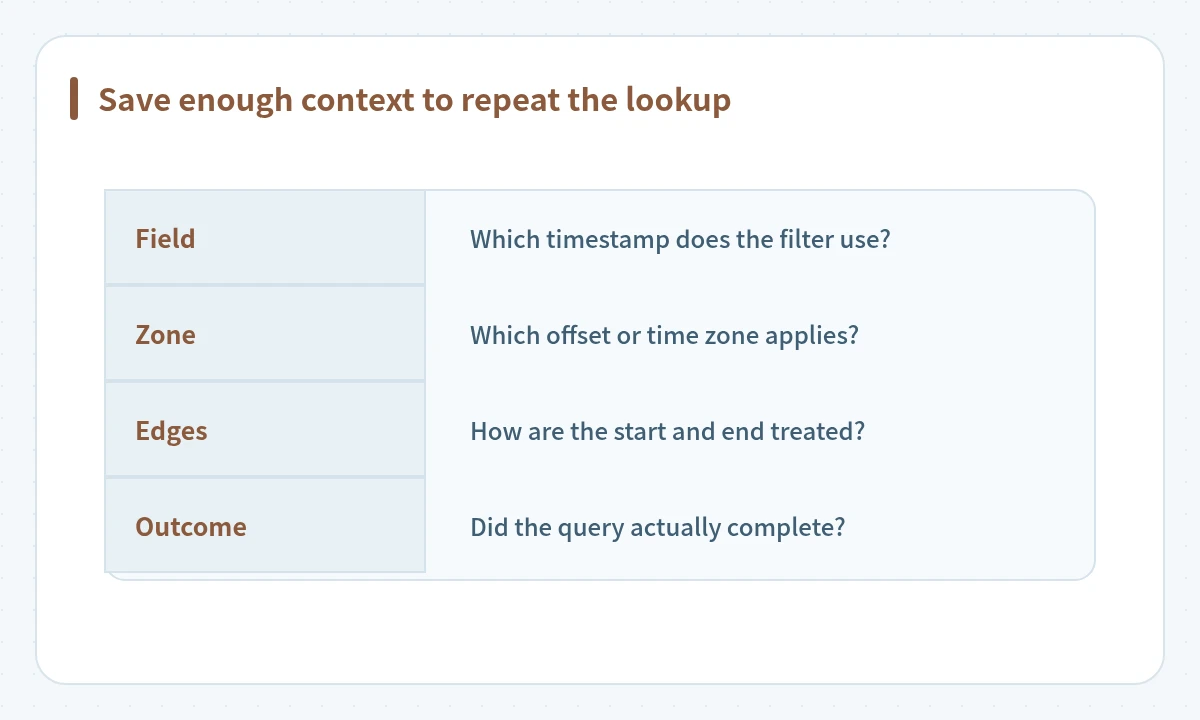
| Query note | Why it matters |
|---|---|
| Account and receiving resource | Prevents comparing different inboxes |
| Field and time zone | Defines how a timestamp is interpreted |
| Start and end conditions | Explains which edge records are included |
| Query outcome | Separates no match from a failed lookup |
Save a reproducible question
A colleague should be able to repeat the same lookup from the note. Include the chosen window, zone, remaining filters and a permitted stable record reference. A screenshot saying “today” is less useful if the account’s time-zone setting is missing.
If the product does not document a boundary that matters to the task, ask its support team to clarify it. Do not manufacture a precise completeness claim from a list whose range you cannot explain. Keep any report’s limitation visible until the underlying filter meaning is known.
