
A ticket-transfer text can announce an invitation without confirming that the recipient now holds the valid admission credential. Check the event and transfer record before treating the arrival of the SMS as the end of the process.
Locate the exact ticket and session
A convenient sms inbox number can receive a notice when accepted by the ticketing service, but the message must still be matched to the intended account. Open the known ticketing site and verify the event, session, date and ticket reference. Similar event names can cover different times or seating areas.
Identify the invitation's intended recipient and its current state. Do not use an invitation sent to someone else or exposed in a shared inbox to claim their ticket. Contact the known organiser or sender through an appropriate route if the receiving information appears incorrect.
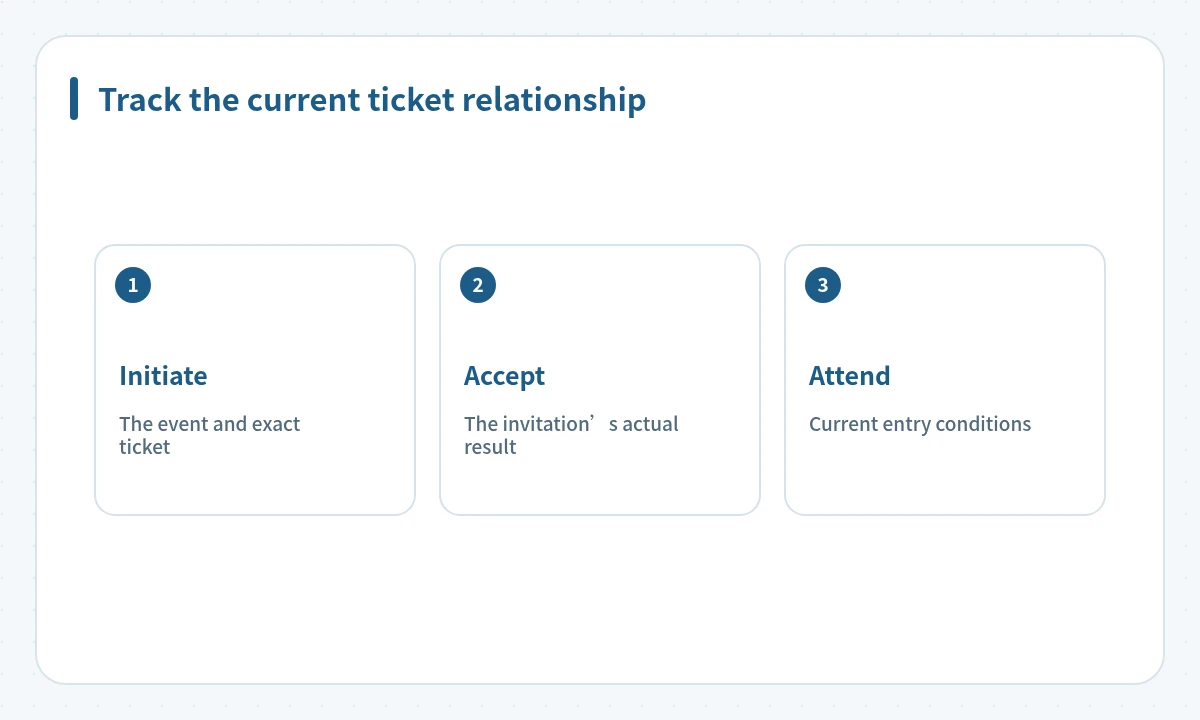
Confirm acceptance under the actual transfer process
Read the platform's current requirements for receiving the ticket. Determine whether the invitation remains pending, has been accepted or has been withdrawn. Check which credential the recipient account now displays and whether the former one has been replaced under that process.
| Stage | Question |
|---|---|
| Initiation | Which ticket is being transferred? |
| Acceptance | Has the invitation been processed? |
| Account | Who currently holds the valid credential? |
| Admission | Which event and entry conditions apply? |
Do not infer a universal right to transfer again or a universal entry method from one successful acceptance. The particular event and ticketing service define their supported process. Read those conditions before promising another person that a screenshot or forwarded message will work at the gate.
Resolve late notices against the current record
An acceptance reminder can arrive after the invitation has already changed. Inspect the account before acting again. Preserve the relationship between the original transfer and any supported cancellation or replacement, so one ticket does not become several apparently independent invitations in a coordination chat.
When requesting help, use a limited ticket reference through the approved private channel. Do not publish a usable barcode, QR code or full invitation address in a comment thread. The support question can usually begin with the event and transfer state without exposing the actual credential.
If several people are attending together, check each person’s actual ticket arrangement instead of assuming one acceptance covers the group. Keep session and entry details consistent across the coordination note. Where the service has restrictions on a transfer or recipient, resolve those with the ticketing provider before making further plans. Group coordination should help people locate their own valid records, without distributing a collection of usable credentials to everyone in the chat.
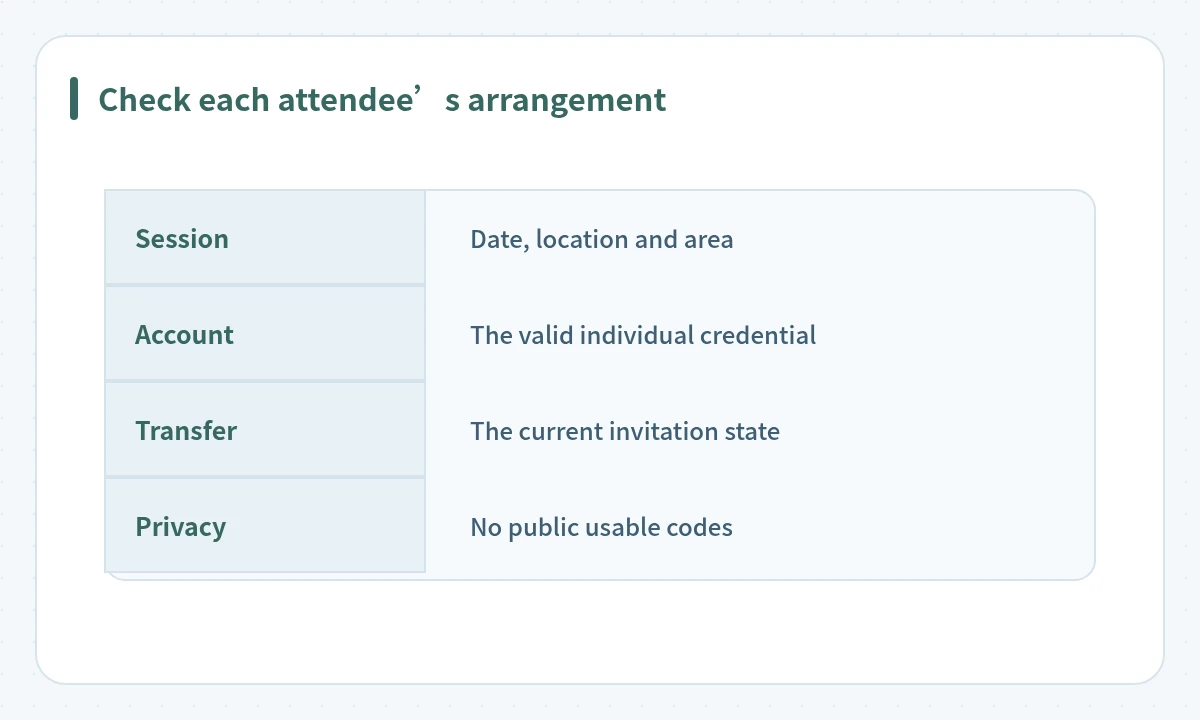
Check the usable arrangement before travelling
Review the current credential, event time, location and stated identification or entry requirements. If offline access matters, follow the actual product's instructions and verify the supported method before leaving. Do not assume every venue accepts a static image because another venue once did.
If the notification number will become unavailable, confirm the account recovery and event-change contact route first. Keep the organiser's relevant answer with the ticket record. The receiving channel helps deliver updates; the ticket account and the event's current rules explain whether the intended person has what they need for admission.
