
A support notification is useful only when its wording tells you what changed. “We received your request” confirms intake; it does not tell you that an agent has answered the question or that the underlying problem has ended.
Start with the ticket, then read the event
Open the support service through your usual trusted route and locate the ticket reference. Compare the subject and account before acting on a text. Several requests can have similar descriptions, especially when a single interrupted task has produced follow-up questions. Keep each message attached to its actual conversation rather than collecting them under the latest arrival time.
A no sim online text inbox changes where a notification appears. It does not change the support team's status definitions. Confirm that the service permits the chosen number arrangement, and keep the authenticated support conversation available independently of the notification channel.
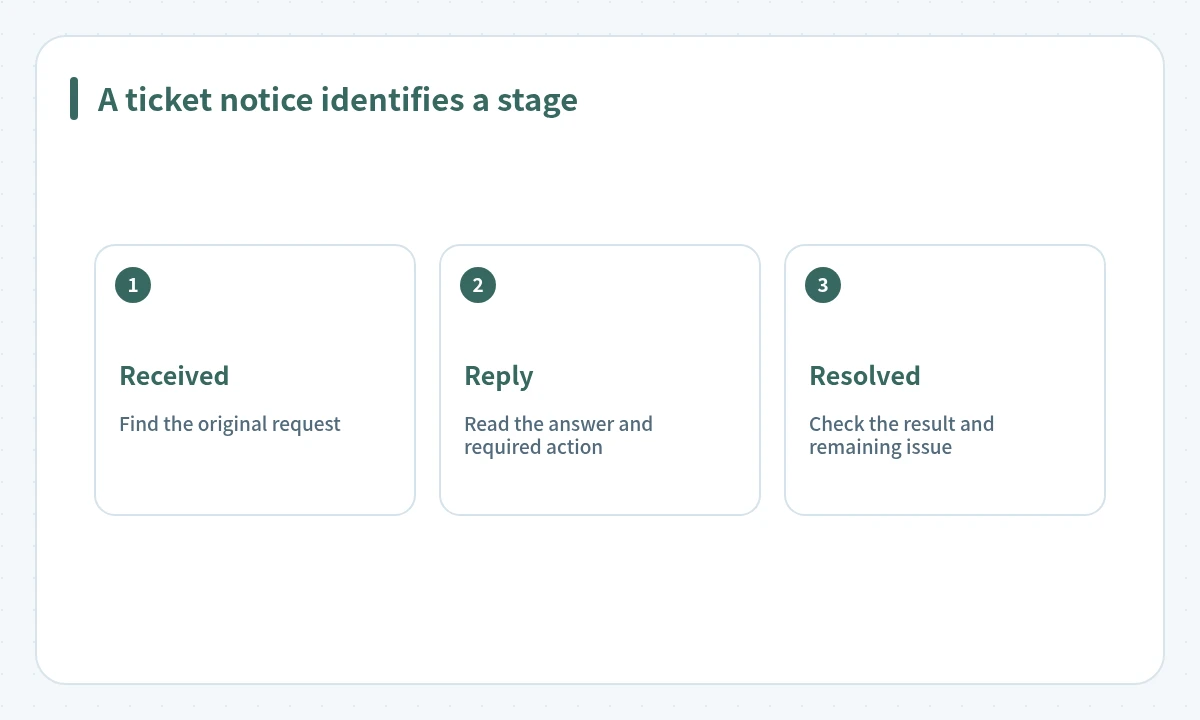
Separate intake, an answer and closure
Intake means that the service has recorded a request under its process. A reply means there is something to read, which might be a request for information rather than a solution. Resolved or closed describes the ticket state used by that service. Read the accompanying explanation before deciding whether further action is needed.
| Message wording | Useful next check |
|---|---|
| Request received | Reference, subject and recorded account |
| New reply | The actual response and any requested action |
| Resolved or closed | The stated outcome and applicable follow-up route |
These distinctions help when a short text leaves out the reason for a change. An automated closure can follow a procedural rule, while your original task may still need attention. Describe that remaining task clearly when using the service's supported follow-up process; avoid opening many indistinguishable requests simply because a notification sounds final.
Read the conversation before sending documents
A reply notification should lead to the existing conversation. Check what information the agent actually requested and whether the proposed submission method belongs to that support service. Do not reply to a generic notification with passwords, verification codes or a complete unrelated transaction history. Supply the minimum relevant material through the approved channel.
If a colleague owns the request, record who will respond and when they will check it. A message being visible in a team inbox is not an assignment. Keep the ticket reference and next action in the work record, so a change of shift does not restart the conversation from the beginning.
When several issues share a ticket, check which issue the latest reply addresses. An answer about delivery timing may leave a separate billing question open. List the outstanding question in a concise follow-up within the supported conversation, and refer to the answer already received. This makes the next response easier to interpret without forwarding the full notification history or treating the ticket heading as a complete description of the remaining work.
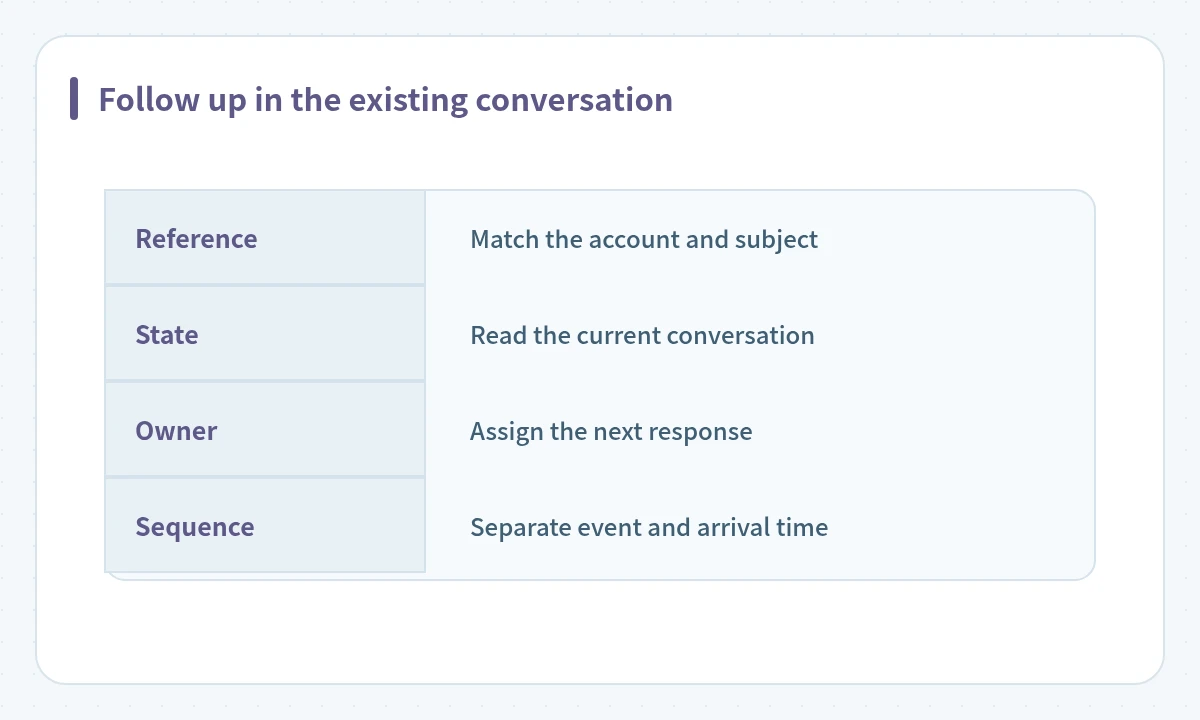
Resolve conflicting notices in the current ticket
Texts can arrive after the conversation has already changed. Compare the event described in the notice with the current thread and its timestamps. If the ticket is open again, an earlier closure text describes an earlier state. Preserve that sequence instead of marking the newer conversation complete because an older message arrived last.
For an important unresolved issue, ask the support service to clarify the current owner or required response using the same reference. Keep any response deadline in that service's stated terms. A notification channel should help you find the next action; the actual answer and status belong in the ticket itself.
