
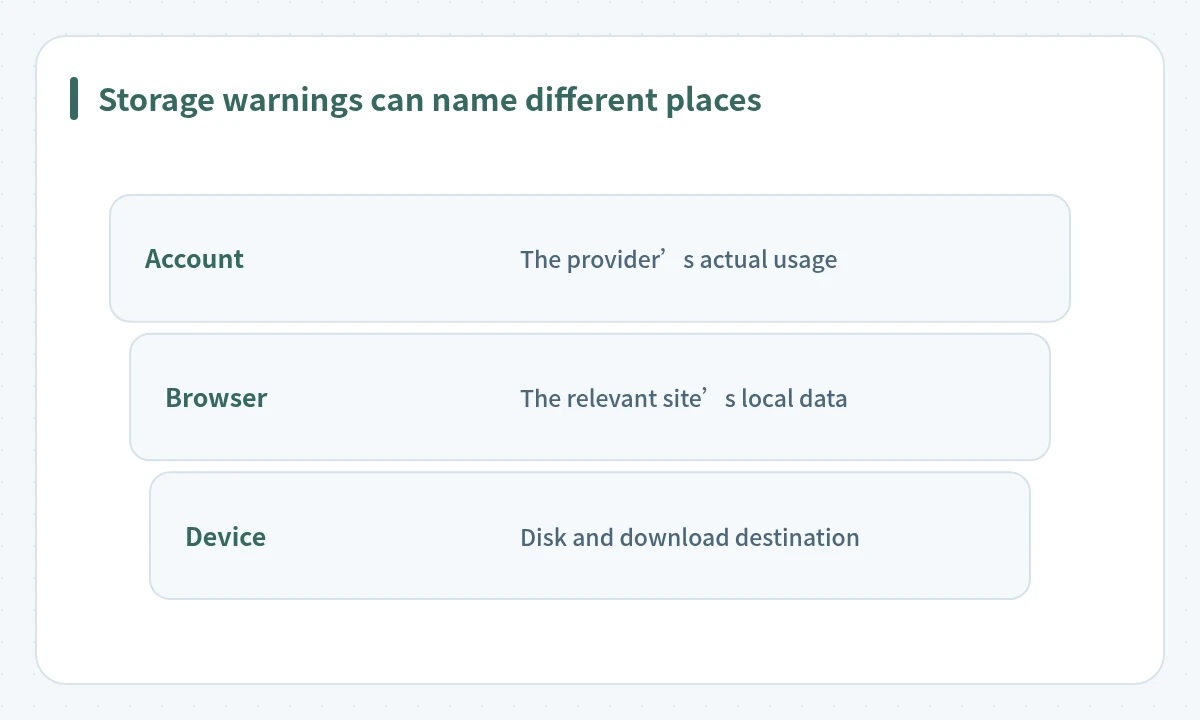
A storage warning can refer to an online account, browser-held data or the device's disk. Establish which capacity is full before deleting information from several places that may have no effect on the failing operation.
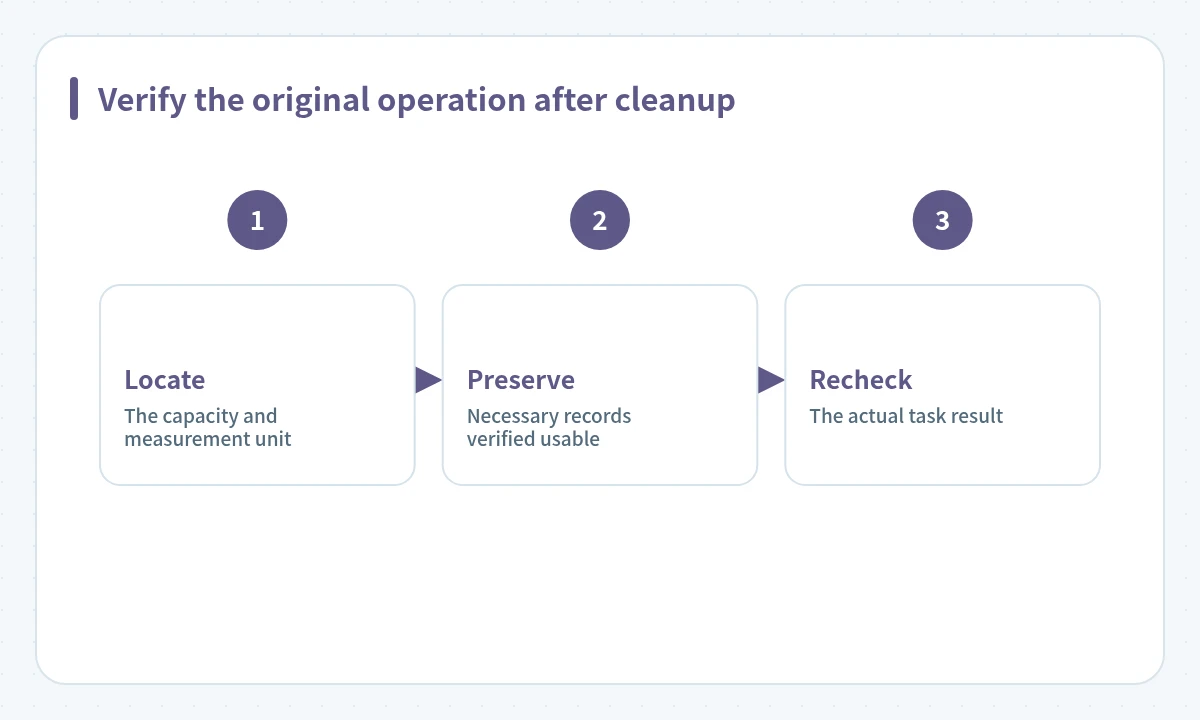
Locate the source and unit of the warning
An instant virtual phone inbox may display a service message while the browser or operating system displays a separate local warning. Identify which component produced it and read the stated unit. Bytes, file counts, message counts and plan usage are different measures, even if every indicator shows zero remaining.
Use the provider's known account interface for server usage and the device's official settings for local capacity. Do not install an unfamiliar cleaner or upload private inbox records to a third-party tool just because a general warning suggests something needs clearing.
Determine what needs space
A local export failing to save differs from the service declining to retain more records. Inspect the relevant operation and current data before choosing download, archive or deletion. A vague banner should not become permission to clear every account and local copy at once.
| Capacity | Inspection route |
|---|---|
| Account storage | The provider's actual usage and limits |
| Browser data | The relevant site's local storage |
| Device disk | Available space and download destination |
| Plan allowance | The contracted unit and period |
Check whether attachments, archived items or a recycle area count under the particular service's rules. Moving a record to another folder does not explain whether its storage allocation changed. Similarly, an export task reporting completion does not establish that a usable file has reached the intended device.
Verify preservation before irreversible cleanup
Retrieve records that genuinely need to be kept through an authorised method and verify the result. Store sensitive files in a suitable location. Understand the scope of permanent deletion before using it; selecting every visible item is not a substitute for deciding what the organisation needs to retain.
A browser-data reset can also affect the session or locally held preferences. Check the relevant site's behaviour before applying a broad device action. Keep the objective specific to the reported capacity instead of treating every local troubleshooting step as harmless housekeeping.
Check whether the failing destination is actually the one you intended. A browser may save to a selected folder or an attached location whose available capacity differs from the main device. Inspect the approved download setting and relevant system result before clearing unrelated files. Keep that destination detail in the support description so another person can reproduce the same failure instead of testing a different location and declaring the problem resolved.
Recheck the same failed action
After the approved cleanup, return to the same usage display and test the operation that originally failed. If capacity now appears available but the operation still fails, examine its actual error, permissions, size limit or destination. Continuing to delete more unrelated content can obscure the original cause.
Record the capacity type, observation time and limited error details for formal support. A storage incident should not be turned into a permanent claim about the number's receiving capability or the account's security. The useful conclusion identifies which resource was exhausted and whether the intended task now works.
