
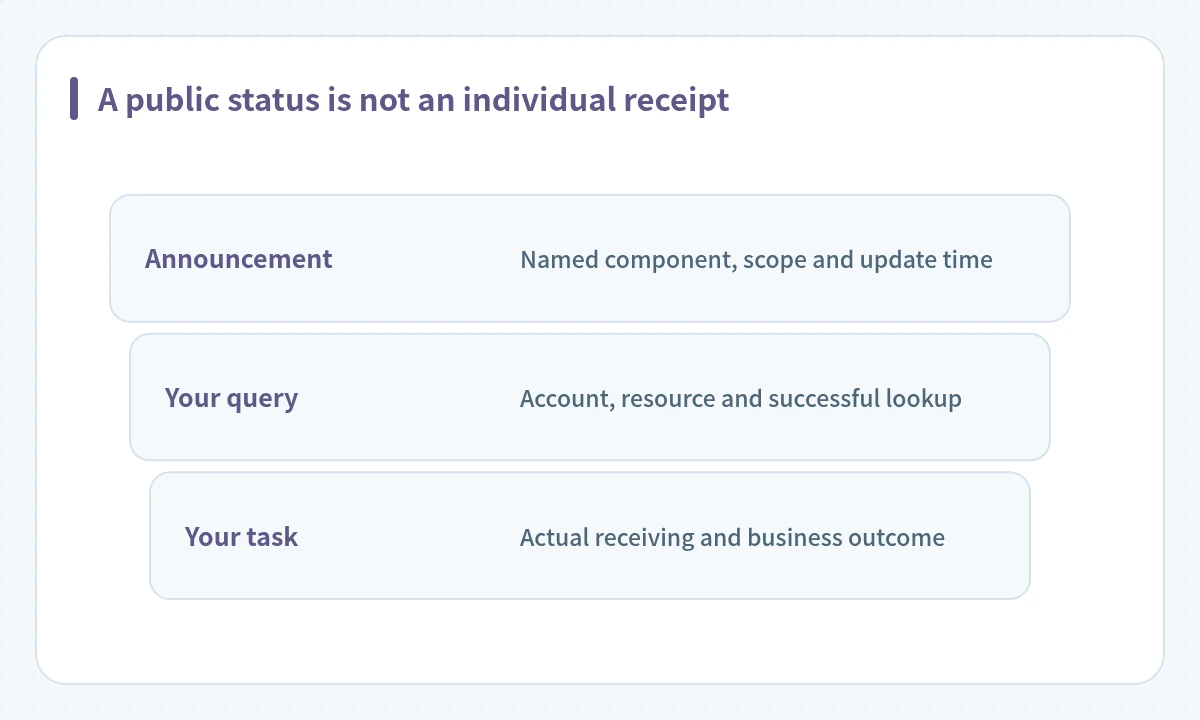
A service status page covers stated components and intervals. A green summary does not confirm every receiving task, and an individual missing message does not independently prove a platform-wide outage.
Read what the announcement covers
Check the component, region and affected operation named in the notice. A dashboard may discuss the website while a receiving route or an external sender is outside its stated scope. Do not stretch “operational” into a promise about every number, account and third-party verification flow.
Also note the update time and any zone used. A statement published before your attempt cannot directly describe a later observation. If the page does not explain coverage or freshness, keep those limits visible in your working note rather than filling them in by assumption.
Compare the notice with a successful query
First establish whether you reached the right account and number and whether the inbox query completed. A request that failed to load does not support “no message exists.” A completed query with no matching record is a narrower observation, subject to its selected date range and filters.
Keep your request time, masked recipient and the result you observed. If the target service shows a request reference or an error, retain its label. Do not use a public status summary to invent a missing stage such as “the sender definitely transmitted” or “the provider definitely lost it.”
A harmless authorised comparison can help narrow the scope if the services support it. Change one relevant condition at a time and record the difference. A later success does not retrospectively explain why the original attempt failed.
Investigation and recovery notices have different uses
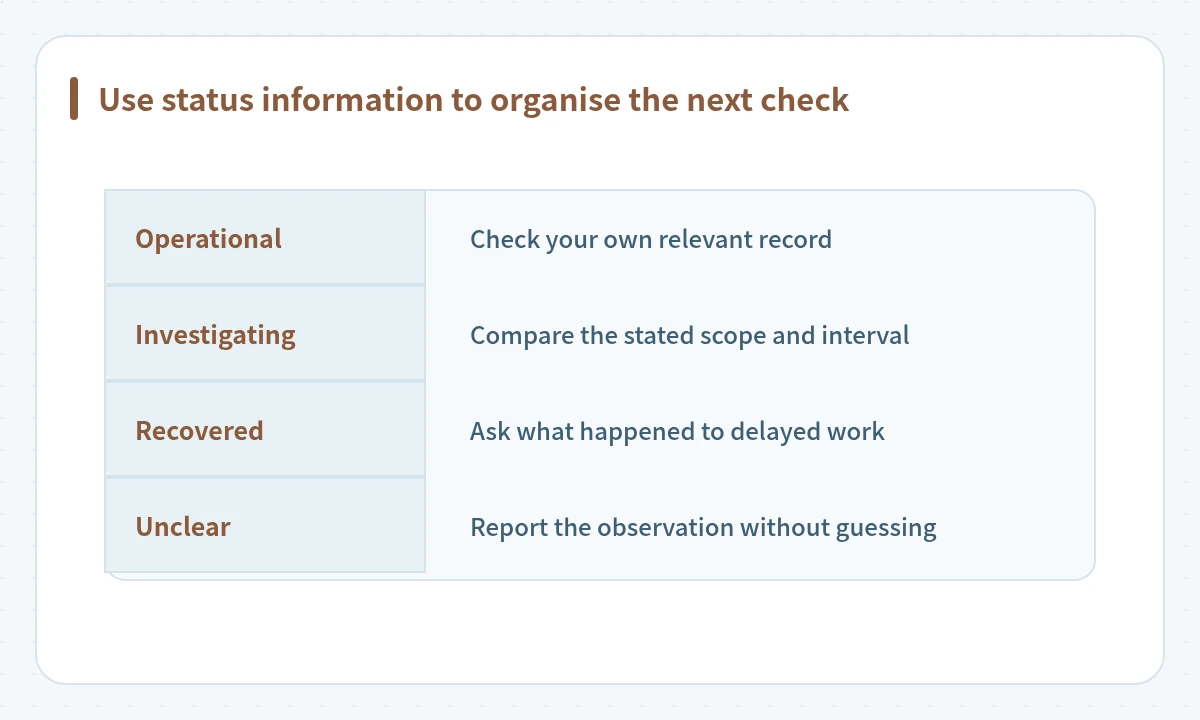
A notice saying the provider is investigating indicates an unresolved issue in its stated scope. A recovery notice may indicate that the reported component has resumed normal operation; it does not automatically confirm that every delayed message was replayed or that a business request remains valid.
When work spans several people, nominate who will check the incident update and who will verify the individual task. This avoids duplicate retries while leaving the unresolved account result with an identifiable owner.
| Public information | Your separate check |
|---|---|
| A named component is operational | The intended inbox query completed |
| An incident is under investigation | Your task falls within the stated scope and interval |
| Service has recovered | The individual record and business outcome are now known |
Ask a question that connects the two records
A support enquiry can state the announcement you read, the relevant interval and what your account showed. Ask whether the incident covers that receiving task and what follow-up is supported. Provide additional identifiers only through an appropriate official channel, with live codes and unrelated messages removed.
For a time-sensitive operation, follow the target business’s documented alternatives or support process rather than repeatedly requesting texts during an unexplained outage. Keep any attempt limit or pending action in mind. The practical value of the status page is to help organise your next check and expectations, while the individual task still needs its own result.
