
A service quote text can present a price without confirming that work has been authorised. Before replying, identify whether the message asks you to read a proposal, accept a defined scope or arrange an appointment.
Match the quote to its project and version
If a flexible mobile sms number receives the notice under the service's contact rules, open the provider through its known route and locate the quote reference. Check the site, project and proposed work. A visit for diagnosis and a later repair can concern the same address while representing separate decisions.
Keep the quote's issue date and current revision with your review. A delayed text about an earlier proposal should not restore that proposal as the current arrangement. Where several alternatives exist, identify which one the provider is asking you to consider before discussing the total.
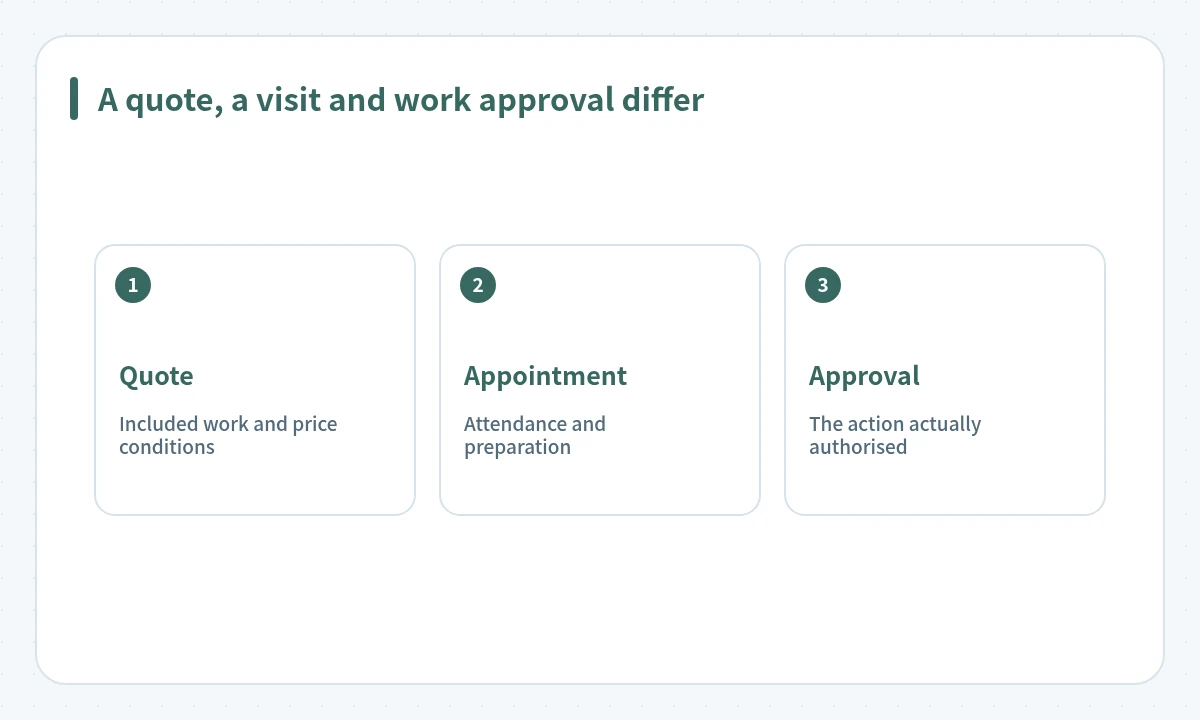
Read the price with the included work
Check the stated materials, labour, visit, transport and quantities where relevant. Two equal totals can describe different tasks. One might cover inspection, while another includes a specific replacement. Compare the actual scope and conditions rather than treating the headline amount as a complete description.
| Record | Question |
|---|---|
| Quote | What work and conditions does the amount cover? |
| Appointment | When and where is attendance arranged? |
| Work approval | Which action has actually been authorised? |
| Change | Who must confirm an altered scope? |
For a provisional item, ask what further inspection or decision is required. Keep that uncertainty explicit. An estimate should not silently become an agreed final scope, and an appointment to assess a problem should not be described as approval for every possible repair.
Check what the response control does
A button can acknowledge receipt, accept a proposal or create another record depending on the provider's process. Read the accompanying explanation in the current interface. If its effect is unclear, ask the provider through the known contact route rather than experimenting repeatedly on a live project.
Keep any approval within the organisation's actual authority arrangements. The person reading the notification may coordinate access without being authorised to approve the work. Record that distinction in the appropriate project system instead of assuming control of the inbox grants permission to make every decision.
When someone else will meet the technician, give that person the confirmed visit purpose and the boundary of their role. A coordinator may be able to provide access without approving additional work. Make the contact route for an unresolved scope question available before the appointment. This avoids a rushed decision being made merely because the person who owns the project is absent when a new proposal is raised on site.
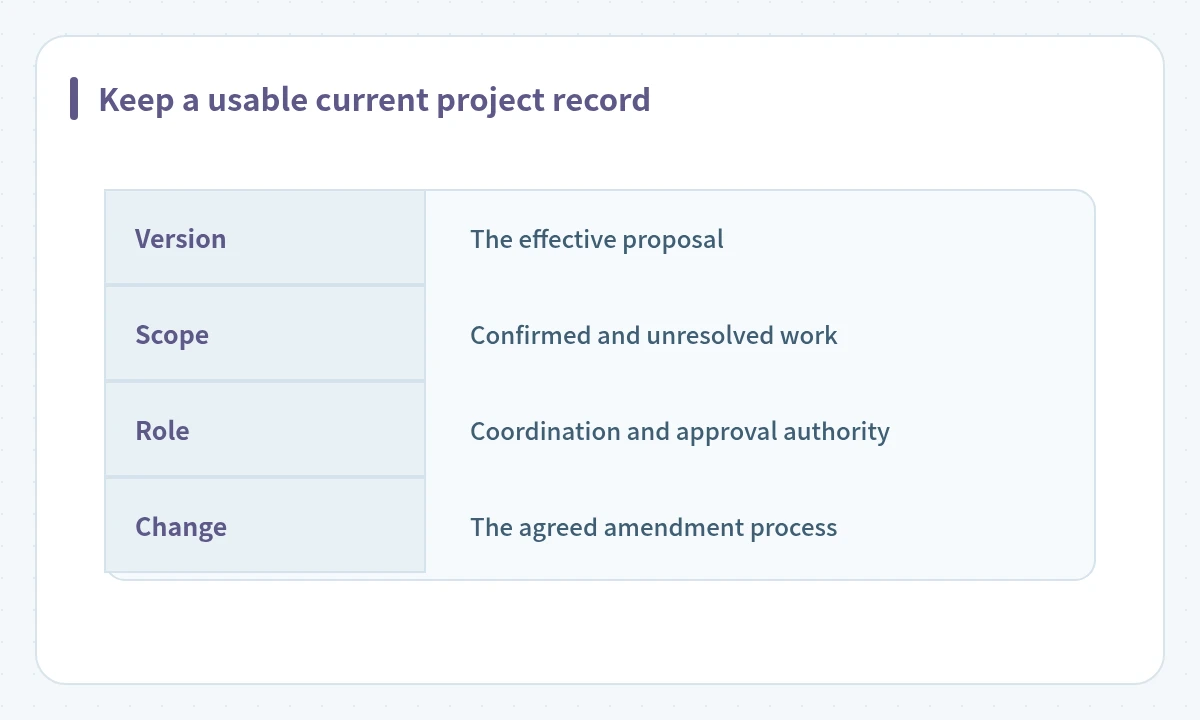
Preserve a usable current arrangement
Record the approved version, included tasks, unresolved questions and responsible person. Share only the project information required by those involved. Full private conversations, account passwords and unnecessary household details do not belong in a broad coordination chat.
If a new issue is discovered during the visit, use the agreed change process to clarify what happens next. Compare the completed work with the resulting explanation at the end. The notification helps you find the relevant proposal; a clear project record explains what was actually requested, approved and still awaiting a decision.
