
A sender filter may change the visible inbox without stopping delivery. Identify whether you changed a display filter, a receiving-service rule or an upstream block before interpreting missing messages.
Read the rule’s matching field
A filter might match a sender address, a local label, a message category or part of the body. Those fields are different. A rule based on a user-editable label does not necessarily follow the sender’s original address, and a broad text match can include messages you intended to keep.
Use the application’s documented matching behaviour. Do not assume a contains condition behaves like an exact match, or that a number will be normalised in the same way as an ordinary contact entry. For short codes or alphanumeric senders, avoid inventing a standard telephone prefix to make a rule look consistent.
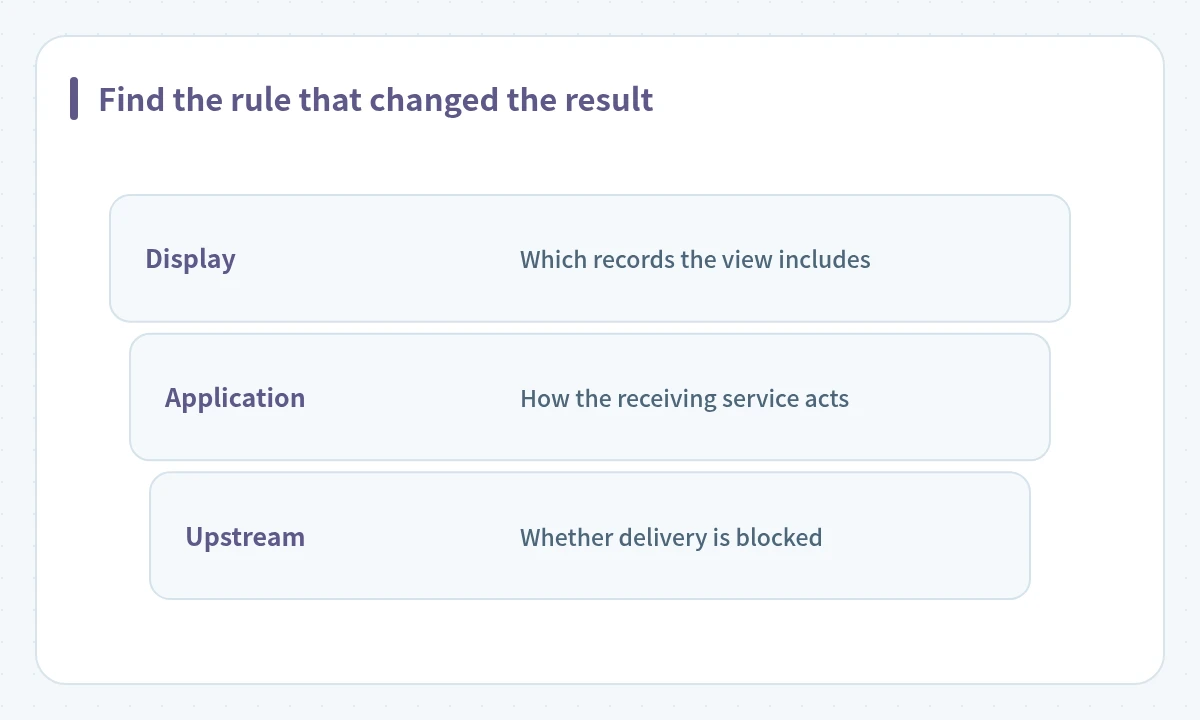
A simple internal rule record can identify its owner, purpose, field, scope and review date. It does not need to copy every message that matched. In a team account, this makes it possible to ask why a filter exists before changing a setting that other people rely on.
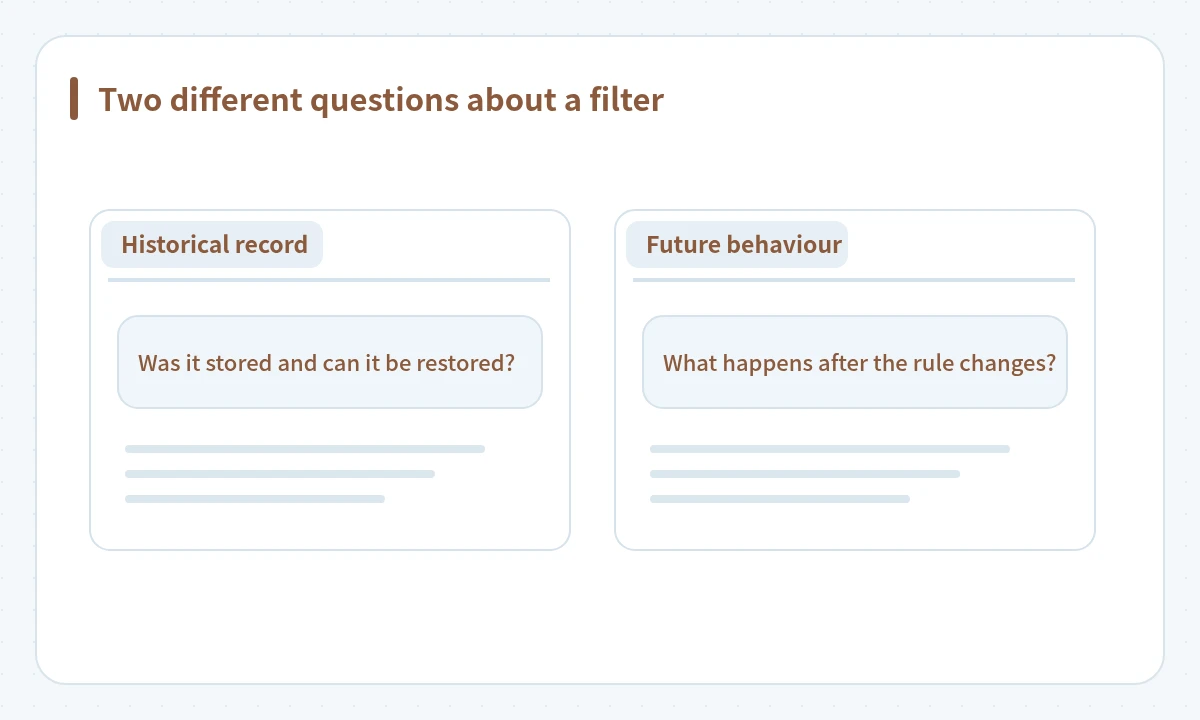
Separate history from future behaviour
| Action | Result to verify |
|---|---|
| Change a list filter | Which stored records the current view includes |
| Disable a service rule | How new messages are handled from that point |
| Restore a stored record | Its supported folder or state after restoration |
| Remove an upstream block | The documented effect on future delivery attempts |
The application may combine some of these features, but that combination needs evidence. A button labelled unblock is not sufficient proof that previously discarded content will be reconstructed. Ask about historical retention separately if the required record is not available through normal authorised views.
Test the narrow condition you changed
Use an authorised sender and harmless content. Keep the receiving resource and relevant matching fields clear. After changing a rule, inspect both the incoming record and the expected view. If the service provides a rule-hit log, use it according to its documented meaning; if it provides no such log, leave that part of the explanation unknown.
A controlled test should avoid widening access to the rest of the inbox. There is no need to disable every protective rule or distribute live verification texts to check one sender condition. Restore any temporary test configuration that is no longer needed.
When reporting a missing message, provide the resource, time range, rule name and the views already checked. Say whether a receiving record was found. This helps support distinguish a display issue from a failed receiving path without needing your password or a full mailbox export.
If the rule’s purpose is no longer understood, pause and identify its owner rather than silently deleting it. A filter that looks inconvenient during one task may still protect another workflow from distracting or sensitive content. Make the change deliberate and keep its actual scope visible to the people responsible.
