
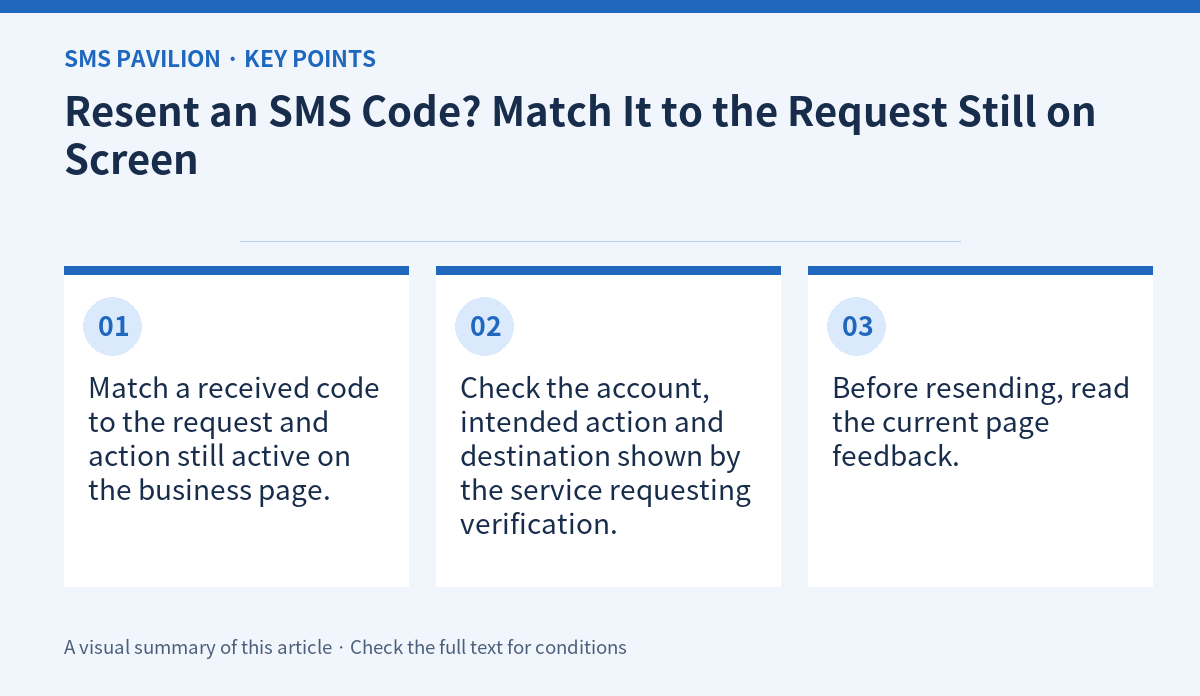
Match a received code to the request and action still active on the business page. A late-arriving message does not necessarily belong to the most recent request.
For the complete workflow around this question, continue with Receive SMS Online: Complete Steps, Codes and Troubleshooting. The link opens the relevant section.
Start with the operation still on screen
Check the account, intended action and destination shown by the service requesting verification. A code for signing in is not necessarily suitable for changing account settings, and a message from another account must not be treated as interchangeable. Keep the receiving number attached to this particular task.
Before resending, read the current page feedback. A disabled button, a countdown and an error after submission describe different states. If the target service already confirmed the operation, requesting another code is unnecessary. If the result is uncertain, review the account through its known entry point before repeating a consequential action.
Receipt order is not a universal validity rule
Messages can arrive out of the order in which requests were initiated. The arrival time helps reconstruct what you observed, but it does not define whether the issuing service invalidated an earlier code. Some services explain that behaviour; follow the instructions for the actual flow instead of applying another website’s policy.
Where a message includes a request description or relevant context, compare it with the current screen. Do not assume that every message provides a request identifier, or that a matching sender label proves authenticity. Preserve the message exactly; leading zeros and similar-looking characters are not optional formatting.
A short task note can record the request time, the resend time and the texts subsequently received. It should not become a shared list of active codes. Use the note to explain sequence, with sensitive values removed, if support needs to investigate.
Let the response guide the next step
An “expired” response, an “incorrect code” response and a temporary attempt limit do not justify the same action. Read the exact wording and any documented recovery instruction. Repeatedly trying every available text can consume attempts without establishing which request is active.
If the page has moved to a different verification method, return attention to that method rather than continuing to submit an old SMS. Equally, do not open a second account flow merely to see whether a code works there. An authentication message belongs to the authorised operation for which it was issued.
When the request relationship is no longer clear
Use the service’s supported way to review or restart the task. Check whether the original operation completed, and consider any warning about abandoning a pending change. Avoid inventing a timeout duration or promising that a new request will always cancel the previous one.
A useful support report separates what you requested from what arrived and what the target page decided. Include the relevant time zone and masked destination, not passwords or live codes. The receiving provider can investigate its message record; the target service determines whether a verification submission was accepted. Keeping those responsibilities separate makes a delayed message easier to diagnose.
Main guide for this question
Receive SMS Online: Complete Steps, Codes and Troubleshooting
