
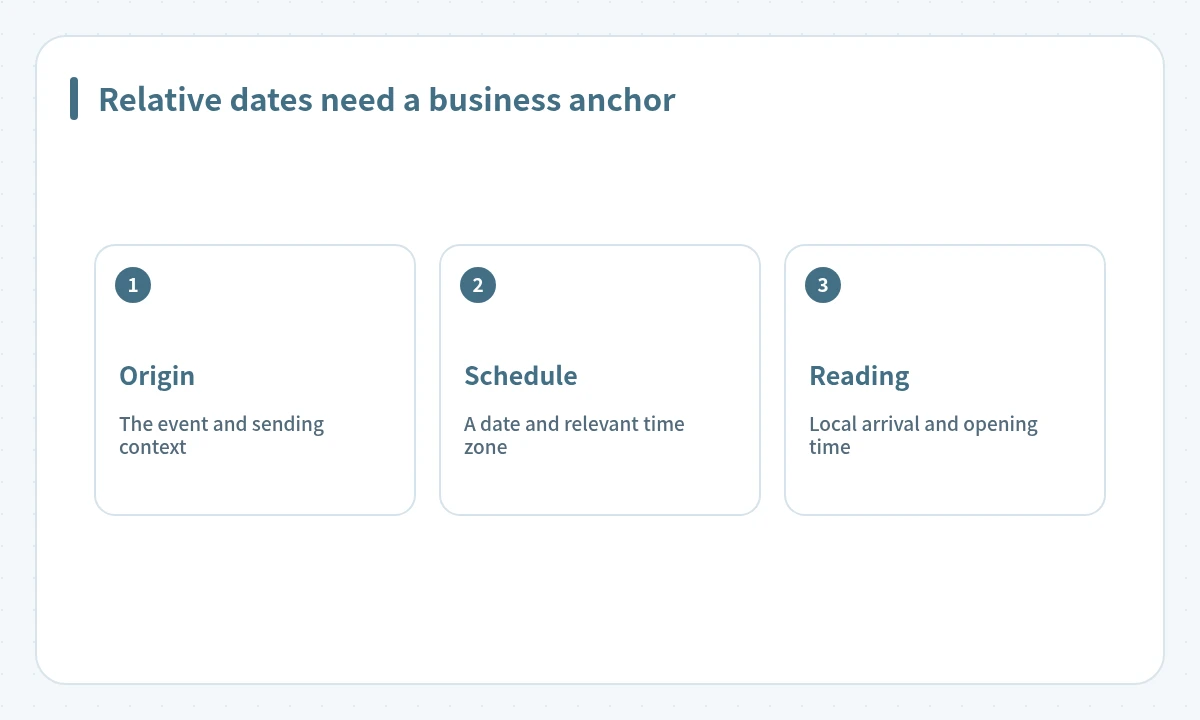
A text saying tomorrow needs a date anchor. Delayed delivery, a midnight boundary or reading the message in another location can make a relative date less clear than the sender intended.
Find the time context of the underlying task
A flexible virtual phone line can receive a notice whose business schedule uses a different date context from the reader's device. Separate the event time, message-sending time and local display time. Do not automatically interpret tomorrow as the day after you happen to open the message.
Use the known business record to find the actual calendar date, relevant time zone and task reference. A number's country code is not sufficient evidence of the schedule's zone. If the notice does not provide enough context, ask the formal contact before changing an important arrangement based on a guess.
Preserve context when quoting or forwarding
A screenshot or forwarded sentence can retain the relative wording while losing its original anchor. Include the confirmed calendar date and necessary explanation when coordinating with another person. Sending tomorrow again simply asks the next recipient to make the same uncertain calculation.
| Expression | Context to establish |
|---|---|
| Tomorrow | The date and business zone used as the anchor |
| Next Wednesday | The actual intended calendar date |
| Tonight | The date, time and place conditions |
| Reminder | Whether it retains the original arrangement |
Do not derive one universal week convention from a sender's ordinary language habits. For an important task, asking for the exact date is more useful than debating how a phrase is usually understood. Keep the answer attached to that task rather than treating it as a permanent rule for every future message.
Review automated calendar suggestions
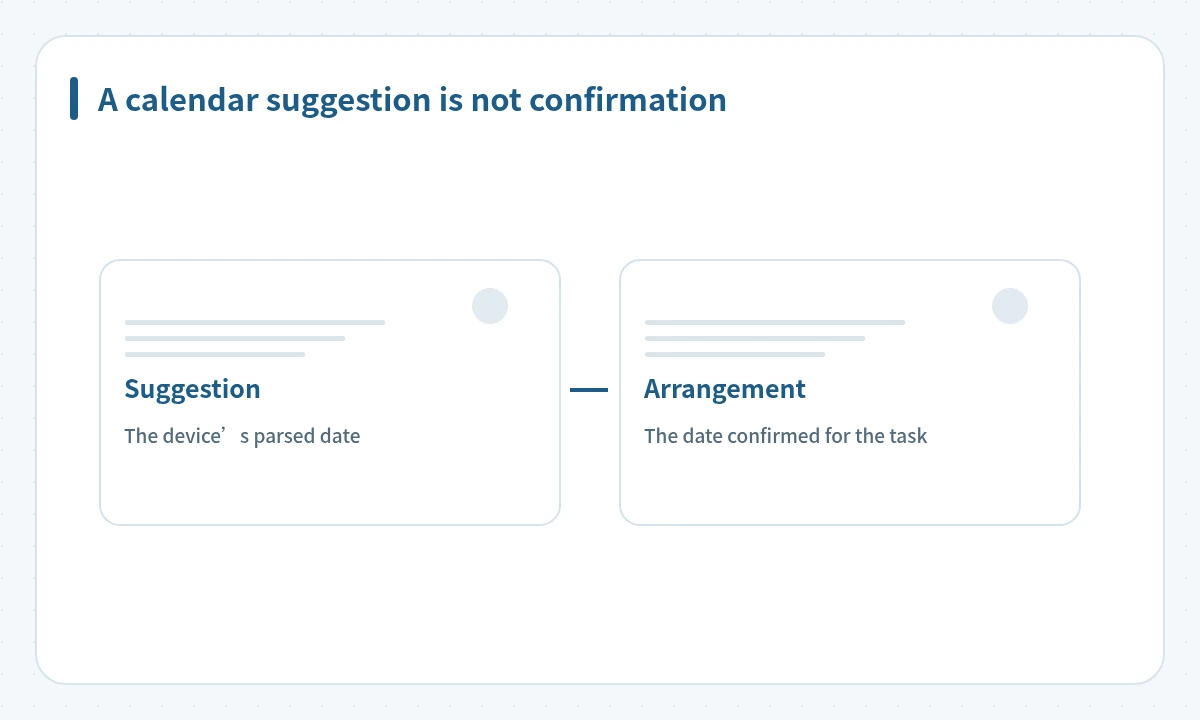
Check the date a device proposes against the actual business arrangement before saving. Automatic recognition is a parsing result, not another confirmation from the service. If the result is unclear, leave a follow-up item instead of making a confident calendar entry that others may start using.
If several related plans depend on the task, confirm the anchor first and then update the necessary arrangements. Avoid propagating the software's first interpretation into travel or coordination notes while the original date remains unresolved.
For a message that combines a relative day with a precise time, confirm both together. Resolving the word tomorrow while leaving an unexplained time zone can still produce the wrong calendar entry. Ask for the full arrangement in one clarification and keep that answer with the task. If the service later sends another reminder using the same phrase, compare it with the established date rather than automatically shifting the event forward again.
Use explicit dates in the follow-up
Share the confirmed date, place and relevant time with people who need the information. If the task changes, compare the current version and do not restore an obsolete arrangement because an older relative-date reminder appears later.
A focused inquiry needs a task reference and limited timing information, not a public copy of an entire private itinerary. The useful outcome is the specific day this message actually means. Keep the device's local date as one observation rather than treating it as the common calendar reference for every business sending a notification.
