
A lower number in a price-alert text can refer to a different pack, variant or set of purchase conditions. Compare the same item on the same basis before deciding that the offer has changed in your favour.
Fix the comparison unit
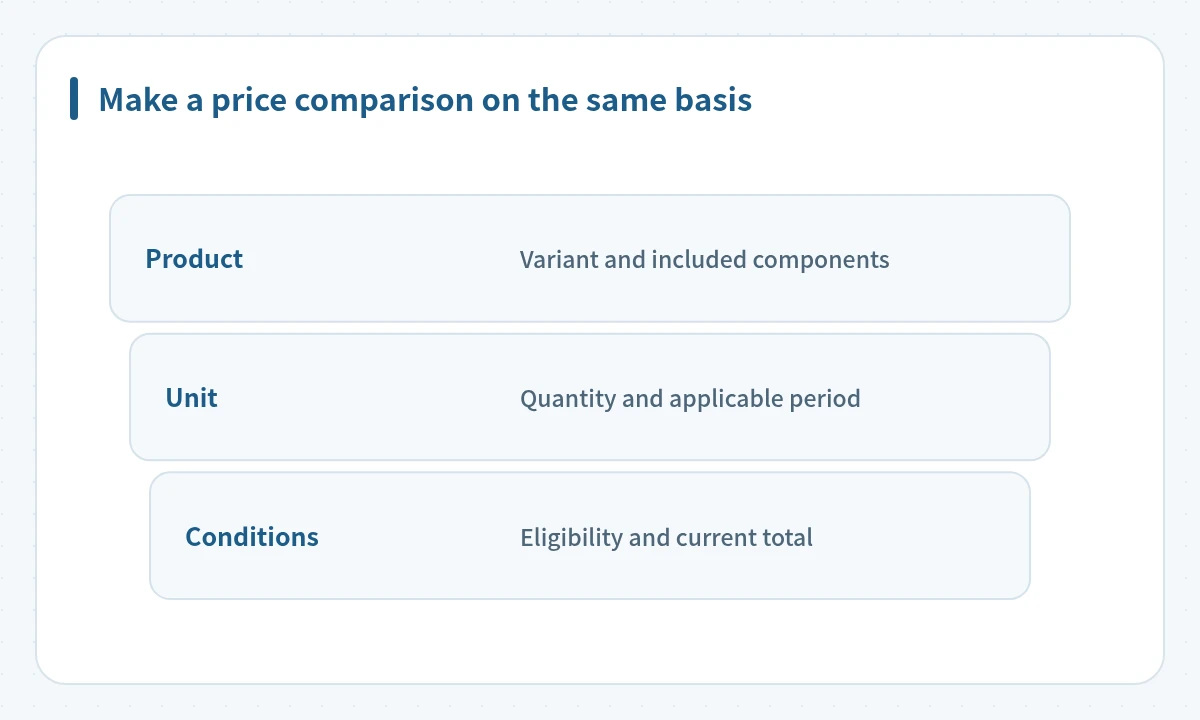
Read the product identifier and selected options first. A single item, multipack and service period are different comparison units. Keep the currency, quantity and applicable duration with the displayed price. If you previously recorded a total, do not compare it with a new per-unit figure without doing the corresponding conversion.
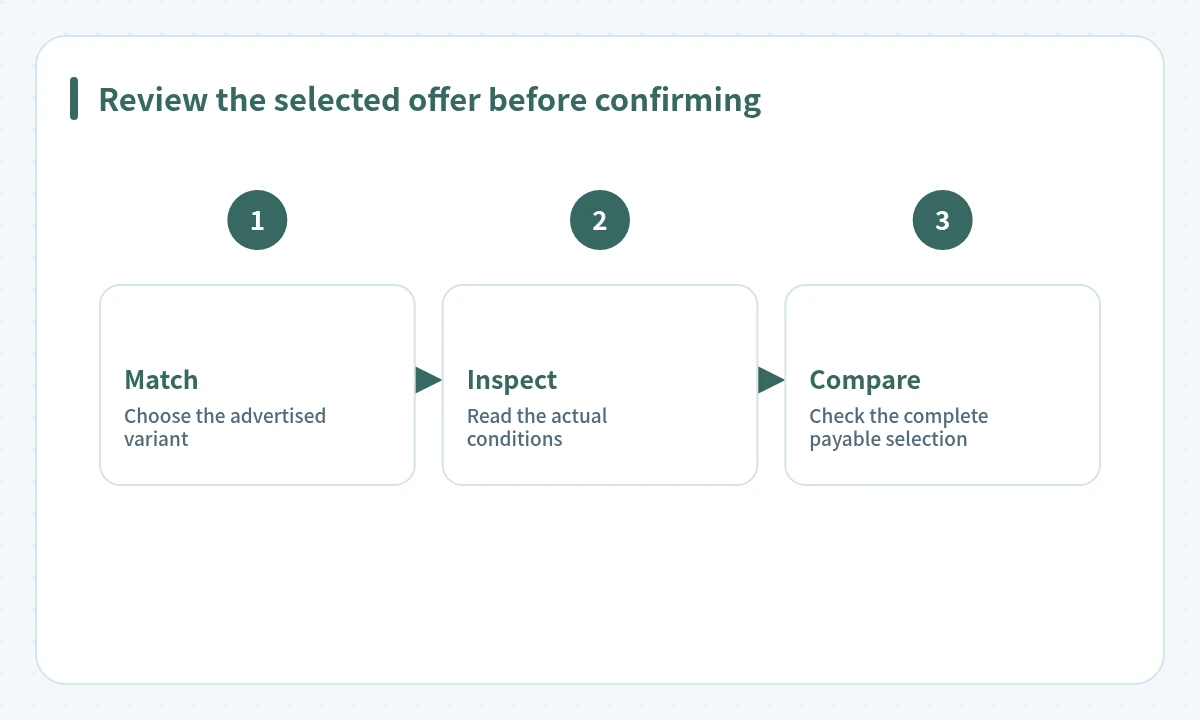
A no sim sms inbox number provides a place to read the alert when supported by the sender. It does not establish the price's meaning or the validity of the offer. Open the seller's known site, choose the advertised variant and inspect the current terms rather than treating the message as a complete quotation.
Identify the conditions behind the figure
The advertised amount may depend on a membership, quantity threshold, coupon, subscription or delivery choice. Read the stated condition before applying it to your own purchase. Treat first-period and recurring charges separately where relevant. Do not assume an option is suitable merely because its opening price is smaller.
| Comparison field | Keep consistent |
|---|---|
| Variant | Model, size and included components |
| Unit | Quantity, weight or service period |
| Eligibility | The actual account and offer conditions |
| Payable total | Selected delivery and stated additional charges |
Use a short comparison note instead of relying on memory. Record the item reference and the condition that affects the decision, without storing unnecessary account details. A difference in the package contents can be more significant than a difference in the headline number. If the seller's description is ambiguous, ask what is included before placing the order.
Compare the final selection, not an abandoned basket
When you follow an alert, an old basket may still contain a different variant or quantity. Inspect the current selection and the final stated charges before confirming. A stored coupon may have its own limits; the fact that a text mentions it does not explain whether it applies to this basket.
For a recurring product, compare the renewal conditions alongside the initial period. Record which amount applies to which period and whether the selected option creates an ongoing commitment under the stated terms. The notification may highlight a promotion while the detailed product page explains the later charge. Read both parts together before accepting. Keep any cancellation or renewal question with that specific offer rather than transferring assumptions from a different plan or seller.
Keep alerts useful after the decision
If you decline the offer, record why only when that helps future comparisons: unsuitable variant, different unit or unmet eligibility. Avoid labelling the seller's price wrong when you were comparing different products. If you buy, check that the order confirmation matches the selected offer rather than leaving an unresolved discrepancy for the shipping stage.
Review the alert's threshold and product selection if repeated messages keep describing irrelevant offers. A threshold based on one unit should not silently monitor another. The practical purpose of the alert is to point you toward a comparable current offer; the decision still depends on the product and total you actually intend to purchase.
