
Changing an inbox password does not confirm that API keys, third-party authorisations or long-lived tokens were revoked. Review the service’s actual access paths separately.
Locate the management point for each route
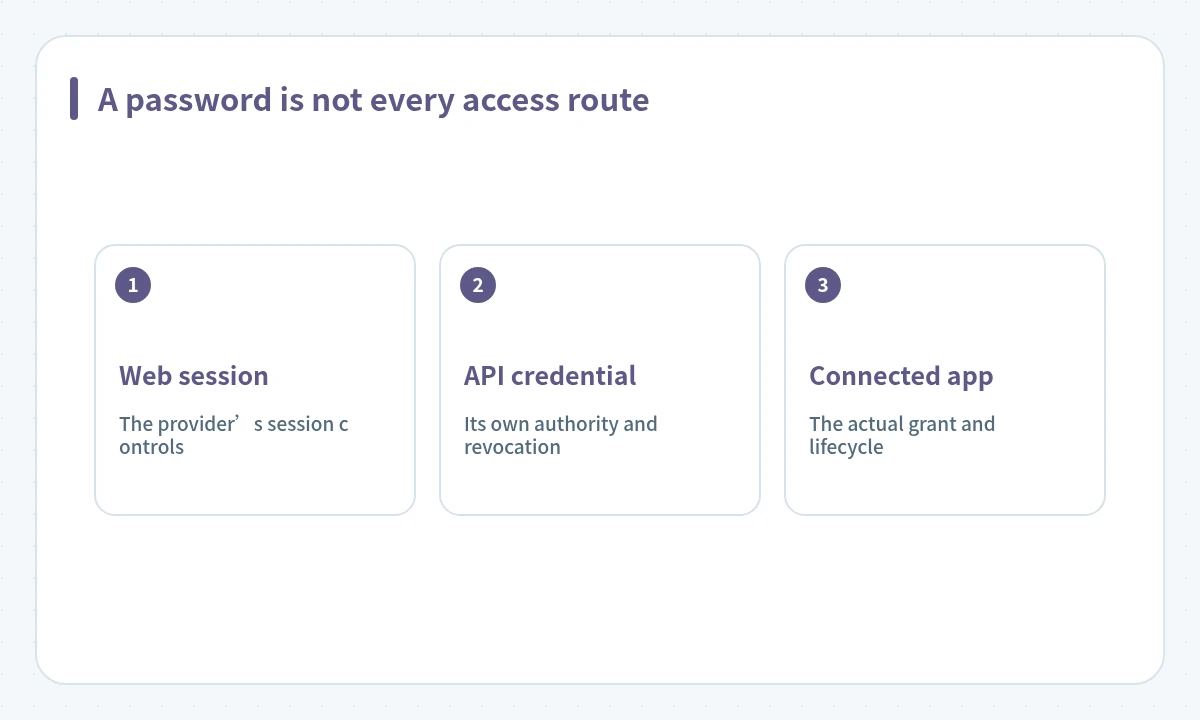
Browser sessions, API credentials and connected applications can have different lifecycles. Start with the provider’s official account and security documentation. Do not invent an integration capability merely because similar services offer it.
For each existing route, identify its owner, purpose, resource scope and management location. Use a credential name or platform reference in the inventory, not the full secret. A list intended to help manage access should not itself become a collection of usable credentials.
Where a credential generates other tokens, ask how those derived tokens expire or are invalidated. A current web session, an access token and a permanent key should not be described as one object without the product’s explicit rule.
Separate planned rotation from a suspected exposure
A routine change can be arranged around documented replacement steps and known callers. A suspected compromise needs the provider’s security procedure and appropriate containment. Keeping a questionable credential active indefinitely to avoid disruption is not a completed response.
Find dependencies before a planned rotation. Scheduled jobs, server processes and third-party connections may each hold a separate configuration copy. Updating one file does not establish that every caller has switched, and a process may need its supported reload procedure.
Never put a replacement secret into a public page, article, image, repository or browser-delivered configuration. Its storage and transmission need to match the intended server-side use. Troubleshooting logs should identify the credential without recording complete authentication headers.
| Object | Result to establish |
|---|---|
| Replacement credential | Only the required authority is granted |
| Actual callers | The new protected configuration is being used |
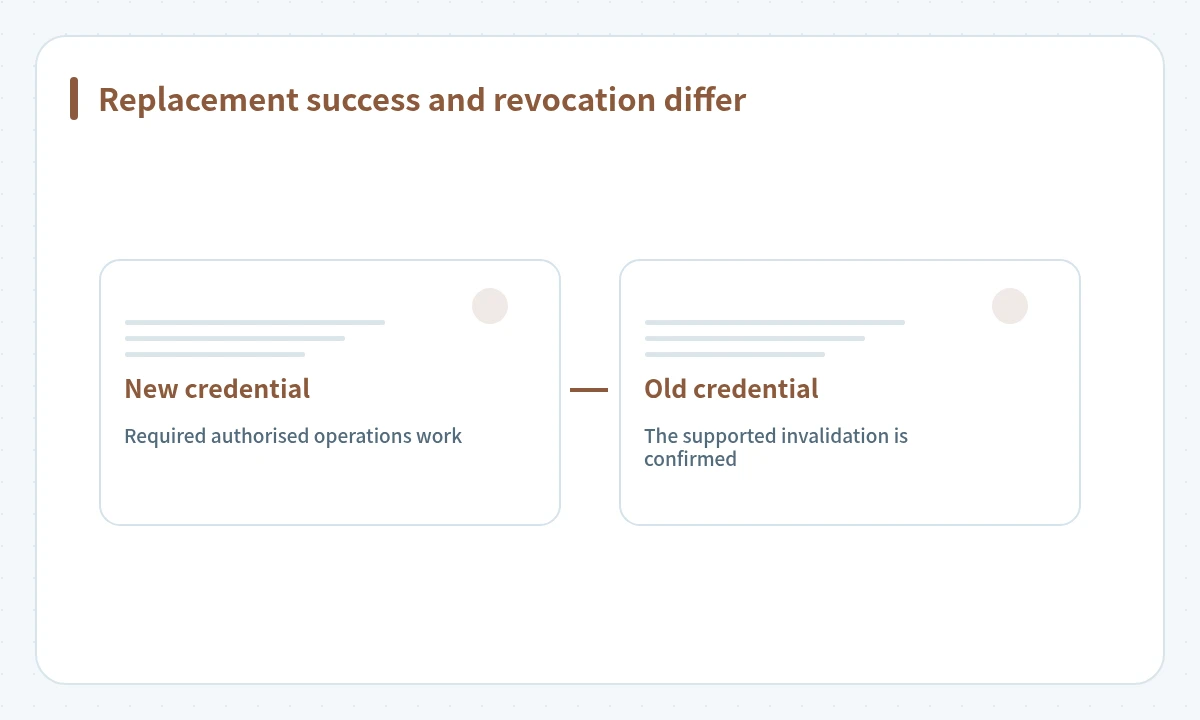
| Old credential | The supported revocation took effect |
| Derived access | The provider’s invalidation conditions are understood |
Test rejection as well as successful access
In an authorised environment, confirm that the replacement performs the necessary non-sensitive operation. Separately confirm that a revoked old credential is rejected, using the provider’s supported verification approach. Success with the new key alone cannot prove the old one stopped working.
If an old-looking call still succeeds, verify which credential it actually used and which account was changed. A fallback configuration or another key can confuse the observation. Do not repeatedly expose secrets in diagnostic output to compare them.
Browser-session termination also deserves an explicit check where the service provides it. A password update and a sign-out-all-sessions control can have different documented effects. Record what the provider confirms rather than extending a key-revocation result to every web session.
Twilio’s Key Resource documentation gives a concrete example of key deletion and related token behaviour. That example belongs to its API, not every SMS product. Read the actual revocation semantics for the service you operate.
When finished, update the owner and dependency records, remove obsolete configuration copies and retain the confirmed outcome. A future handover should make it possible to find the remaining access routes without redistributing the secrets. Password changes can be one useful action while still leaving other routes to be managed explicitly.
Reference: Twilio: API Key Resource v1.
