
A shipping text can describe one parcel from an order that still has other items waiting to leave. Before marking the order complete, match the notice to the parcel reference and the products that parcel is supposed to contain.
Keep three references separate
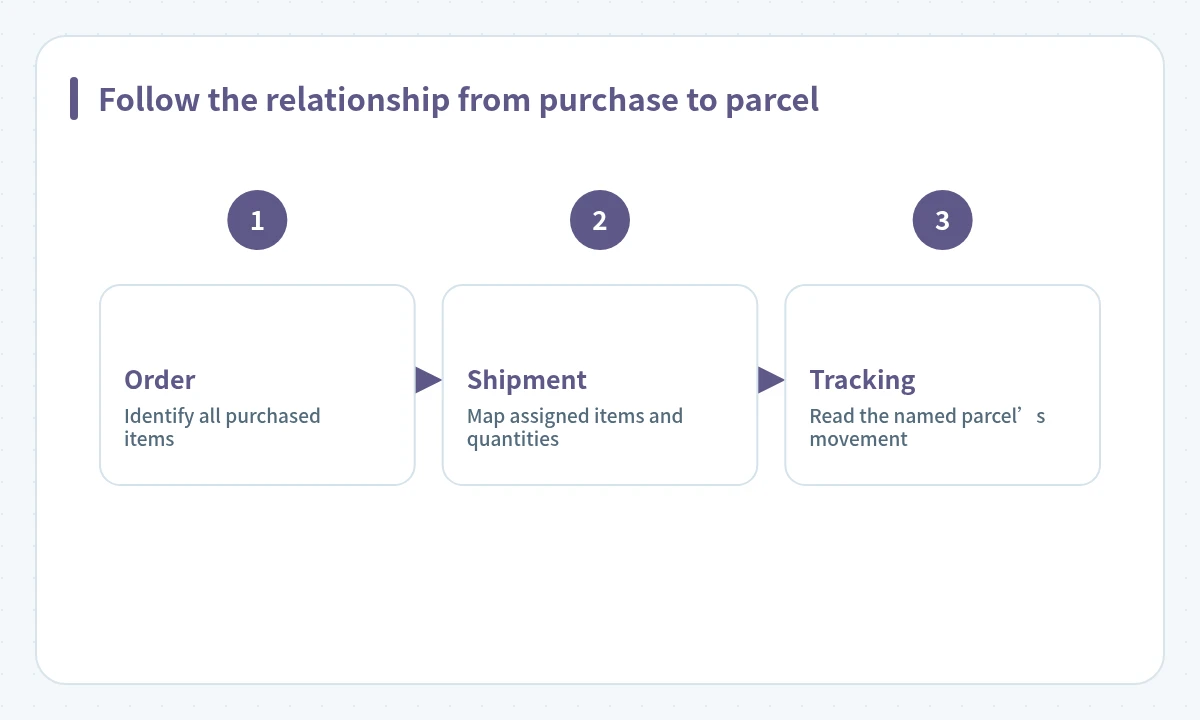
An order identifies the purchase. A fulfillment or shipment record describes an outgoing part of that purchase under the merchant's system. A tracking reference identifies the carrier movement it names. These references may be displayed together, but their roles differ. Start from the merchant's order page and use the relationships shown there.
For a no sim sms text receiver, the same reading method applies: locate the order through the store's known site and examine its shipment breakdown. Receiving several texts in one inbox does not make them updates for the same package. The merchant must also support the contact arrangement you chose.
Map items before comparing delivery progress
Write down the items and quantities assigned to each shipment. Use the store's actual breakdown rather than dividing the order equally by the number of notices. Accessories, replacements or items sent from a different location can complicate a simple parcel count. If the breakdown is missing, ask the merchant which items the tracking reference covers.
| Record | Question it answers |
|---|---|
| Order | What was purchased overall? |
| Shipment contents | Which items are assigned to this dispatch? |
| Carrier tracking | What is happening to the named parcel? |
Shopify's fulfillment documentation provides a concrete example of why this distinction matters: items in an order can be handled through different fulfillment methods. Use the explanation for the store you are dealing with, rather than assuming every merchant exposes the same records or terminology.
Treat delivered as a parcel-level observation
When one reference becomes delivered, compare the received contents with that shipment's listed contents. Keep remaining quantities attached to their own dispatch or waiting state. An order-level banner may summarise several operations, so read its detail if the summary seems inconsistent with the items in front of you.
A repeated text for the first parcel can look like a notice about the second. Tracking reference, event description and event time are more useful than message count. Do not ask a retailer to replace an allegedly missing entire order when the unresolved part is one listed item; name the affected item and shipment clearly.
If the merchant replaces a tracking reference, preserve the relationship between the old reference and its replacement. Do not automatically count the replacement as an additional parcel. Ask whether the original dispatch was cancelled, relabelled or replaced when the order page does not explain it. Update the item checklist with the confirmed relationship so that an obsolete tracking record cannot make the purchase appear to contain more outgoing items than were actually ordered.
Close the purchase by its remaining items
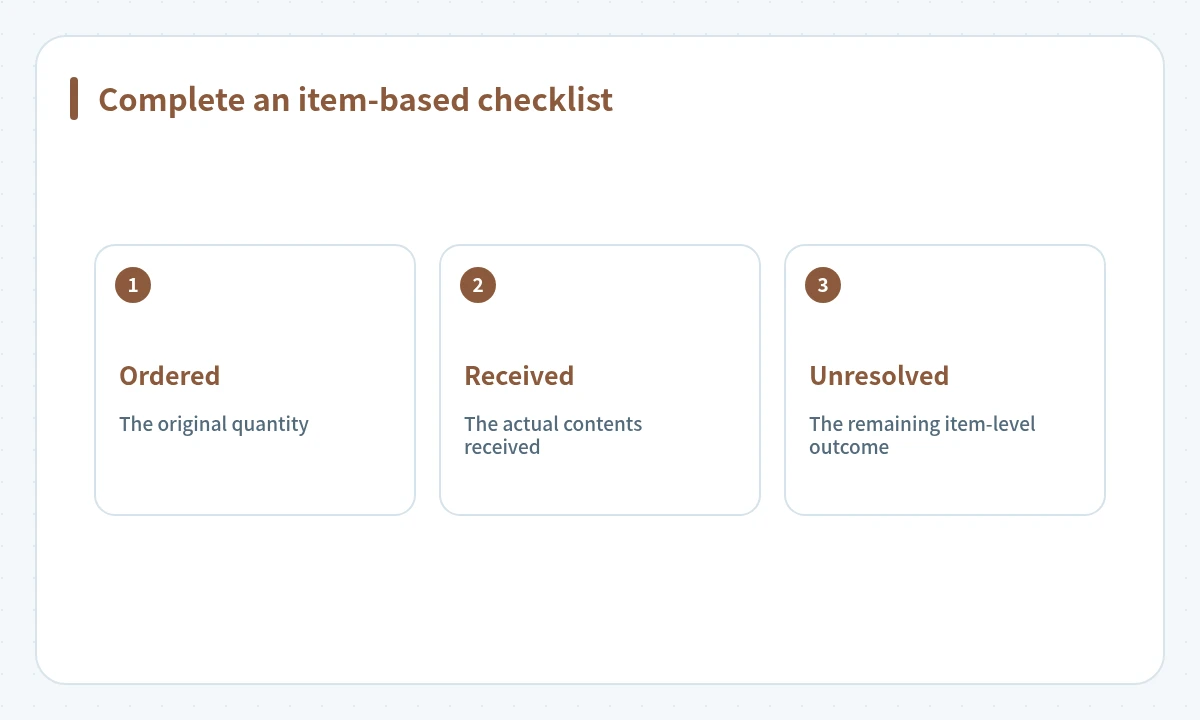
Maintain a small checklist with ordered quantity, received quantity and unresolved quantity. Record discrepancies without copying unnecessary delivery-address data into a shared note. If a parcel arrives with different contents, contact the merchant through the order's supported process and retain the relevant packaging information under its instructions.
Remove an item from the unresolved list only when its actual outcome is known: received, cancelled, refunded or another explicitly agreed result. A second dispatch notification can be useful evidence of progress while the order still remains incomplete. This item-based approach makes partial deliveries understandable without turning each text into a new purchase record.
