
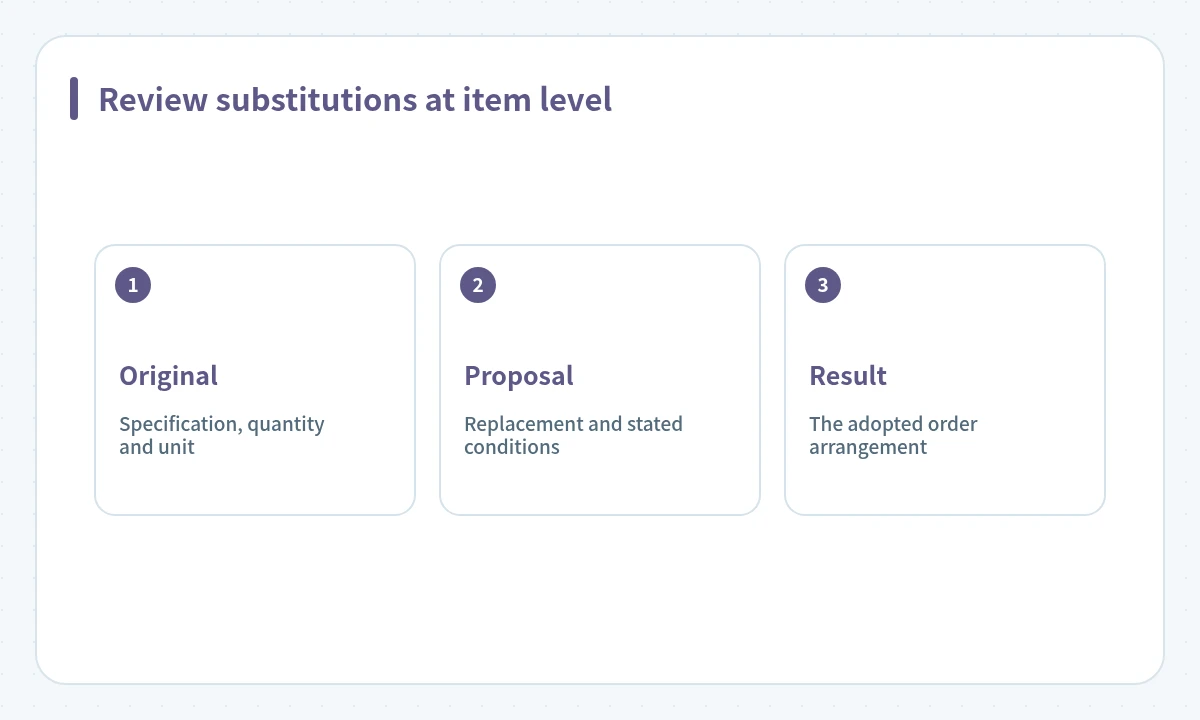
An order-substitution text can ask for a decision or describe a decision already applied. Inspect the original item and proposed replacement before letting one general acceptance cover products you have not reviewed.
Match the proposal to an order item
A simple sms receiving number can receive a supported merchant notice without identifying which item you intended to change. Open the known order interface and check the item reference, specification and quantity. Similar names or thumbnail colours do not establish that two products have equivalent contents or uses.
Keep the proposal separate from the order's currently adopted contents. Several items can have different choices, and accepting one does not necessarily apply the same result to all. Read the actual interface scope before confirming an action.
Compare what the choice changes
Inspect specification, quantity, included components and any stated amount-related conditions. Whether the order supports rejection, partial acceptance or another option depends on the merchant's current process. Do not assume a universal substitution rule from a previous purchase elsewhere.
| Item | Comparison |
|---|---|
| Original | The purchased specification and quantity |
| Replacement | The proposed contents and differences |
| Decision | The items covered by this confirmation |
| Result | The arrangement actually adopted in the order |
Use your real requirements when deciding whether the alternative is suitable. A similar label cannot answer every personal compatibility question. Ask the merchant about an unclear feature rather than repeatedly selecting options to see which total or confirmation appears.
Verify the current item after responding
Check that the intended item changed and identify anything still pending. A delayed proposal text should not trigger a contradictory second decision on an already processed item. Use the current order result to continue the conversation.
If the operation returns an unclear result, inspect the existing item before trying again. Keep a limited reference to the attempted choice and its time. Creating several unrelated requests can make a simple item question look like multiple competing orders.
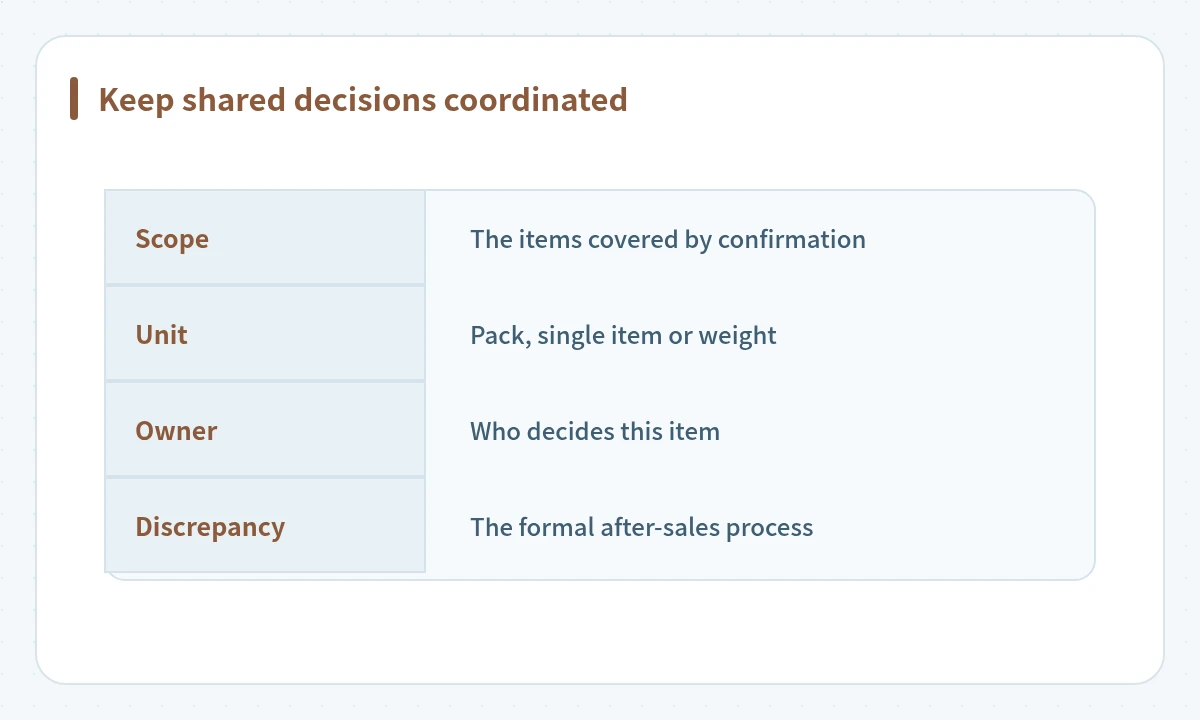
Pay attention to whether the displayed quantity uses the same unit for both items. A pack, an individual unit and a stated weight can lead to different comparisons even when the numbers match. Record the actual requested and proposed units before confirming. Where the description is insufficient, ask the merchant to clarify the item relationship. This supplies a concrete suitability question rather than turning an unclear proposal into a confident claim that the alternatives are identical.
Handle discrepancies with focused information
If the received product differs from the confirmed result, describe the item and mismatch through the formal after-sales process. Provide only the necessary material. A complete order screenshot with an address and phone number does not belong in a public thread, and an authentication code is not ordinary proof of a substitution decision.
For a shared household or team order, assign who will decide each item. Visibility in a common inbox does not coordinate two people changing the same selection. Keep the current decision and remaining issue in the appropriate work record so the final order reflects a deliberate choice rather than whichever person's response happened to arrive last.
