
A later text may come from another sender, purpose or channel. Check what the unsubscribe confirmation covers instead of treating it as proof that every subscription or notification has ended.
Compare the confirmation with what followed
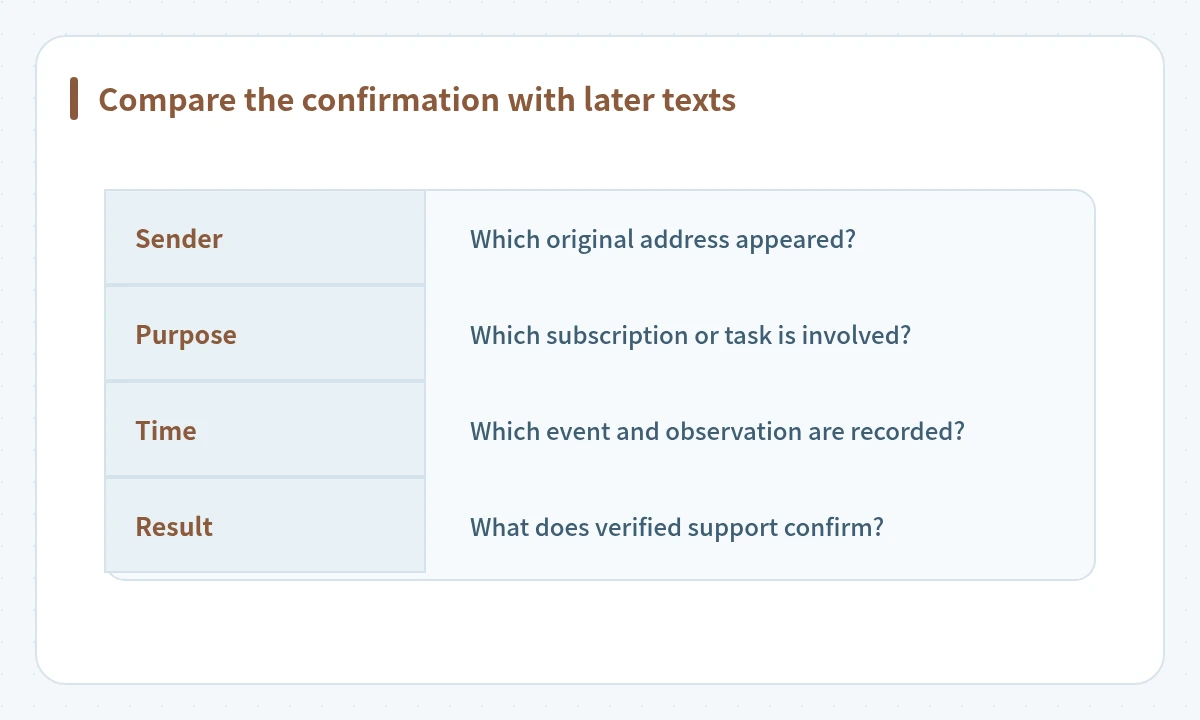
Check the brand or service, original sender field, opt-out time and later message purpose. Keep the review inside your authorised account; there is no need to publish complete texts or active verification codes to explain the sequence.
A message from another business is not necessarily affected by the earlier opt-out. Conversely, the same brand using a different sending address does not prove the messages are unrelated. A business can use several resources, so ask through its known official route which subscription or sending arrangement is covered.
Marketing, order updates and security messages serve different purposes, but their treatment depends on the actual system. Do not assume transactional texts are always exempt from a particular suppression mechanism. Read the service’s scope rather than inventing a universal exception.
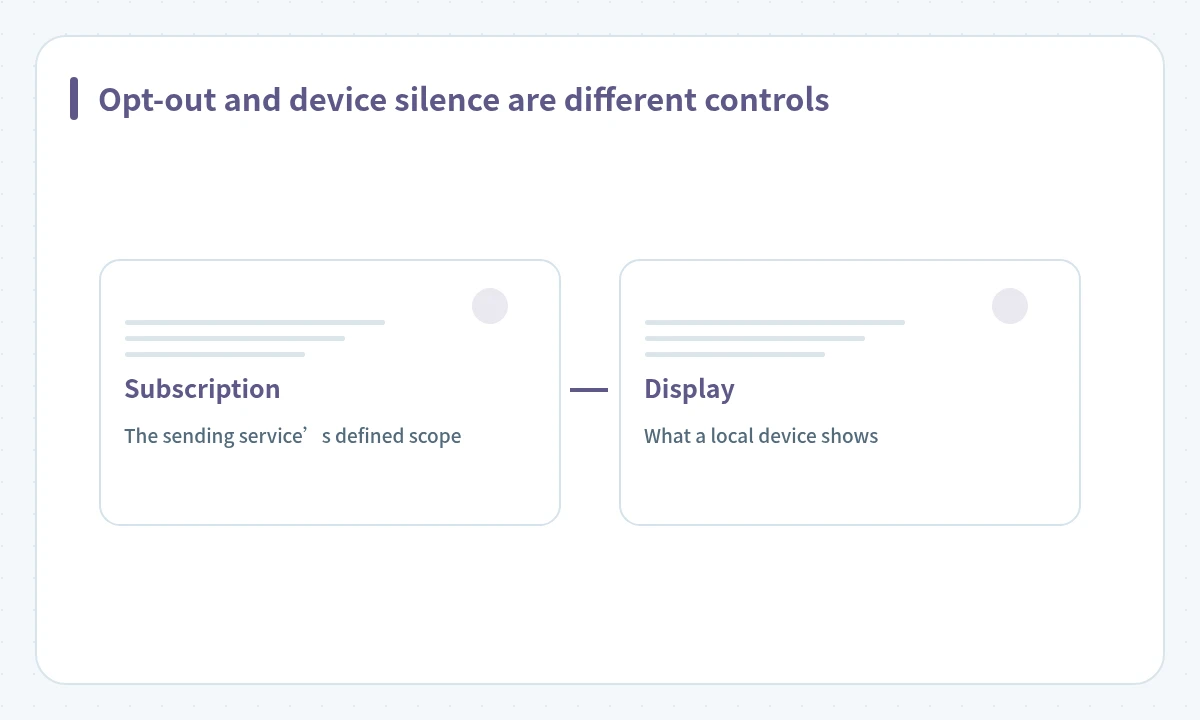
Distinguish three controls that can look similar
| Control | Effect to establish |
|---|---|
| Browser notifications | What this device displays |
| Account subscription preference | Which category or contact arrangement changes |
| Supported reply keyword | What the sending service’s opt-out mechanism covers |
An inbox can display a reply instruction without providing outbound replies. Confirm the resource’s actual capability before attempting a keyword. Do not send it to an unrelated number found in the body. If replies are unavailable, use the business’s verified account or help route to find a supported preference control.
For an unfamiliar or suspicious text, do not supply personal information merely to test whether unsubscribe works. Verify the sender independently before following a link or responding. A request to stop messages should not require exposing authentication material to an unknown contact.
Ask a question that can resolve the scope
A useful report says when and where you opted out, what confirmation appeared and which type of message arrived afterwards. Ask whether that sender is covered, whether the change completed and whether another subscription exists. A redacted example can preserve the relevant difference without exposing unrelated account content.
Twilio’s Advanced Opt-Out documentation illustrates a system with defined keyword, language and Messaging Service configuration. Those rules belong to that implementation. They do not establish how an arbitrary receiving service or business handles subscriptions.
Also compare the event time with the time you saw the text. A message displayed later may need a different explanation from one created after the preference changed. Ask how the service treats queued work instead of assuming that either timestamp defines its opt-out policy.
Confirm the outcome without generating unwanted traffic
After a provider clarifies the setting, check the actual saved preference and any stated processing conditions. Avoid repeatedly subscribing and unsubscribing a real customer number to obtain a screenshot. Demonstrations should use controlled resources and harmless content.
If stopping a necessary notification category could affect ongoing work, identify an appropriate supported alternative before changing it. Record the intended scope and result, not just “all texts stopped.” Clear boundaries make later unexpected messages easier to investigate without treating every new notification as the same failure.
Reference: Twilio: Advanced Opt-Out.
