
If a code is being sent to an old number, inspect the destination in the requesting form before troubleshooting the inbox. A phone number for SMS to receive SMS verification codes can be correct in your notes while a browser suggestion, saved profile or account setting supplies another value to the actual request.
For the complete workflow around this question, continue with Receive SMS Online: Complete Steps, Codes and Troubleshooting. The link opens the relevant section.
Find the value that the service will use
Distinguish an editable phone field from a stored account contact. The first can be affected by current form input; the second may require the platform’s supported contact-change process. A masked confirmation is useful, but compare only what it actually reveals rather than inventing the hidden digits.
Check the account identity, country selector and combined destination. A remembered local number may be inserted under a different country selection, or a familiar label may conceal an old saved value. Correct the entry through the normal interface before requesting another message. Do not change unrelated account data merely because the wrong suggestion appeared once.
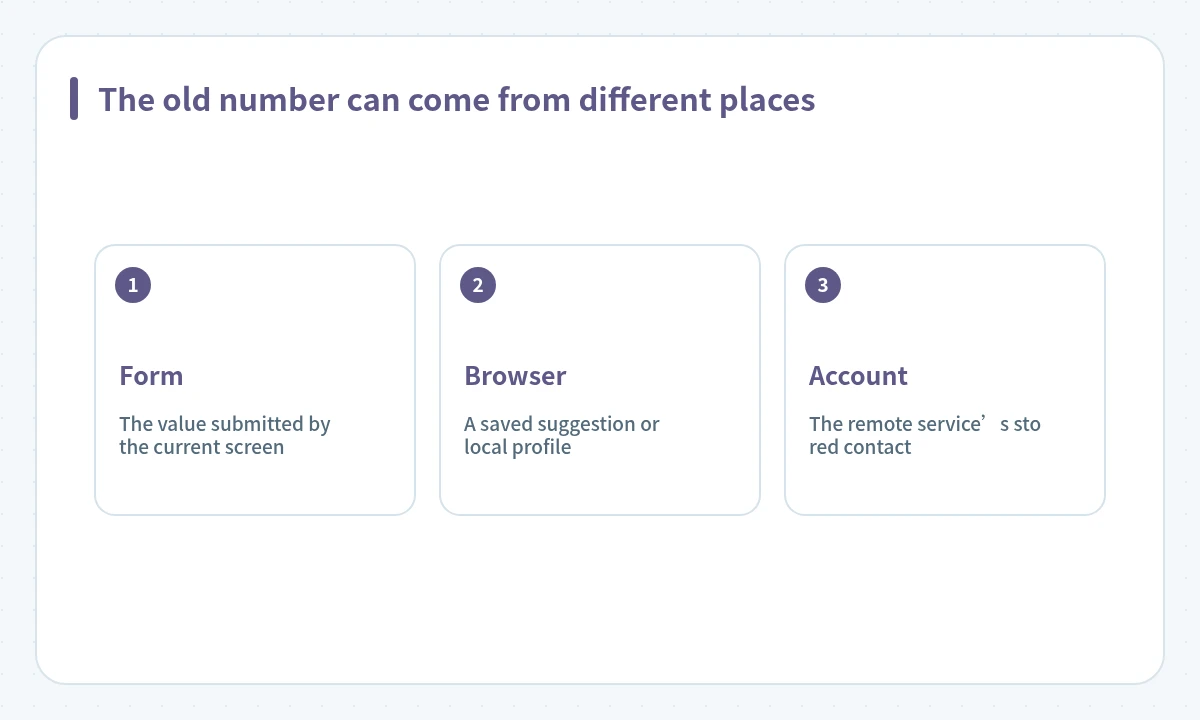
Browser suggestions and account records need different fixes
MDN describes autocomplete purposes for fields including telephone inputs. That helps explain why a browser can offer a saved value, but the actual behaviour depends on the browser and website. A suggested number is not evidence of the current number assigned by your receiving provider.
If the field is editable, replace it carefully and review the effective destination after the form processes it. Where the account’s stored contact is wrong, use the website’s own authorised update and verification flow. Editing a browser profile alone does not update that remote account.
| Source of the old value | Relevant control |
|---|---|
| Current form input | Edit and review the combined destination |
| Saved browser suggestion | Review the browser’s supported saved-data settings |
| Remote account contact | Use the service’s official contact-change procedure |
| Another signed-in account | Return to the intended authorised account |
Preserve the verification task while correcting the destination
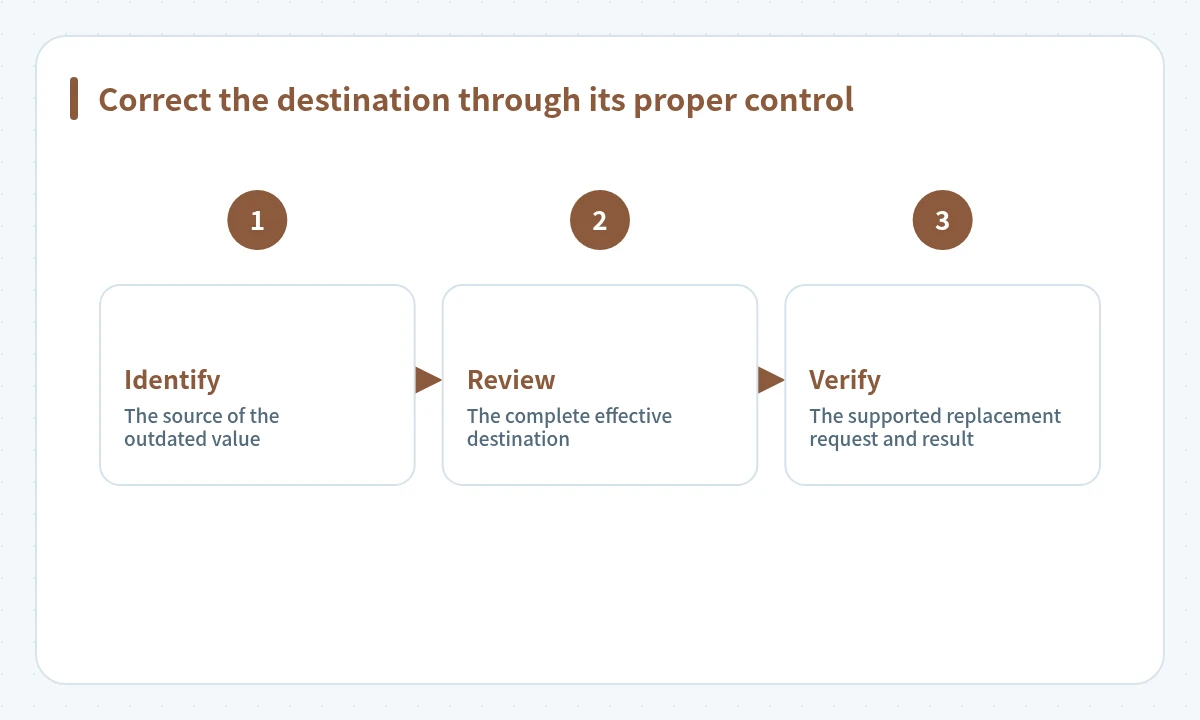
An already issued message does not move to the new address just because a field was edited. Follow the target service’s instructions for ending or replacing the old request. Avoid generating several overlapping attempts without noting which one the page now expects.
If the old number is no longer under your control, do not ask its current reader to relay a code. Use a supported recovery method for your own account or contact the service through a known route. Current number access and authority over a separate account remain distinct.
After a successful change, reopen the relevant account settings through the normal process and confirm the contact result. Keep the verification decision separate from the receiving observation. For support, provide the field behaviour and a masked destination where appropriate, not full saved-profile screenshots or an active authentication code.
A later browser suggestion can reintroduce the same mistake, so review the obsolete saved entry through the browser’s normal controls. That addresses the local cause without treating every future delivery problem as evidence that the number itself stopped working.
Reference: MDN: autocomplete and telephone form fields.
Main guide for this question
Receive SMS Online: Complete Steps, Codes and Troubleshooting
