
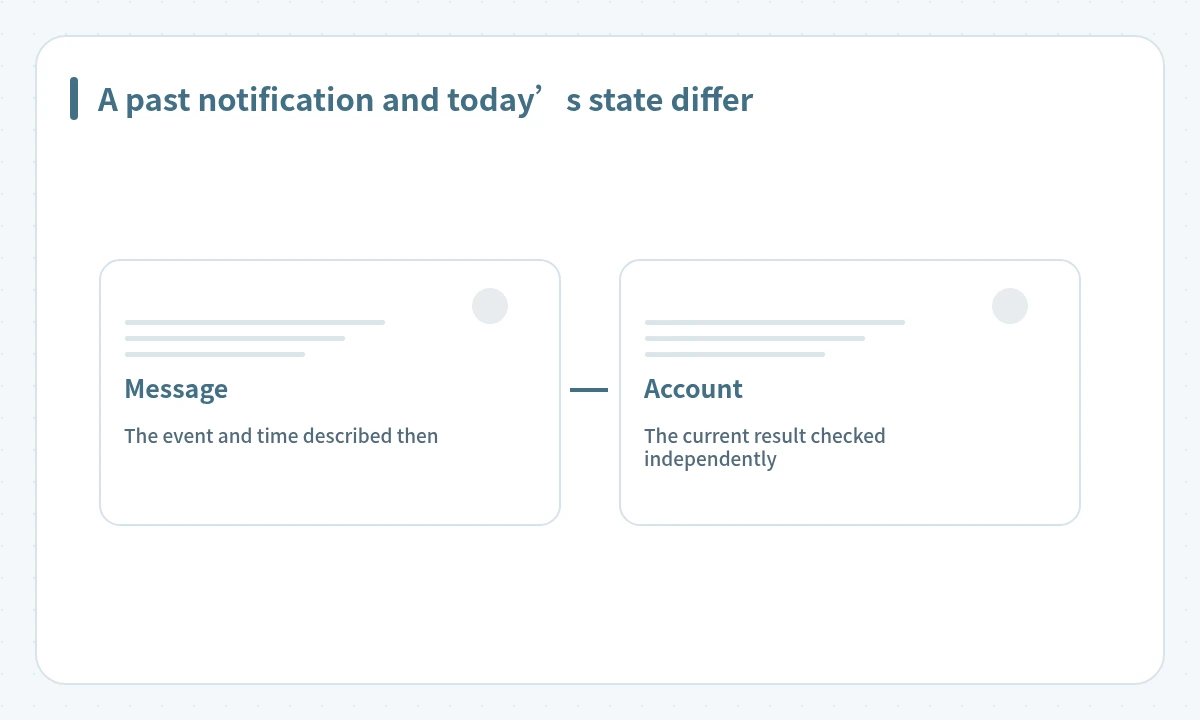
An SMS describes information available when it was sent. For a delayed payment, appointment or account notice, check the current business record before acting on the older wording.
Separate the message’s timing from your reading time
Read the date, any explicit deadline and the event described. Opening a message now does not renew an expired offer, reopen a cancelled order or extend a verification request. If the text gives a local time without a clear zone, avoid inventing one from the receiving number’s country prefix.
The sender’s wording may describe a state observed when the notification was prepared. A later payment, cancellation or support intervention could change the current result. That possibility is a reason to check the account, not proof that any particular change occurred.
Visit the business through a route you already trust
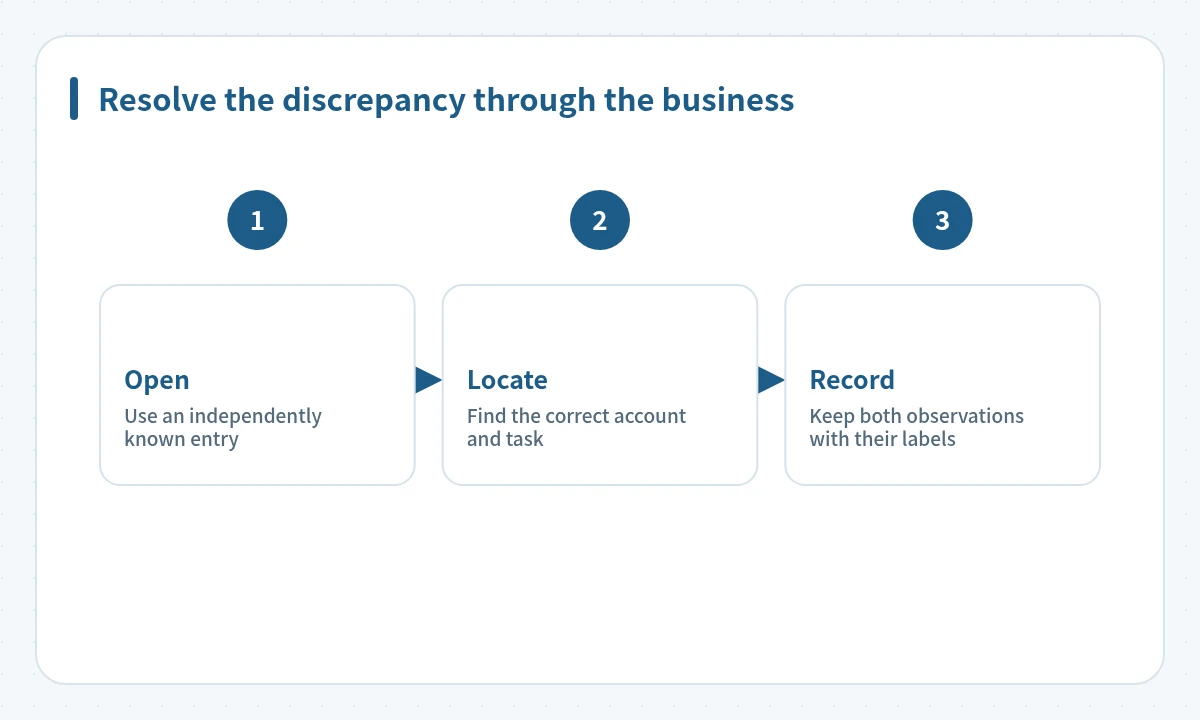
Use the service’s official application, a known bookmark or a separately confirmed address. Do not rely on an unfamiliar message link merely because the message appears to concern your order. A sender label and a plausible transaction description are clues, not sufficient authentication of the destination.
Inside the account, locate the relevant operation and read its current status. Make sure you have the correct account and transaction rather than a similarly named item. If the record is already complete, another payment or approval may be inappropriate. If the state is unclear, follow the business’s supported enquiry process before repeating an action with consequences.
Record a discrepancy without rewriting either side
A useful note might say that a reminder was received on one date while the account displayed a different state at the time checked. Keep both observations, their labels and any relevant references. Do not edit the message quotation to make it match the account page or label either system wrong before the difference is explained.
For a support report, include only the affected task and a masked description. You do not need to send a whole inbox to establish that one reminder conflicts with a current record. Remove active codes, unrelated contacts and private links from screenshots.
Some notifications require no new action
A completed-event receipt can be retained according to your actual needs without being repeated. A notice about an operation you did not initiate should lead to the service’s normal account-security route, not an attempt to complete the unfamiliar request. A code should only be used for the authorised action you are currently carrying out.
Where a deadline really matters, ask the responsible business how the current record should be handled. The receiving provider can explain its delivery or display record, but it cannot reinstate another company’s offer or decide whether an order is still payable.
After the question is resolved, keep the result with the task rather than relying on the old notification as a continuing reminder. If the service offers relevant preferences, review the ones that actually control those notices. Muting the browser or hiding a message does not itself change the underlying order, subscription or account operation.
