
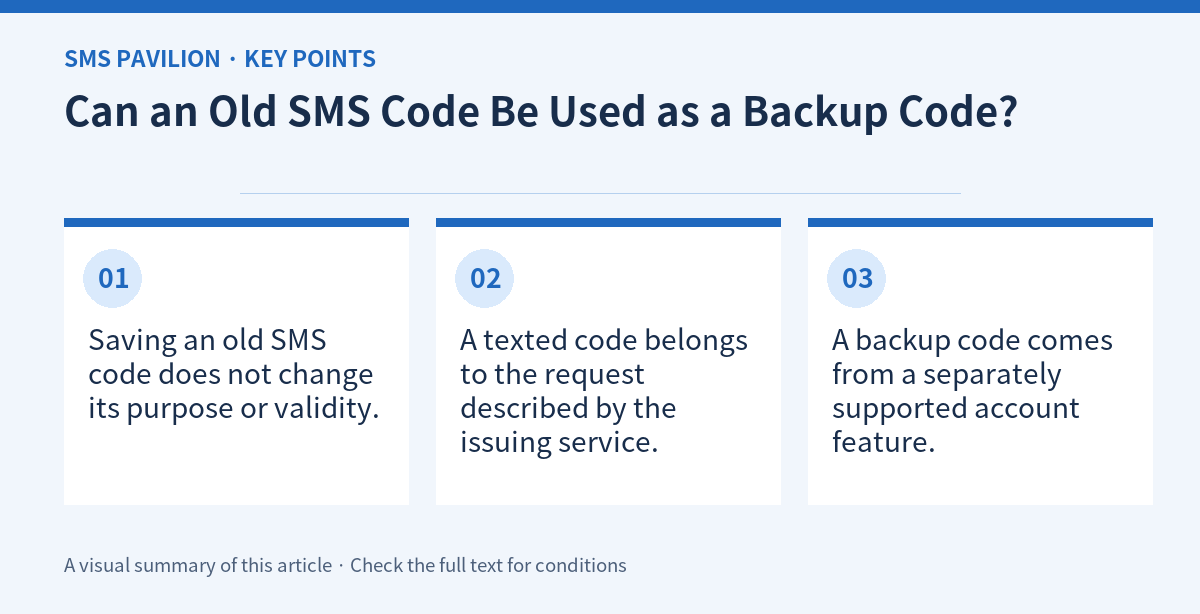
Saving an old SMS code does not change its purpose or validity. Backup recovery codes must be explicitly supplied by the target service and cannot be inferred from a similar-looking code format.
Identify how the material was issued
A texted code belongs to the request described by the issuing service. A screenshot, printed copy or saved note preserves its appearance; it does not change the request or extend its lifetime. Similar lengths are also poor evidence that two codes serve the same purpose.
A backup code comes from a separately supported account feature. Check where it is generated, which sign-in step accepts it and how replacement works. Do not create your own string or purchase a supposed universal recovery code. Neither is a substitute for a method registered to your own account.
Prepare the supported alternative while access works
Use the account’s normal security settings to see which alternatives are actually available. Read any prerequisites before relying on them. A help article for another product cannot establish that your account offers the same controls, and an organisational account may have additional administrator requirements.
Google provides one concrete example: its backup codes can be used for the relevant second verification step. A used code becomes inactive, and creating a new set makes the previous set inactive. Those are rules for that implementation, rather than a promise about every website.
After setup, retain the account identity and the instructions needed to find the correct sign-in option. Avoid signing out of your only working session just to improvise a recovery exercise. Follow the service’s supported checking process and keep an existing usable route until the arrangement is understood.
Storage must survive the problem it is meant to solve
A backup method that can only be opened inside the inaccessible account may not solve your actual failure scenario. Choose a permitted storage arrangement that you can retrieve safely, while limiting who else can obtain the material. Public notes, group chats and shared inbox screenshots are inappropriate places for active recovery secrets.
For work accounts, a handover note can record who manages the recovery arrangement and where the approved procedure lives. It need not contain the codes themselves. Account delegation and recovery should follow the organisation’s authorised process rather than informal sharing of authentication material.
Use the option named by the sign-in page
When access is needed, identify whether the page requests an SMS code, an authenticator code, a device approval or a backup code. Use the supported option for that account. Do not keep trying old screenshots because the input boxes happen to have the same number of positions.
If the required material was never prepared or is unavailable, follow the official recovery route. Someone offering to turn a historic text into a working recovery credential is not supplying a feature of the account service. You do not need to disclose passwords or active codes to investigate the available options.
If a backup copy may have been exposed, consult the service’s replacement or revocation instructions. Deleting one shared image does not establish that every copy is gone. Record the management action, without copying the secret into the incident note.
Reference: Google Account Help: sign in with backup codes.
