
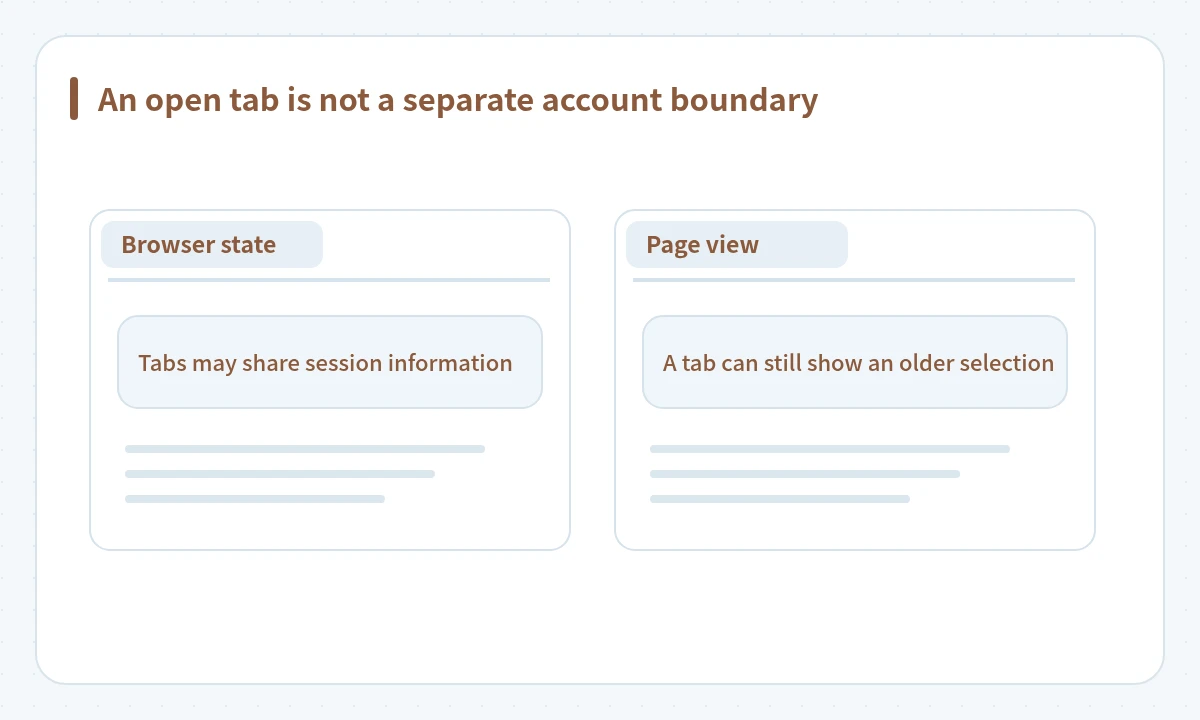
Tabs may share sign-in state while retaining different selected resources. Before requesting verification, match the target account and action to the complete receiving number in the intended tab.
Tabs may share more state than their titles suggest
Two tabs in one browser profile can share website session information. A service may also remember the selected workspace or number across views. The exact behaviour depends on the product, so do not assume either complete independence or automatic synchronisation.
One tab can retain an older screen while another changes the active resource. Read the current account and number in the actual record view, and make sure a fresh query completed. A familiar colour, an old tab name or a pinned position is not sufficient evidence of the resource now being used.
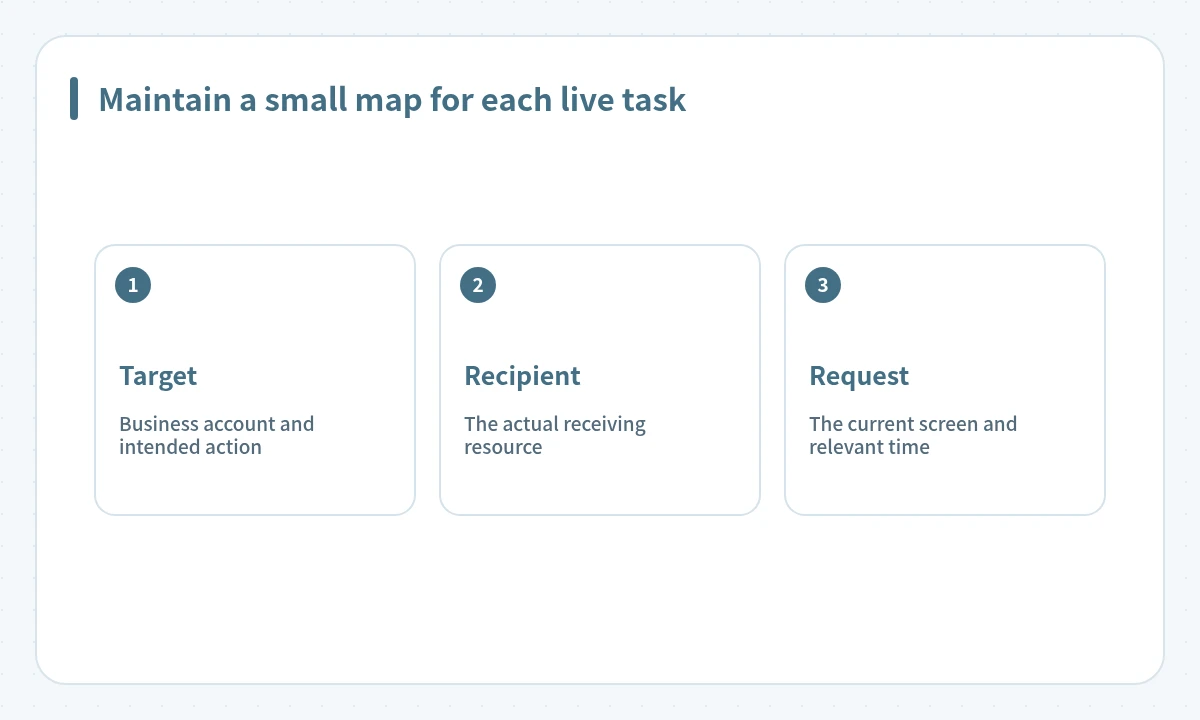
Keep one small mapping for each live request
Record the target service and account, the intended operation, the receiving number and the relevant request time. Where the business supplies a harmless request reference, include that too. This mapping does not need passwords, active codes or an export of the inbox.
The purpose is to prevent a code received for one operation from being submitted to another. A message that looks similar may belong to a different account or an earlier request. Match its available context to the current target page before using it; never test it in an unrelated account to discover where it belongs.
For concurrent work, a short descriptive tab label can help orientation, but treat it as a note you maintain. It cannot enforce account separation or correct a service’s shared selection behaviour. Where true isolation is required, use the supported account and browser arrangements rather than relying on tab placement.
Reduce simultaneous uncertainty
Finish one sensitive verification step before starting another where practical. Close completed task pages after checking the actual result. Keep any necessary work record separate from the active authentication material, and follow the organisation’s access rules when several people are involved.
| Before copying | Before submitting |
|---|---|
| Confirm account, recipient and record context | Confirm the target account and intended operation |
| Check that the current query succeeded | Check that the request on screen is still the expected one |
| Preserve the exact code characters | Read the verifier’s response before another attempt |
If you have already lost track
Stop switching between candidate texts. Return to the target service through its known entry point and review whether the operation completed or remains pending. Follow its supported recovery or restart process; do not assume closing a tab cancels a remote request.
Then reopen the receiving view with a confirmed account and number. Keep the unresolved task distinct from any new attempt. If the issue is reproducible, report whether changing the resource in one tab affects another, using harmless authorised data. That describes a concrete behaviour the provider can investigate without exposing the live code or the rest of your message history.
