
A membership pause confirmation needs an effective date, scope and recovery arrangement. Keep a pause separate from ending the membership or stopping promotional messages, because each action changes a different part of the account.
Identify the affected plan
A browser based virtual number can receive account notices where the service allows it. Open the known membership interface and match the notice to the plan and related items. One account can contain several services, so a change to one should not be described as closure of everything associated with the contact number.
Distinguish a received application from an effective pause. If a decision or further step is pending, keep that explicit. The date you submitted a request should not silently become the date on which a different account state began.
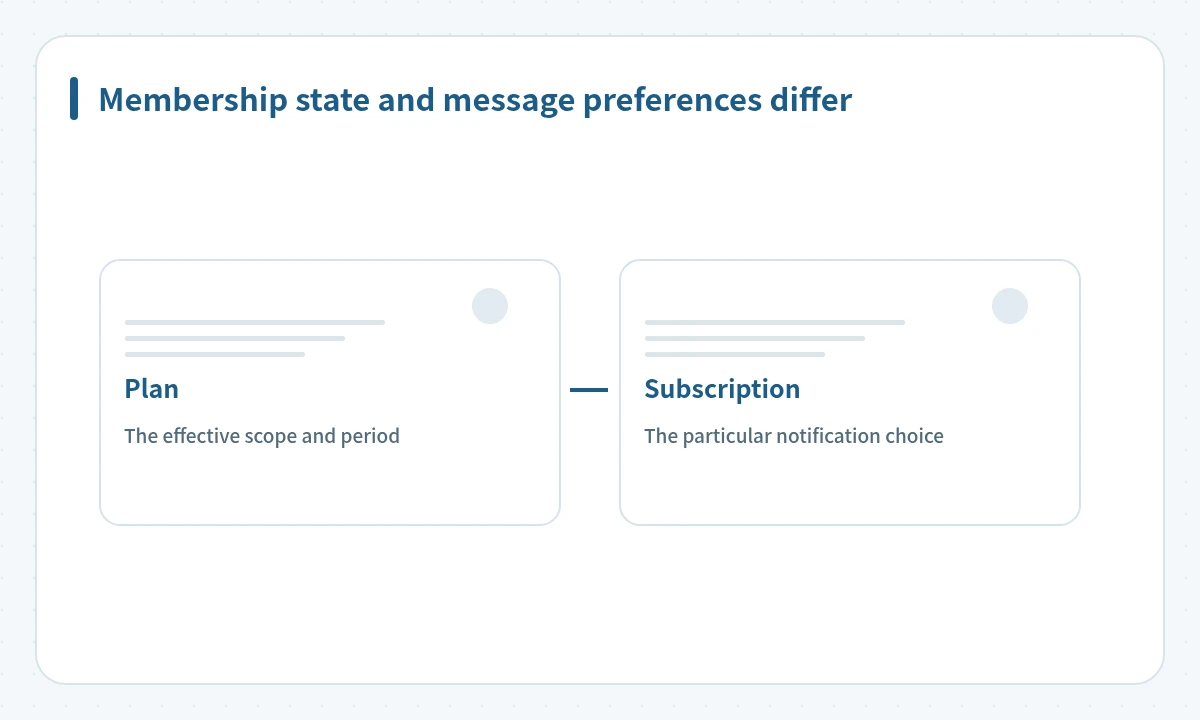
Read the effective conditions
Inspect the service's explanation of access during the pause, the relevant period and how activity resumes. Any fee or other term needs the actual plan information. A short notification is not a basis for inventing one charging outcome that applies to every membership.
| Field | Question |
|---|---|
| Application | Has it actually been processed? |
| Effective time | When does the arrangement apply? |
| Scope | Which services or items are affected? |
| Resumption | Is another supported action required? |
A planned resumption date and a confirmed active state are different observations. Keep the follow-up requirement in the account's actual terms. Do not repeatedly submit pause and termination requests to discover which one makes a banner disappear; inspect the existing outcome first.
Investigate later messages by their object
A promotional notice arriving during a pause does not by itself establish that the pause failed. Check which subscription produced the message and what period it describes. Service state and notification preferences need separate inspection so a repair does not modify the wrong object.
If the pause is no longer wanted, follow the supported change or resumption route. Keep the current plan reference rather than starting an unrelated request with a second account. A clear sequence helps support explain which decision is now effective.
For a plan with linked benefits or additional members, ask which parts the confirmed pause covers. Keep each affected item tied to the formal decision instead of relying on the primary plan’s heading. A useful coordination note identifies the scope, effective period and person responsible for the next check. If one linked item remains unresolved, record that specific question rather than opening another broad request to pause the entire account again.
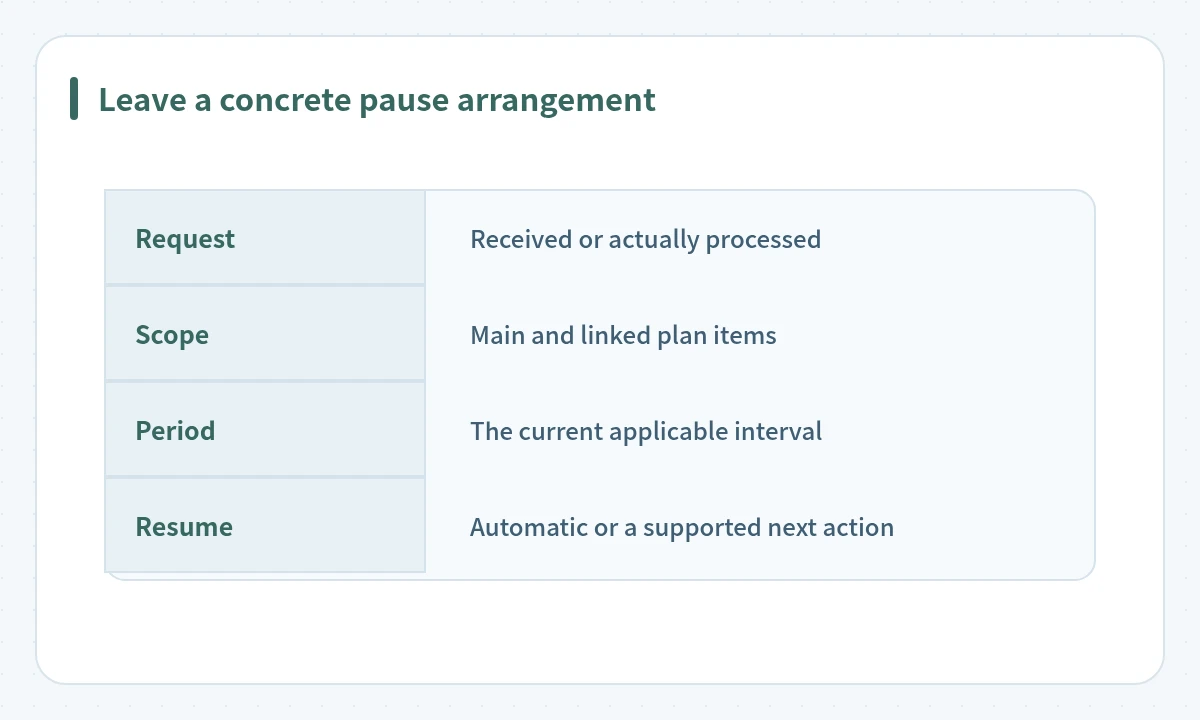
Leave a concrete next action
Record the current arrangement and any date requiring review. When asking the provider about a discrepancy, identify the plan and specific difference through the approved private channel. Complete account histories or unrelated payment records are unnecessary in a public question about one status.
Before changing the receiving person or losing a temporary number, confirm how future resumption notices can reach the authorised contact. The desired result is a verified service state and an understandable next action. Muting the device can reduce interruptions, but the account's own process determines what happened to the membership.
