
Planned maintenance can affect the dashboard, queries and receiving differently. Compare the announced scope with the task deadline before starting; maintenance should not be assumed to pause every expiry timer.
Read the scope of the maintenance notice
Identify the named service, affected component and planned interval, including its stated time zone. A notice about the website does not automatically explain the receiving system, and a receiving provider’s notice does not define what an unrelated business will accept during the same period.
Distinguish a planned schedule from the current incident state. Maintenance can be rescheduled or its scope clarified, so use the provider’s current official information when deciding whether to begin. Do not turn an estimated end time into a guarantee that a particular pending message will be available then.
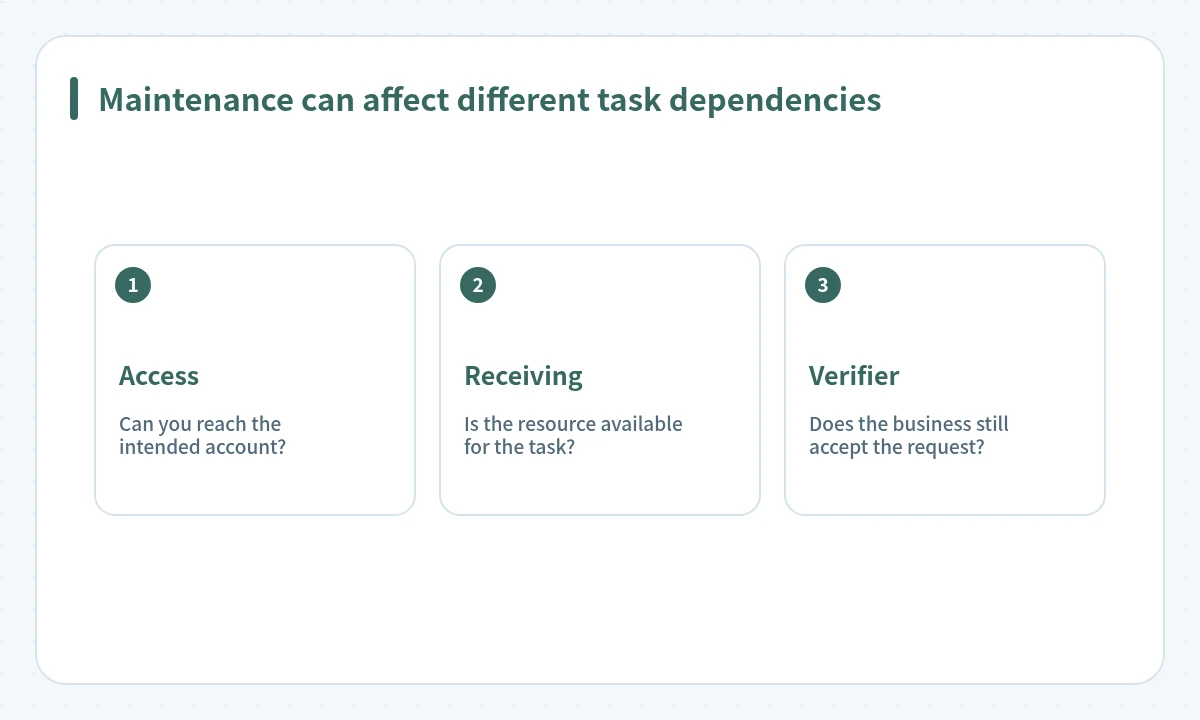
Consider the whole verification task
A task can require a working sign-in session, a receiving resource and a business page that still accepts the current request. Confirm the conditions you actually depend on. If a receiving number will expire before maintenance ends, a later website recovery cannot by itself extend that arrangement.
For an optional operation, consider waiting for a supported stable window rather than opening a request you may be unable to complete. For a time-sensitive operation, use the target service’s documented alternatives or support process. Do not invent a workaround that relies on unsupported number types or someone else’s account.
Where colleagues share responsibility, identify who will observe the notice and who owns the individual task. That avoids several people independently requesting replacement codes while nobody checks the current business result.
If maintenance begins halfway through
Record the last confirmed step: the request was submitted, the receiving query completed, or the target business returned a particular result. Keep those observations separate. A screen that stops refreshing does not establish whether the remote receiving stage stopped as well.
Avoid repeatedly submitting an uncertain operation, particularly one that changes account information or creates another consequence. Re-enter through the known business route and check its current state where supported. Follow its instructions about abandoning, restarting or recovering a pending request.
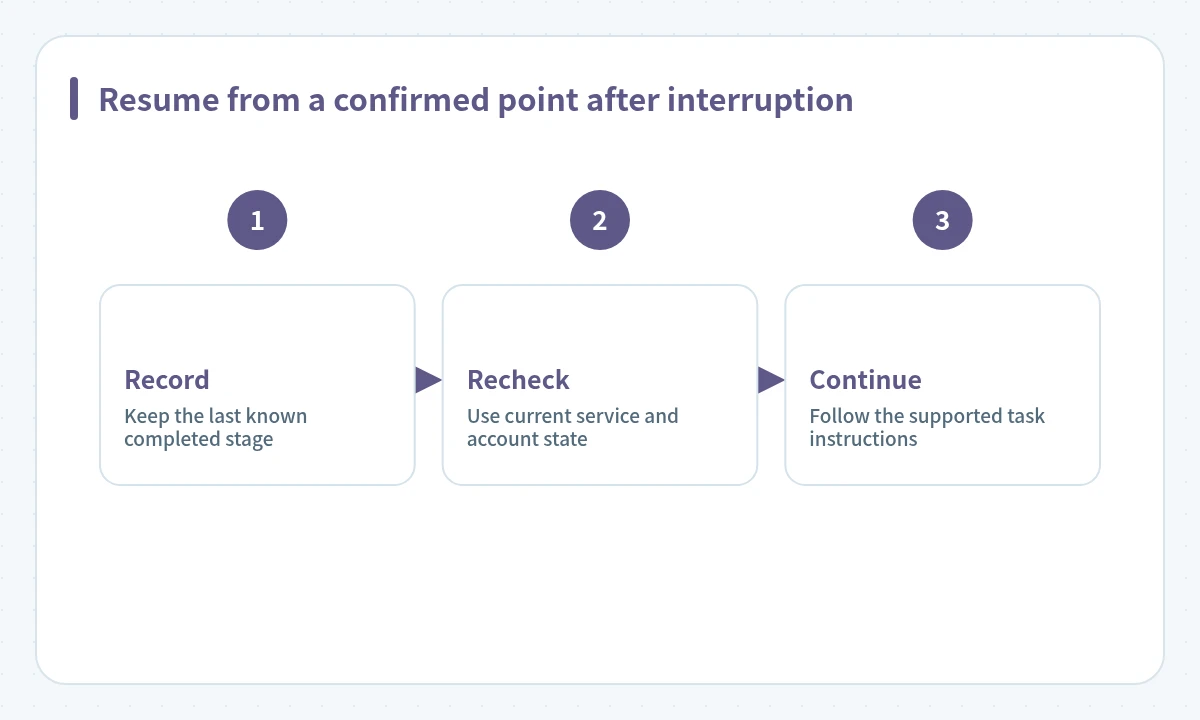
A short handover can preserve the intended account, masked recipient, relevant times and the unresolved question. It should not contain active codes or a full private inbox. If the task cannot safely continue, label it interrupted rather than presenting an incomplete sequence as a failed delivery diagnosis.
Resume from confirmed current conditions
After the provider reports recovery, check normal access to the intended account and resource, then run the relevant inbox query. A familiar page returning is not enough; selections and filters may need confirmation. The provider’s general recovery announcement also does not prove the target business still accepts the old request.
Review whether the original operation completed, expired or remains pending before initiating another one. If the business requires a new verification attempt, follow that supported process and keep its messages distinct from the earlier attempt.
Close the task record with the actual outcome and any remaining limitation. The maintenance notice explains service context; the task’s own receiving observation and business response establish what happened to your operation.
