
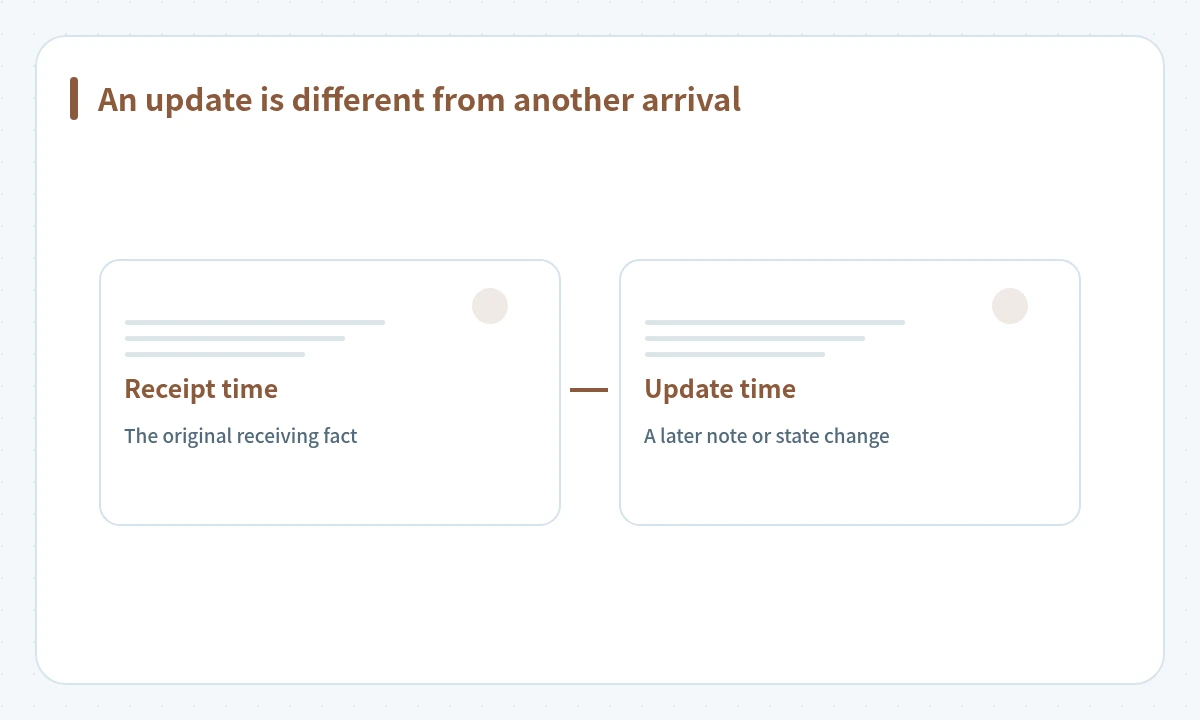
An old message appearing first in an inbox does not by itself mean it arrived again. Check whether the list is ordered by receipt time or update time, then compare stable identity and actual changes.
Identify what latest means
A temporary sms code receiver inbox can reorder a record after a note, label, archive flag or another supported field changes. The original receipt time can remain unchanged. A display labelled latest needs a specific field meaning if it is to explain that behaviour.
Keep the effective filter, direction and message reference while investigating. The same visible text appearing at the top is insufficient evidence of a duplicate, but identical text can also belong to a distinct message. Use the appropriate identity relationship rather than choose either conclusion from the body alone.
Keep movement separate from a new-event action
Reordering and arrival notifications need different definitions. Automation that depends on a genuine inbound event should follow that event's supported relationship, not start an external task merely because the first row changed.
| Observation | Review |
|---|---|
| Identity | Is this still the original object? |
| Receipt time | The actual receiving record |
| Update time | The later processing change |
| Ordering | The field currently in use |
Unread or pending markers have their own rules too. Being near the top does not establish either condition. Do not repeat a completed verification or business step simply to make a repositioned row feel acknowledged.
Inspect pagination and refresh together
Updating records can change page boundaries under the product's query model. Use its supported synchronisation and paging behaviour to establish the range. Skipping a familiar-looking record manually can miss a distinct item, while repeating its action can create an unnecessary effect.
Where the interface offers an ordering choice, keep the effective choice visible or discoverable. An unnoticed retained preference can explain why two users describe different first rows without either having received a different message history.
Give an authorised reviewer the effective sort field alongside a stable reference when recording the discrepancy. A screenshot of the first row cannot preserve enough context if the list later changes. Include the relevant update action and inspect whether it changed only presentation fields or also another business state under the product’s rules. If a notification was produced, connect it to the actual event responsible rather than assume the row movement caused it. This separates a display question from a second automation defect and prevents an operator from modifying legitimate message history merely to silence a badge. Keep the comparison limited to the controlled records needed to establish the sequence.
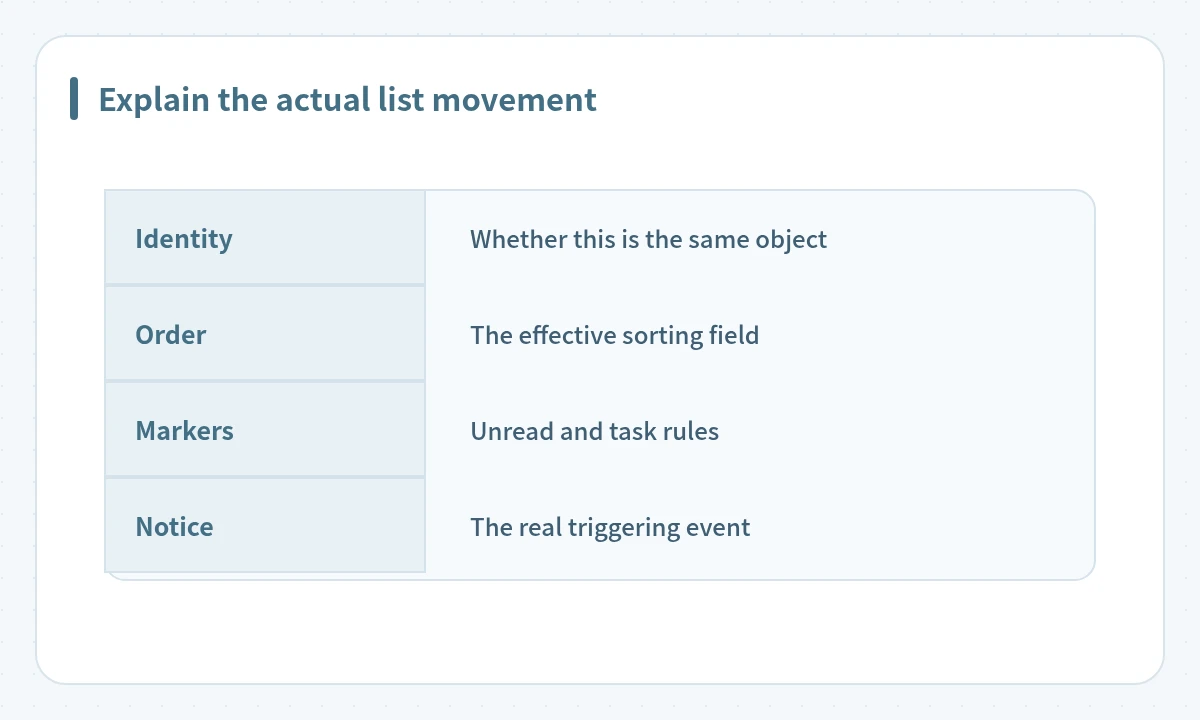
Exercise a controlled old record
Change a note or label on a harmless older message and inspect sorting, unread state and notifications. Include a second record with the same text but a different identity so the test also checks that it is not merged incorrectly.
A focused report needs the limited references, change time and effective order. The repair should make the real update understandable. Rewriting original receipt times to force a preferred visual sequence would damage the history instead of explaining why the list moved in the first place.
