
An SMS link may contain a sign-in token, reset reference or personal identifier even when no separate code is visible. Check the complete URL’s purpose before sharing it with support, a group chat or an online scanner.
A hostname is only part of the address
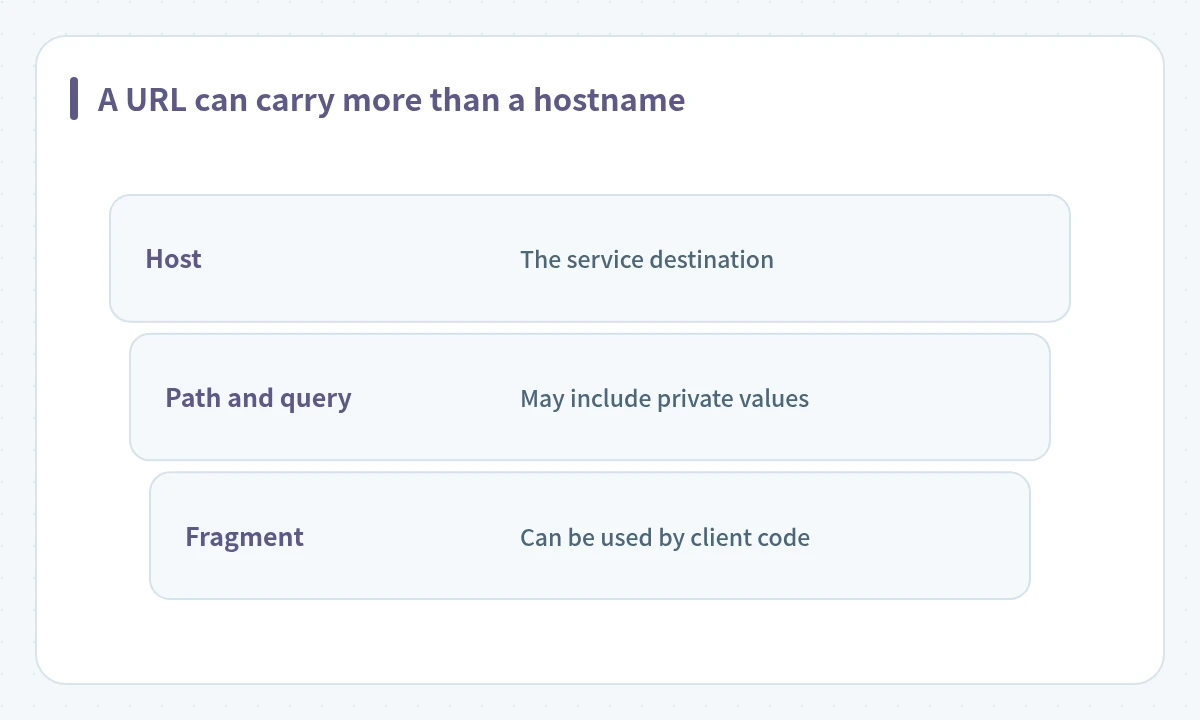
The path, query string and fragment may contain values that matter to the application. A familiar domain does not make those values public. Likewise, replacing the visible link label in a screenshot may leave the complete destination in the underlying hyperlink or copied text.
OWASP describes information exposure through URL query parameters, including exposure through logs and browser history. HTTPS protects the network connection but does not turn a secret-bearing address into a safe item to publish. Treat the whole address according to its purpose, not just the text before the first slash.
Do not open an unfamiliar link solely to discover whether it is sensitive. If the message concerns an account, use the service’s known application or website to inspect the current task. If support needs a URL pattern, start with the hostname and a redacted structural example rather than the live address.
Redact the value, preserve the useful question
A hypothetical report can say that a URL has a parameter named token, with its value replaced by a clear redaction label. That communicates the structure without sending an operational credential. The label must be visibly non-functional; do not substitute another real person’s token as a demonstration.
| Material | Safer initial report |
|---|---|
| A sign-in link | Service name, task and error without the live token |
| A screenshot | Relevant interface area with secret values removed |
| A redirect issue | Expected hostname and observed non-sensitive error |
| A timing problem | Request time and documented expiry behaviour |
Sharing tools may process the destination
Link previews, automated scanners and collaboration platforms can fetch or retain addresses. Their precise behaviour varies, so do not assume pasting a link is a passive act. A one-use or task-changing URL deserves particular care. Use the service’s official troubleshooting route when a live link is genuinely required and understand what the recipient needs.
Removing only the question mark is not a reliable general sanitiser. A secret can be in the path, and a fragment can be used by client-side code even though it is handled differently from a server query. Review the application’s documented format rather than guessing from a parameter’s appearance.
If a live link has already been exposed, check the target service’s supported way to cancel the request, revoke access or start a fresh authorised flow. Do not assume that deleting the chat message recalls every copy or that a short expiry means no action is needed.
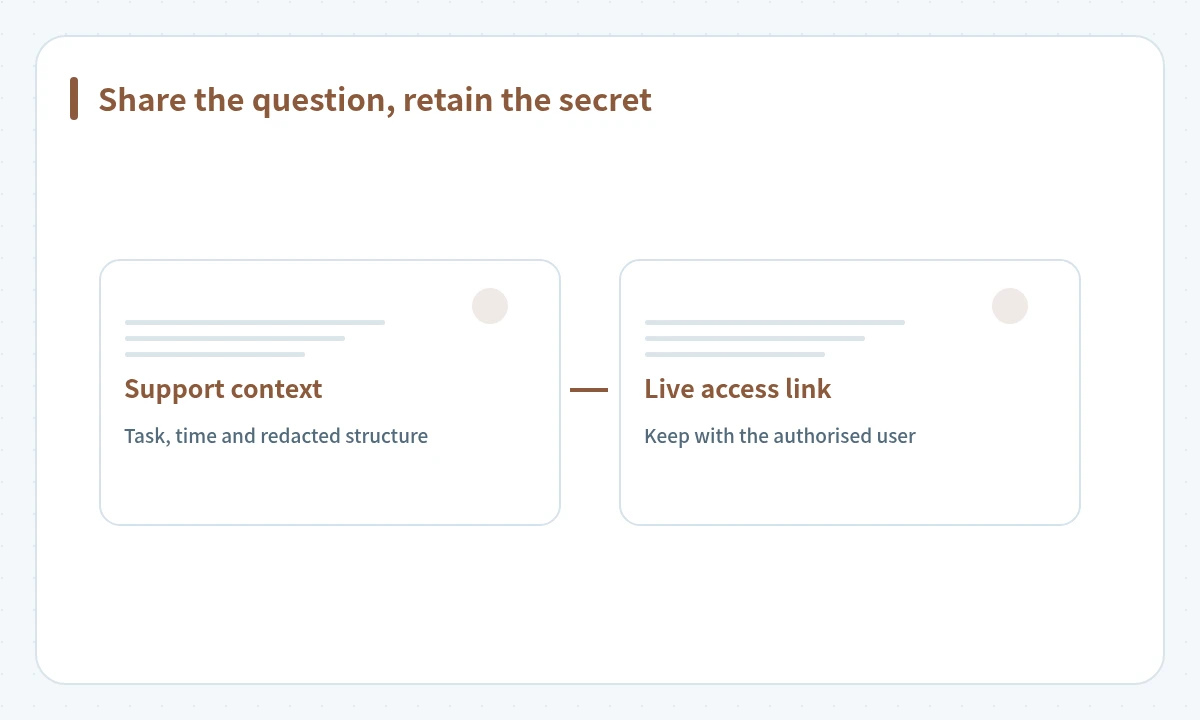
For routine help, the useful evidence is usually the task, time, expected destination and error. Keep the live access material with the person authorised to use it, and add detail only when the verified support process actually calls for it.
Reference: OWASP: information exposure through URL query strings.
