
A familiar-looking domain in an SMS is not enough to establish that the link belongs to the expected service. Separate the displayed label, actual hostname and remaining URL, and use a known route when the destination is uncertain.
Inspect the hostname rather than a familiar word
An easy access web phone number can receive a legitimate notice or an unrelated message. A brand word can appear in a subdomain, path or query without establishing the operator of the actual site. Check the hostname instead of treating the page title or link label as address evidence.
Internationalised domain names can have Unicode and Punycode representations. Mozilla's IDN background discusses display decisions and lookalike risks. The encoding itself is not a declaration that a site is malicious; the task is to establish the real destination and its relationship to the business you intended to contact.
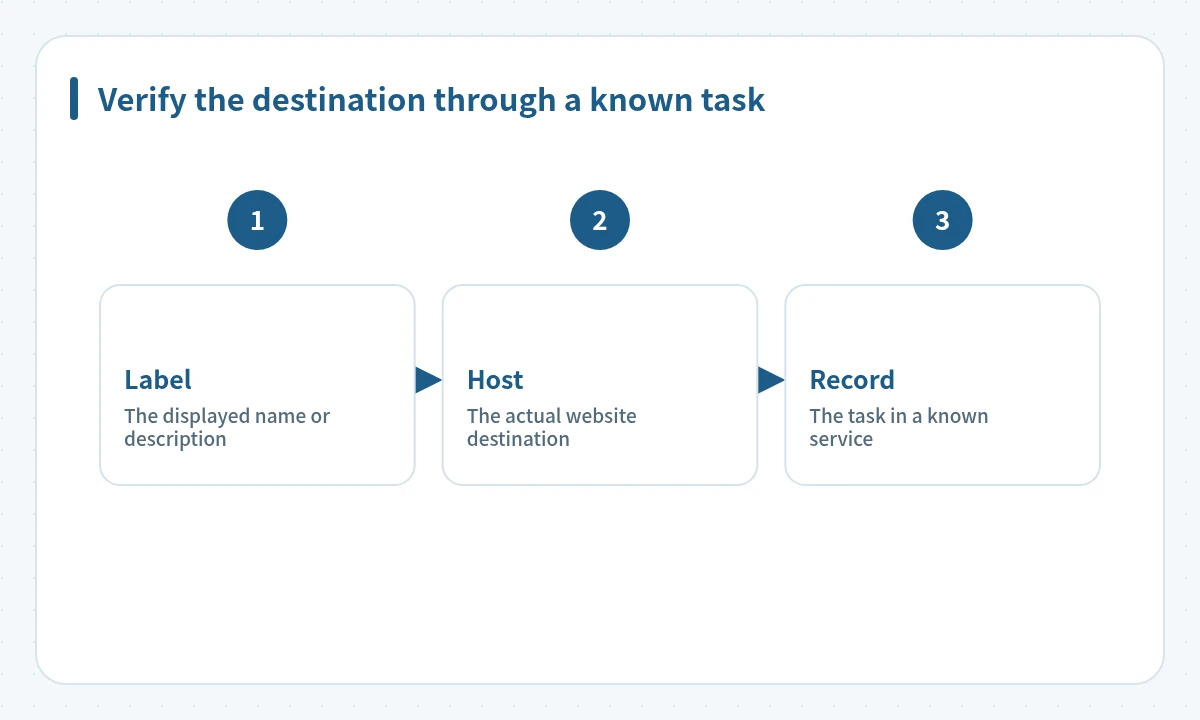
Do not repair an uncertain address by guessing
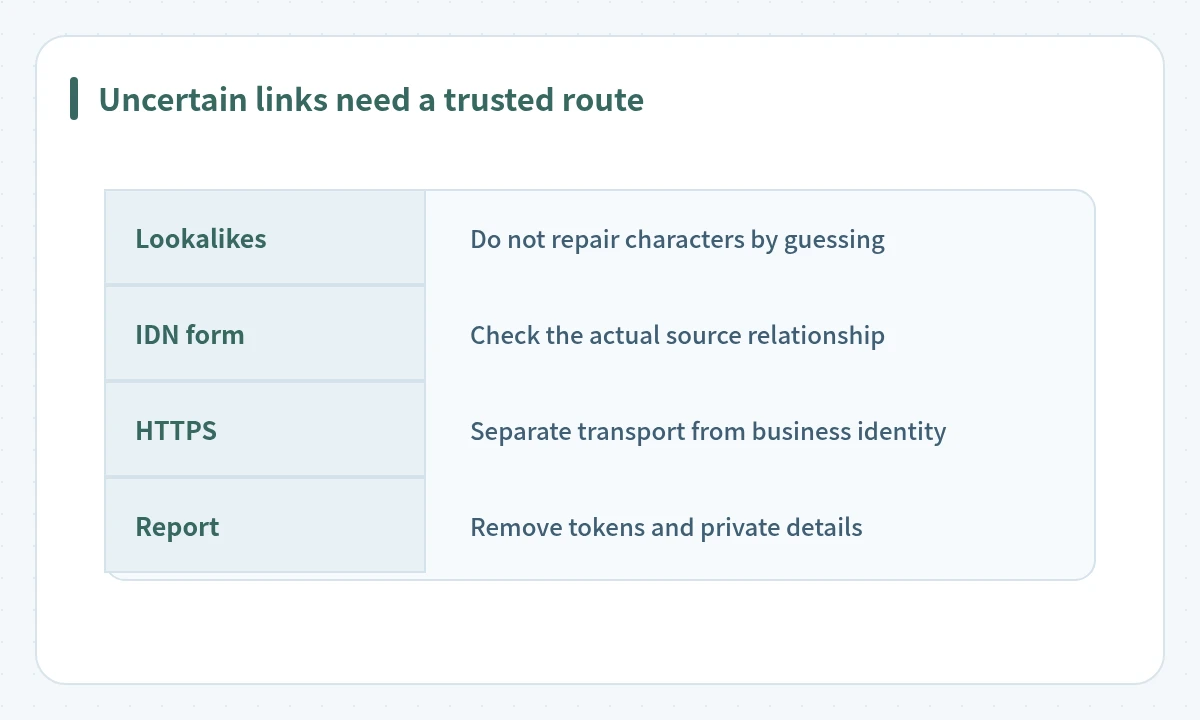
Similar-looking letters can be different characters. Replacing them with the spelling you expect and continuing to sign in is a poor way to verify a notice. Open an already confirmed bookmark, application or official service route and find the relevant task there.
| Observation | Meaning |
|---|---|
| Link label | The displayed description |
| Hostname | The actual site being accessed |
| Path and query | The resource and additional request data |
| Business record | The corresponding task in a known service |
HTTPS protects a connection under its certificate conditions; it does not identify the business relationship you intended. An unfamiliar site can also have a certificate. Keep destination and task checks separate from the browser's connection indicator.
Handle account actions through a trusted path
Check whether the known account actually contains the order, verification or profile task described. Do not submit real credentials to an unfamiliar page as a test of authenticity. An active code or full capability-bearing link should not be sent to someone who offers to identify the domain for you.
If the service uses a separate documented notification or partner domain, confirm that relationship from a known source. Do not infer it from a similar spelling. A clear explanation should identify the relationship without teaching readers to accept every unexpected domain containing the brand name.
A shortened link removes some of the visible destination context. Where the message uses a documented short-link service, establish that relationship from a trusted source instead of treating the short form as either automatic proof of safety or automatic proof of fraud. For an uncertain account action, the known service entry remains a practical route to the task without needing to expose a private redirect token to an unrelated checker.
Report a limited set of clues
Use the formal support route to provide the message time, displayed name and safe address details. Remove tokens and unrelated personal information. A public screenshot containing a live verification code turns a destination question into another disclosure.
If you already interacted with an unfamiliar page, follow the actual service's account-security process for the situation. Do not rely on the unfamiliar page to certify that the issue is resolved. The practical objective is to identify the real destination and the current account task, without turning visual similarity into an authentication method.
