
Automatic message labels need a defined outcome when several rules match. Establish whether the system uses the first match, accumulates labels or lets a later rule replace an earlier result before rearranging the rule list.
Give the labels a purpose
An ongoing sms code receiver inbox can use labels for business categories, personal organisation or task state. Keep those purposes distinct. A read marker is not automatically a completed task, and an internal-looking label does not implement access control.
Record each rule's conditions, resource scope and owner. A rule intended for controlled test numbers should not silently apply to another account because its friendly name sounds useful. Match the business relationship rather than use a convenient copy as an unexplained global default.
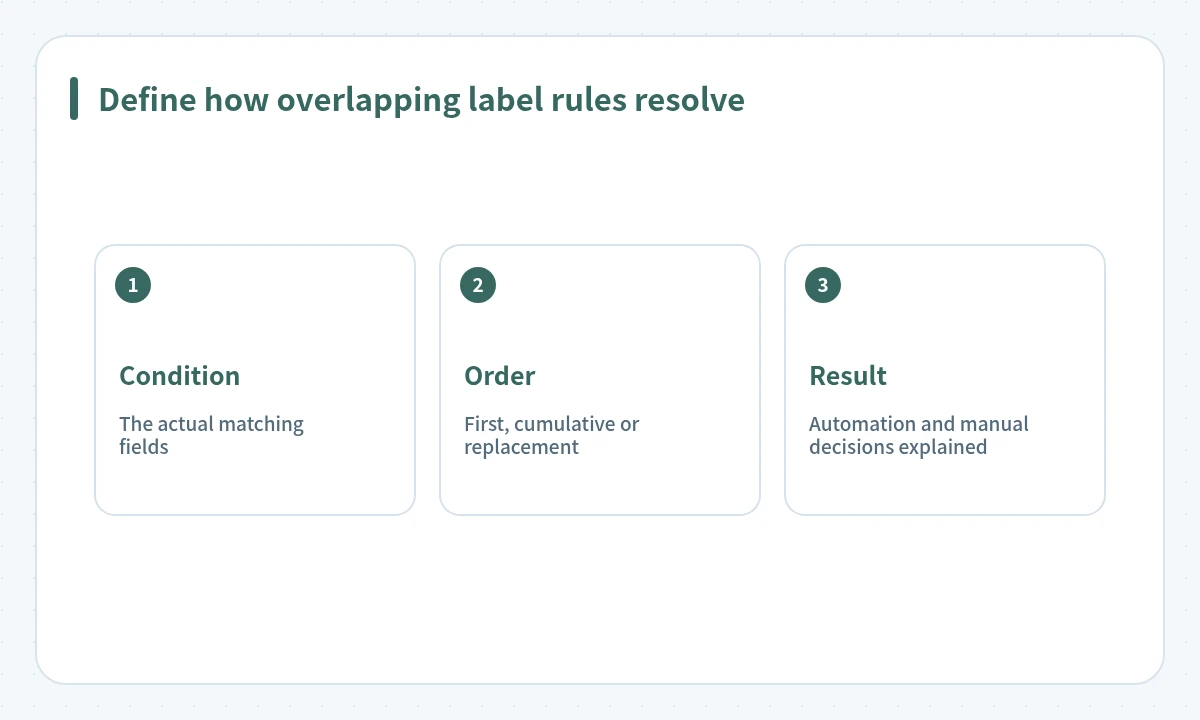
Make match order explainable
For a first-match design, identify priority and the stopping condition. For cumulative rules, review conflicts and replacement behaviour. A change in order should have a reviewable effect on representative inputs rather than merely save a new numeric position.
| Dimension | Question |
|---|---|
| Condition | Which fields participate in matching? |
| Order | First, cumulative or replacement? |
| Scope | Which account and number? |
| History | Will existing records be reprocessed? |
A word appearing in a message is not necessarily a reliable business classification. Where an approved structured source is available, evaluate that source rather than infer identity or sensitive attributes casually from private text.
Keep manual decisions deliberate
Specify whether a confirmed manual label can be changed by later automation. Refreshing the screen should not repeatedly erase an operator's work without an understandable rule. Keep the source of the latest classification available in the authorised workflow.
When an item changes, decide which conditions are re-evaluated and whether the existing result is retained. A rule added today should not rewrite all historical labels merely because the implementation lacks a separate scope decision.
Keep a limited trace of how the final label was selected when the product supports rule diagnostics. The useful record identifies the rule version, evaluated condition and resulting action without copying a whole private body. If an operator overrides the result, distinguish that decision from a later automatic evaluation. A preview can show both paths with harmless examples before the rule changes. This makes it possible to answer why an item moved categories without treating the latest label as evidence of who changed it. It also gives the owner a way to check whether another rule still depends on the old classification before an approved historical reprocessing task is started.
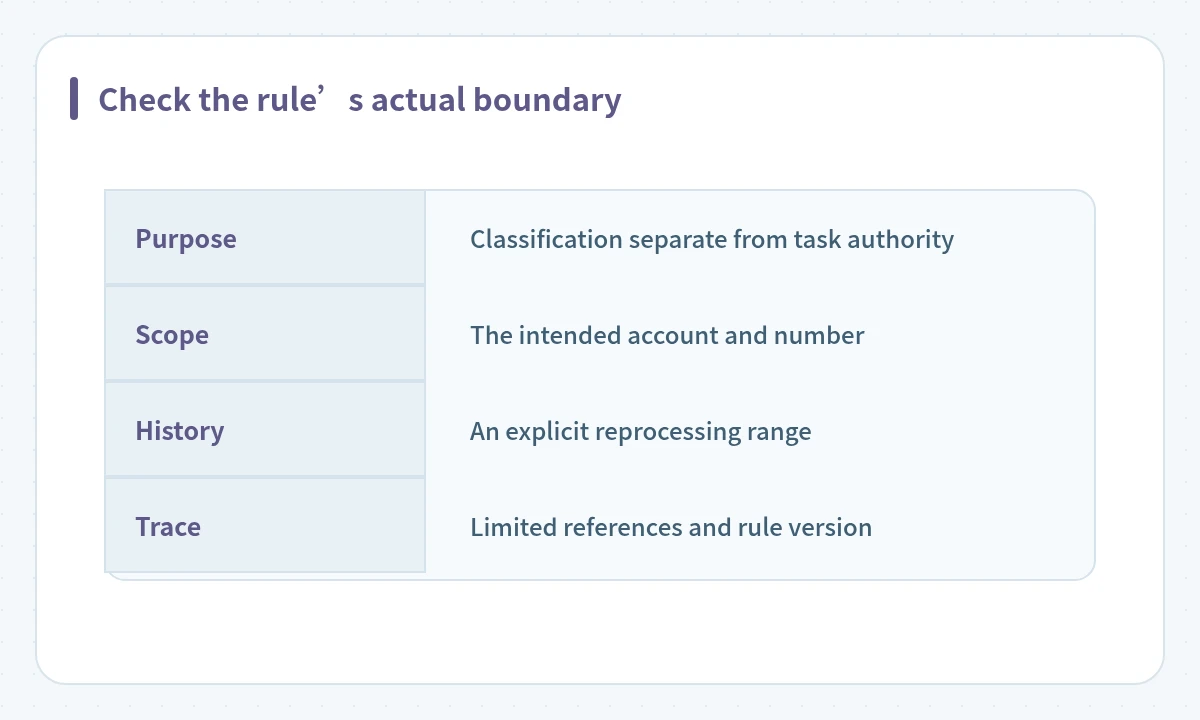
Test the boundary cases with harmless messages
Cover one match, several matches, no match and a missing field. If historical reprocessing is supported, preview the authorised scope and proposed changes before executing it. A small controlled fixture is more useful than exposing an entire customer inbox to every rule reviewer.
Record the rule version, limited message reference and match reason. The repair should make classification understandable and keep it within its actual purpose. A label change should not trigger sending, deletion or permission changes unless those effects have their own explicit authorised business definition.
