
An invoice-ready text does not automatically mean another payment is due. It may announce a document, remind you about an existing order or make an unfamiliar demand. Check the original order and payment record through the known business account before acting.
Match the message to the original order
Use the merchant’s known website or application to inspect the order, invoice request and normal document route. Similar names, amounts or descriptions are only clues. A customer can have several orders with closely matching details.
If there is no corresponding transaction, do not call a cancellation number supplied only by the text. Ask through a verified contact route. A document notification does not give an unknown person authority over your payment account or justify sharing an active code.
Familiar sender wording should not replace this independent check. The responsible business record should establish what exists and which action, if any, the customer is expected to perform.
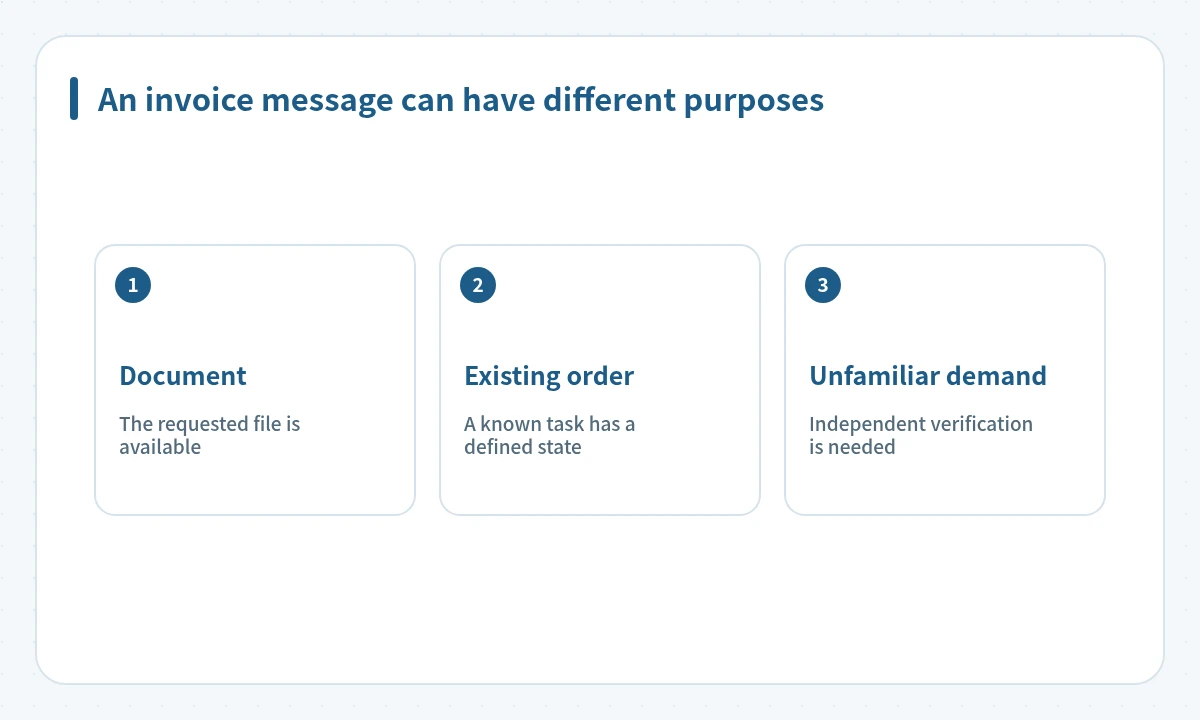
Read document and payment states separately
An official page may say a document is being prepared, available or awaiting correction. An order or payment record describes a different object. Use the actual field definitions instead of assuming a file-ready status proves money is owed or has been received.
This distinction does not decide a document’s legal or tax treatment. Those questions belong to the real transaction and its applicable requirements. A general SMS reading guide should not invent a universal rule about invoice validity.
If an already paid order appears to request payment again, identify the exact object and stated reason before acting. Do not pay twice to make an unexplained warning disappear. Retain the order reference and ask the merchant to resolve the discrepancy through its normal process.
Obtain the appropriate file through the genuine route
Check the document reference, version and necessary details in the official view. If a field is wrong, use the supported correction process. Editing a downloaded file yourself does not turn it into a corrected official issue.
When sharing with someone responsible for records or reimbursement, give only the material they are authorised to receive. A download link containing an access token can differ from a public document address. Avoid sending it to an unrestricted group simply because it arrived in a text.
For team handling, identify who can request a correction and who only needs the final document. A forwarded text should not silently broaden those roles or reveal another customer’s records. Follow the actual account process when authority needs to change.
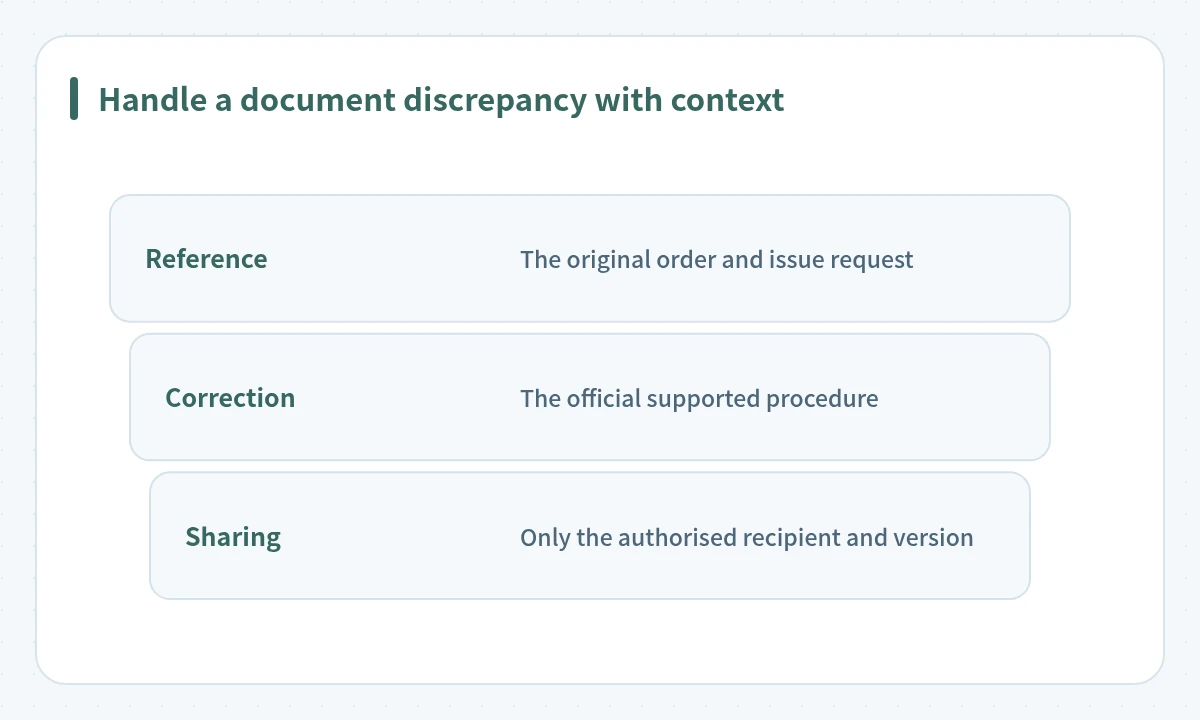
Report a discrepancy with limited context
A useful request identifies the original order, document request, field in question and relevant time. Do not attach unrelated customer records or a complete bank account view to prove identity. Additional evidence should be requested for a defined purpose through an appropriate channel.
After correction, inspect what the business actually confirms. An update message is a prompt to check the result, not proof that every order and document field now agrees. Keep any unresolved difference visible.
For tasks needing later access, maintain control of the contact arrangement and account route rather than relying only on a saved text. The goal is to obtain the right document for the right transaction, with a clear explanation of any further action. A familiar invoice label alone cannot establish either a new payment obligation or that the whole process is complete.
