
Interface language, original message content and the number’s country come from different settings or records. A language switch does not establish that a number or its account has moved.
Confirm you are still looking at the same resource
After switching language, check the signed-in account, selected number and relevant date range. A service may preserve selections or return to a default view; follow its actual behaviour rather than assuming either. A changed menu label should not be used as evidence that a different number was assigned.
The same distinction matters when the browser offers automatic page translation. Browser-generated wording may affect the surrounding interface as well as message text. Identify whether you changed a website preference or activated a separate browser feature before interpreting what is on screen.
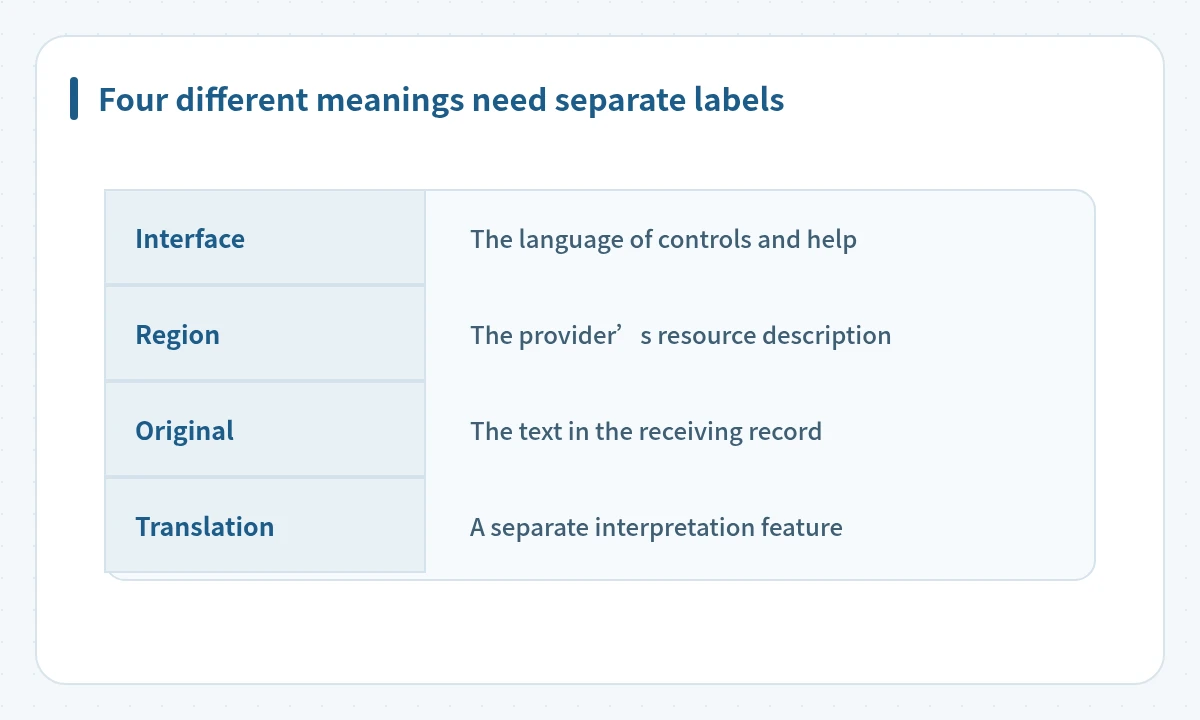
Four labels can describe four different things
| Information | What it normally concerns |
|---|---|
| Interface language | The controls and help text presented by the service |
| Number’s stated region | The resource description supplied by its provider |
| Original message text | What the receiving record contains from the sender |
| Displayed translation | An interpretation provided by a separate feature |
These distinctions do not guarantee that a particular service provides translation or region switching. They identify questions to ask when several concepts appear under similar language or country controls.
If a setting actually changes the receiving resource, read that instruction carefully and confirm the new identity through the normal service flow. Do not infer such a change merely from a flag icon or a translated country name in the navigation.
Find an unfamiliar control by its purpose
When you cannot locate a function after switching language, return to the service’s documented navigation or known help route. Avoid clicking similarly placed destructive controls simply because the layout looks familiar. The surrounding labels may have moved or use different terminology.
For a current verification task, keep the target account and request in view. Repeatedly changing interface language does not extend a code’s validity, alter the target business’s accepted number types or prove that another message was requested.
A control translated as “region” deserves particular care. Read the accompanying description to determine whether it affects display formatting, a catalogue filter or an actual resource-selection process.
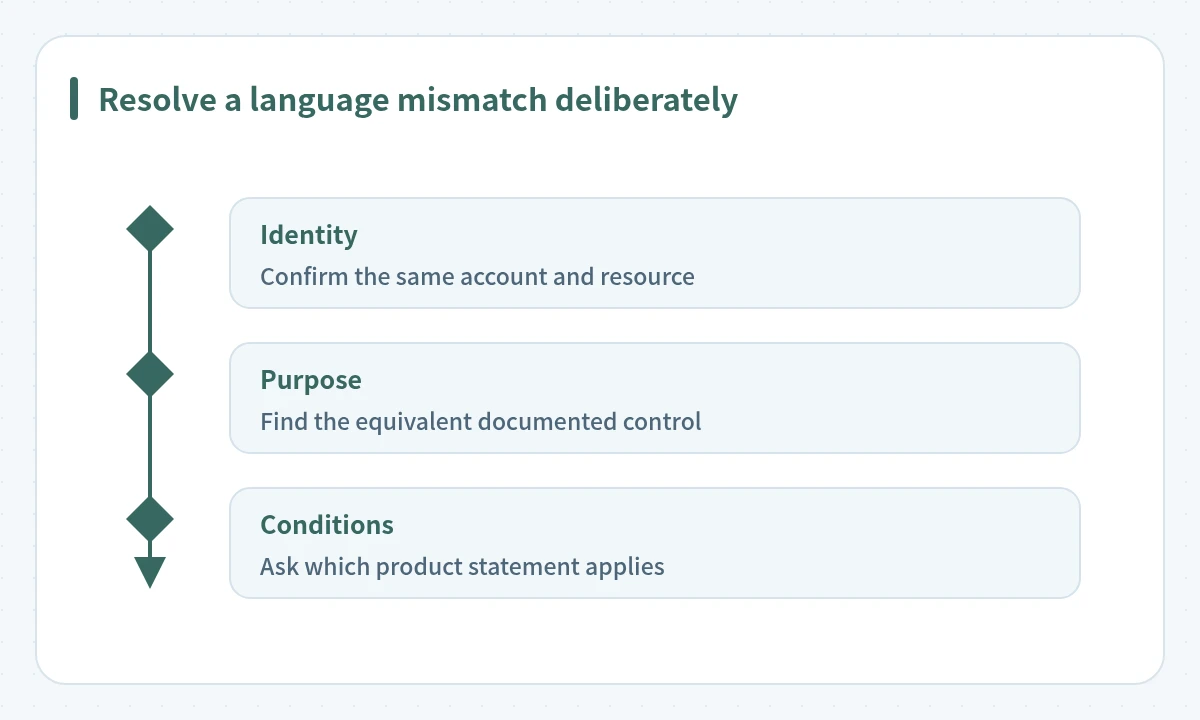
Handle conflicting descriptions without guessing
Two language versions of a service description can disagree or have different update dates. Retain the relevant page addresses, the exact condition in question and the date checked. Ask the responsible provider which statement applies to the actual resource rather than choosing whichever wording appears more favourable.
A translated explanation may help you understand the question, but it does not supply a missing product commitment. Keep unsupported capabilities marked unconfirmed until the provider clarifies them. Do not replace a message’s original identifiers, amounts or deadlines with an assumed translation while resolving a menu-language issue.
For shared work, record the control’s purpose and the resource it affected instead of only a button’s text in one language. A colleague using another interface language can then find the equivalent task without treating vocabulary as a change in number ownership or receiving capability.
