
An inbox application and its identity provider can hold separate sessions. Determine which session logout ended and whether new protected requests remain possible when sign-in appears automatic.
Separate an old session from a new sign-in
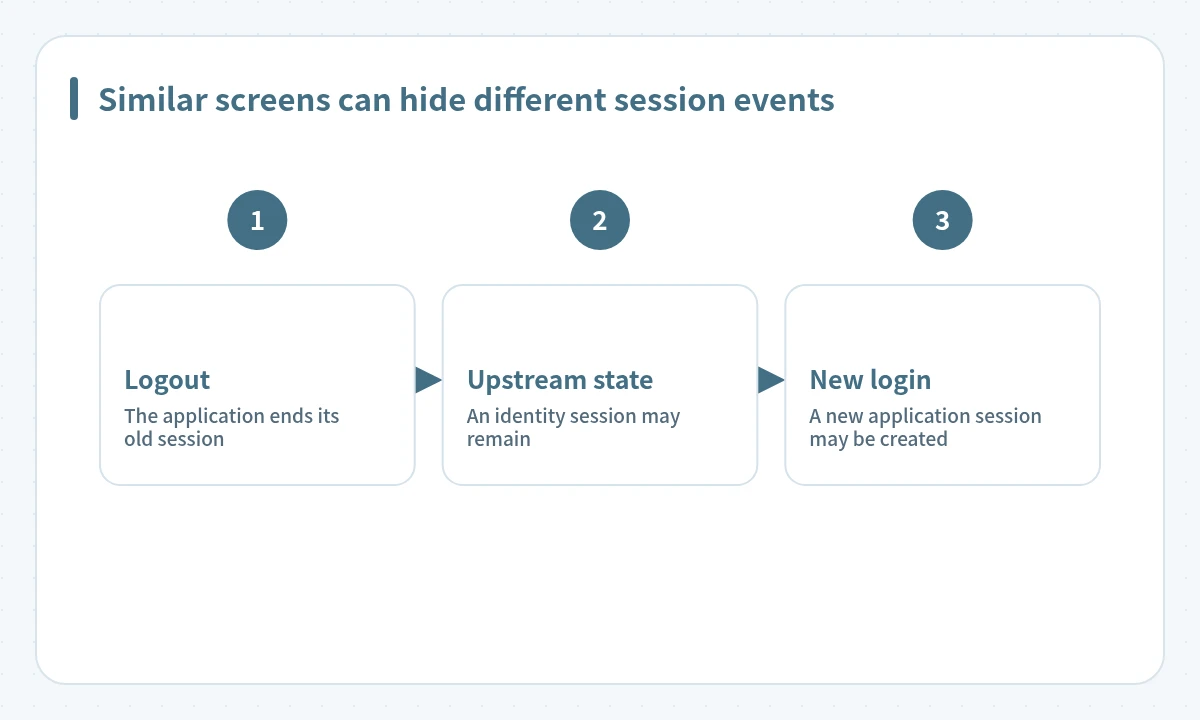
An application, an identity service and an upstream enterprise or social provider may each maintain session state. Auth0’s logout documentation describes these layers separately. Ending the application session should not be interpreted as signing out of every connected site; the actual scope depends on the implemented flow.
A remaining upstream session can allow another login that creates a new application session. That differs from the old application session continuing to work after logout. The visible sequence may look similar, so a controlled test needs to examine what the new request actually does, rather than compare two screenshots of the account page.
Check access with a fresh protected request
Use your own test account. After logout, request a protected resource again and establish whether the server requires authentication. A previously displayed page restored by browser navigation is not itself a new authorisation result. If a fresh request still retrieves new message data without the intended authentication, maintainers need to investigate that access path.
| Access context | Scope to clarify |
|---|---|
| Current browser | Whether the old application session is invalid |
| Identity service | Whether it can establish a new application login |
| Other devices | Whether a separate session-revocation feature applies |
| API credentials | Whether their lifetime is independent of browser login |
Do not assume that a browser logout revokes API keys, every token or all devices. If those forms of access must end, use their corresponding supported controls and verify the documented effect. An application without a global revocation feature cannot accurately promise that its ordinary logout ends everything.
An idle-timeout test is separate from an explicit logout test. Check each supported behaviour under its own conditions, particularly if a background tab or token renewal can keep activity alive. Record which mechanism ended access rather than describing every return to a sign-in screen as the same event.
Returning a shared device involves local data too
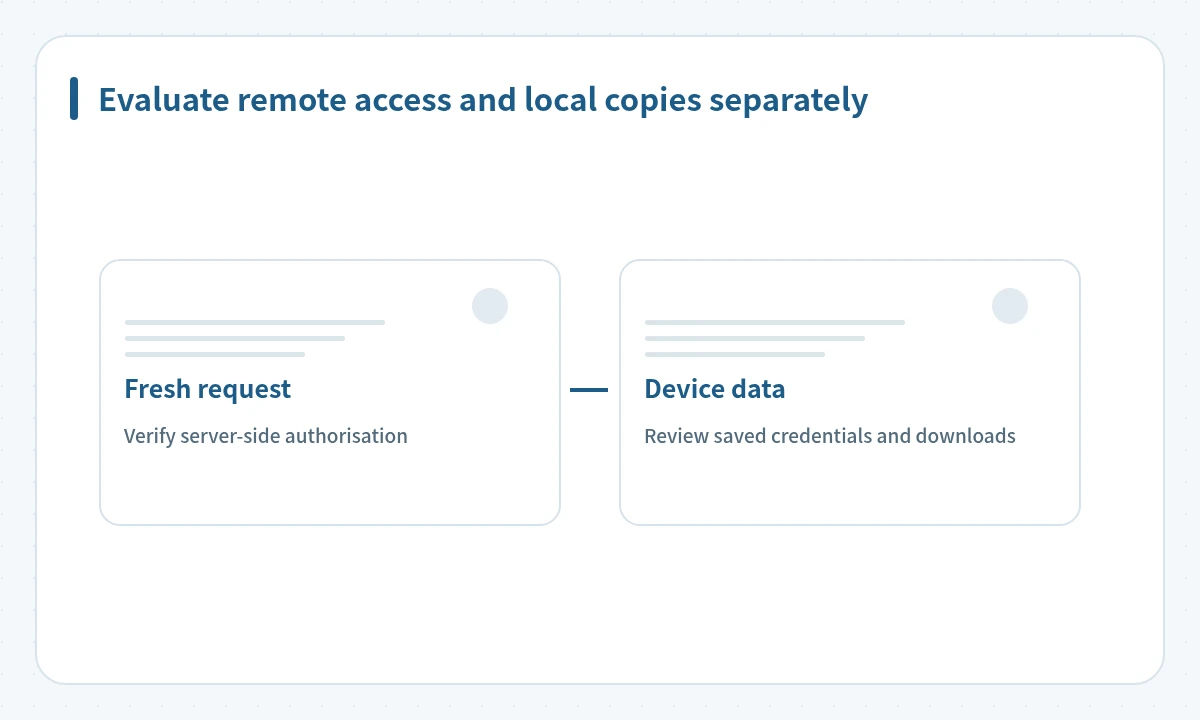
Before handing a computer back, review saved passwords, downloaded files and any identity-provider session the browser retained. Those are separate from the application’s session cookie. Logging out should not be treated as proof that a local copy of a downloaded message vanished.
Follow the device owner’s or organisation’s rules when ending a broader work-account session. Signing out of an identity provider can affect other applications, so establish the intended scope before treating it as a routine fix for one inbox. On a personal device, the decision may differ from a shared reception computer.
A useful support report names the login method, logout time, re-entry path and whether a fresh request returned protected content. It does not need passwords, tokens or actual messages. For product improvements, make the button and confirmation text describe the real logout scope, and test that description against the implemented flow rather than relying on a generic “signed out everywhere” label.
Reference: Auth0: how logout works across session layers.
