
Using the same phone number or email with a third-party sign-in provider does not guarantee access to an existing inbox account. Check the documented account-linking process before treating a new workspace as lost history.
The same email address or phone number appearing in two interfaces is not sufficient evidence of account linking. Before moving to a new sign-in method, find out whether the service supports linking, creates a separate account or requires an administrator-managed organisation flow.
Keep the identity and the receiving resource separate
An identity provider authenticates its user. The inbox service maps that identity to a local account, and the local account receives access to resources under its own rules. A successful identity-provider login does not independently prove ownership of every phone number shown elsewhere.
OpenID Connect describes identity using an issuer and subject identifier, among other claims. That background explains why a display name or email is not a complete account-linking rule. It does not imply every inbox uses that protocol or implements the same linking interface.
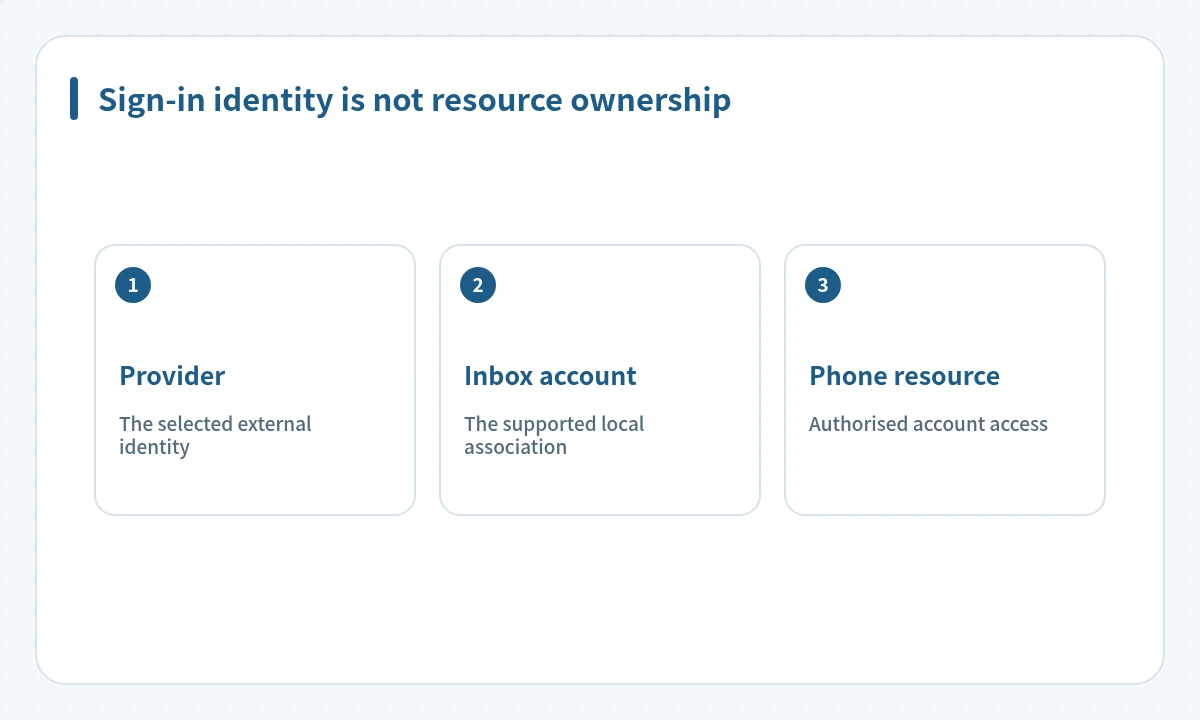
Link from a known account where supported
If the service provides a linking flow, begin from the already verified existing account and follow its documented checks. Keep the current usable access path while reviewing the change. Confirm which personal or organisation identity is being selected and which application receives the authorisation.
| Object | What to verify |
|---|---|
| Provider identity | The intended personal or organisation account |
| Local account | The original account and workspace |
| Receiving resource | Access to the correct phone number and records |
| Recovery | A supported route remains usable after the change |
Do not give a support agent the identity provider’s password, recovery key or active sign-in token to arrange linking. A legitimate support process can explain the required proof and authorised interface without asking someone to impersonate you through a shared credential.
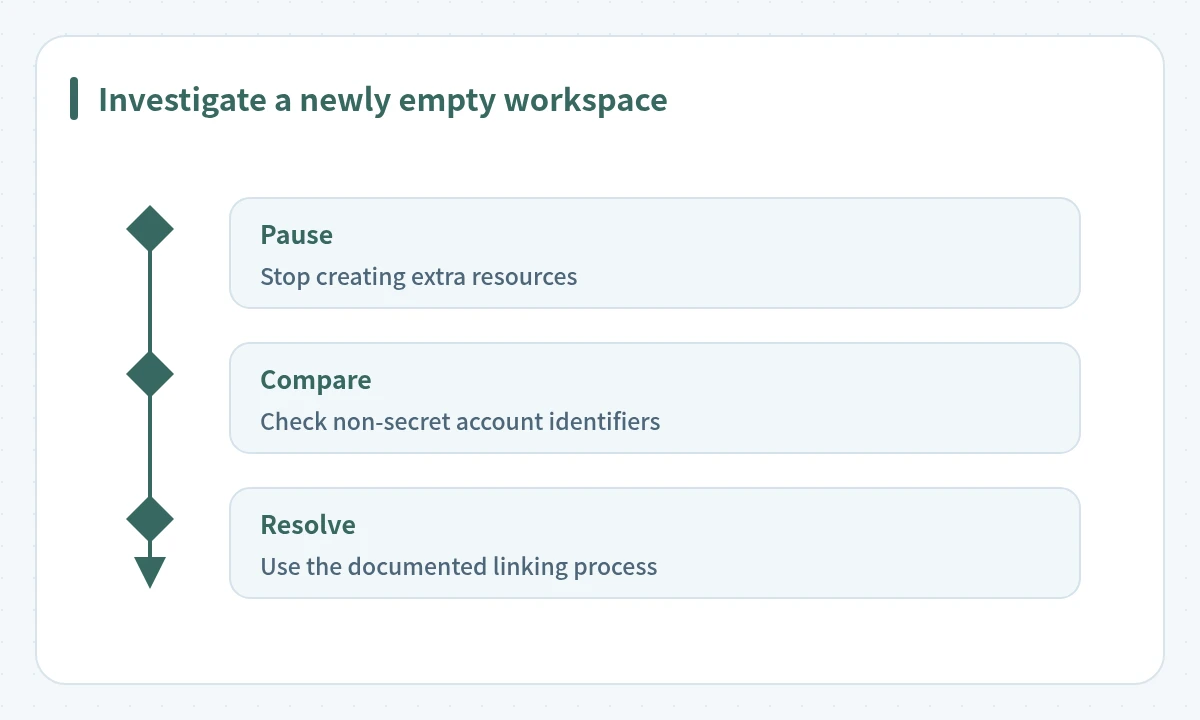
An empty workspace calls for investigation, not more registration
If the new method opens an empty account, stop creating resources and invitations. Compare non-secret account identifiers and return through the original known sign-in route to establish the old account’s state. The service may have created a new local account, or you may have selected another organisation identity.
Do not delete the original account to force a merge. Merging, resource transfer and account linking are different operations with different ownership checks. Ask the provider what it supports and what information it needs to identify the two accounts safely.
After linking succeeds, test normal access through the intended methods under supported conditions. Also review how unlinking or losing the external identity affects recovery. A new convenient sign-in button should not silently become the only path to a receiving account whose number remains important to other tasks.
Record the chosen identity provider, local account identifier and recovery arrangement without secrets. That is enough for a future handover to identify the correct relationship without copying private messages or authentication material into a team document.
Technical background: OpenID Connect Core: issuer and subject identity.
