
One page of messages is not the full history. Confirm number, date range, ordering and end-of-results information before deciding which records a search or export covered.
Read a total together with its filters
A total might cover one number, a workspace or only the current search. A folder selection can exclude archived records, and a date preset can change what matches. Keep these conditions with the count so another authorised reader can reproduce the observation.
Page size normally describes how many rows the interface displays at once. Increasing it does not establish a larger receiving allowance. Likewise, a count of stored messages is not necessarily a statement about how many additional messages the resource may receive. Read the product’s field definitions before comparing those values.
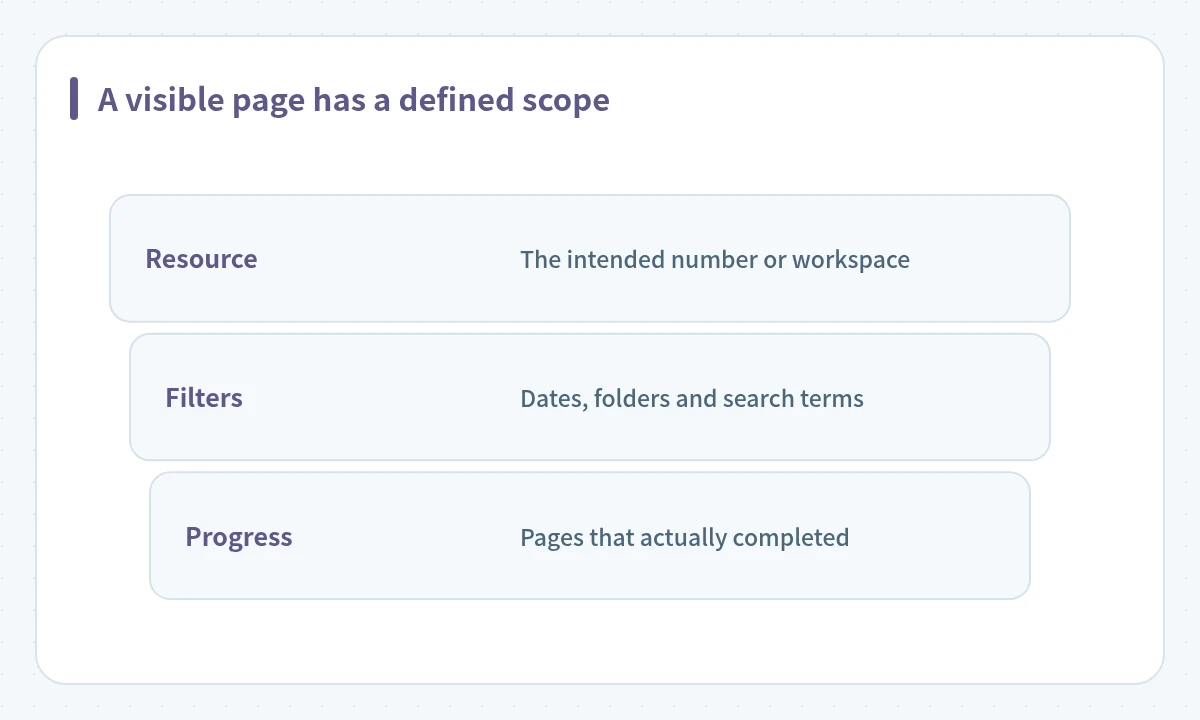
Keep a stable search while moving through it
Choose a sufficiently clear resource and time interval, then use the normal next-page or continuation controls. Retain the sort field and direction. If new messages arrive during the search, a position such as “the fifth row on page three” may no longer identify the same record later.
Where the service provides a stable message reference, use it for work notes instead of a screen position. That does not require copying the full body. A resource reference, message reference and relevant timestamp can often identify the item without exposing authentication material.
Do not assume that reaching the end of one view covers all possible history. The list may have a documented limit, a retention boundary or a separate archive. If the interface gives no clear explanation, ask what the end marker means rather than treating an unavailable next button as proof of unlimited coverage.
Distinguish a finished page from an interrupted request
An empty area may result from a failed load rather than a completed search with no matches. Read the actual status or error feedback before advancing your coverage note. Repeatedly clicking next can make it harder to tell which page completed.
If the connection fails midway, keep the last confirmed scope and record. On resuming, verify that the account, resource and filters remain the same. Follow the product’s supported continuation behaviour; a refreshed first page is not evidence that the unfinished portion was checked.
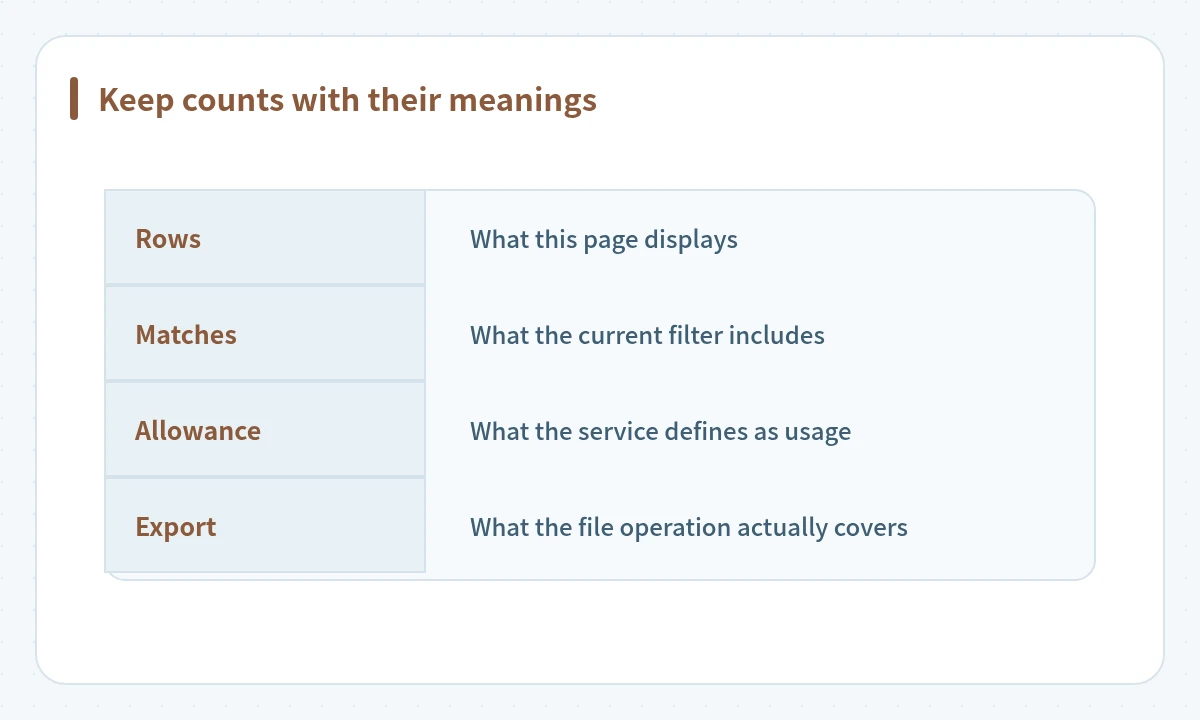
Export is a separate operation with its own scope
An export control might cover selected rows, the current page or all matching records. Its label and documentation should establish that range. Do not infer it from the number of rows currently visible, and do not assume that selecting everything on screen selects every page.
After a permitted export, inspect the file’s actual record count and boundaries before using it as evidence of coverage. Keep any known limits with the result. A downloaded file also needs appropriate access and retention arrangements; it is no longer protected solely by the web inbox session.
A useful completion note says which resource and interval were checked, which filters applied and whether the lookup finished normally. It can also name an unresolved retention limit. That is more informative than “all messages checked” when the underlying view only covered a narrow selection.
