
A saved-draft notification does not establish that a registration form was formally submitted. Return to the existing application and distinguish saved input, submission receipt, review and the final outcome.
Locate the same registration record
A sim free backup phone number may receive several supported application notices. Match the activity, applicant, date and application reference through the known registration site. Similar message subjects can belong to different rounds or projects, even when they use the same contact number.
Open the existing draft instead of repeatedly creating new applications to test the submit button. Duplicate records can make later support and results harder to interpret. Preserve the original reference and examine the actual state before deciding whether another operation is necessary.
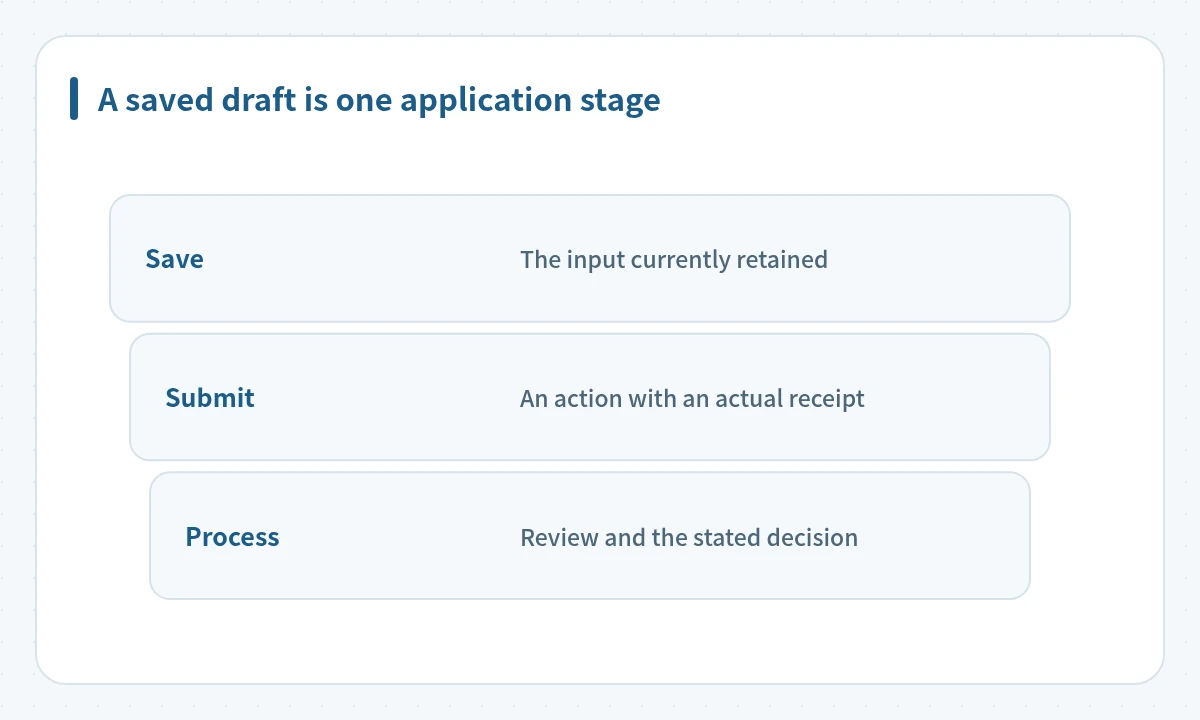
Saved input and a submitted request differ
The draft may contain missing fields, incomplete attachments or a pending acknowledgement. Read the system's current explanation and supply accurate information through the supported workflow. Do not invent data or copy someone else's answers merely to make the next control available.
| Stage | Fact to verify |
|---|---|
| Draft | Which input has been saved? |
| Submission | Was it performed with an actual receipt? |
| Processing | What review or further information is pending? |
| Outcome | What decision does the formal record state? |
A submission acknowledgement is also not the same as acceptance or approval. Where the process includes a later decision, keep following its stated route. The number of SMS messages received cannot establish how far the application has progressed.
Check the actual cutoff conditions
Use the project's formal date, relevant time zone and stated requirements. Having saved a draft does not itself explain whether an extension exists. If the page stalls near the deadline, inspect the original record and any actual submission result before sending the same request repeatedly.
When support is needed, identify the stage and observed error through the approved route. A clear account of saved versus submitted is more actionable than a general statement that the form does not work. Keep any unresolved timing question explicit rather than inventing a result from the browser's loading indicator.
Review attachments at the stage the system actually checks them. A file selected in the browser may still need an upload result or another required acknowledgement before the application can be submitted. Inspect the current form’s item-level feedback and use the supported correction route. Keep the file private and relevant to the application. This turns a vague draft-save message into a specific checklist of what remains, without inventing information just to move the form forward.
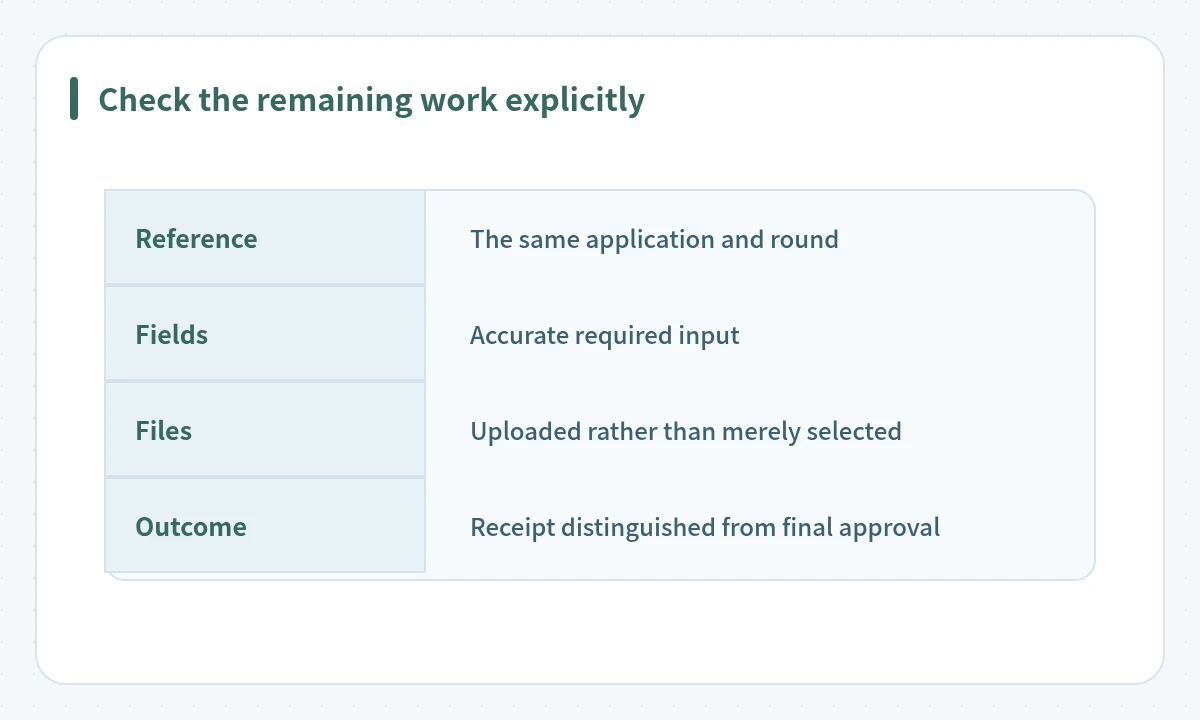
Retain a limited usable receipt
Record the application reference, actual submission time and remaining steps where provided. Avoid publishing a complete form, identity material or active verification code in a troubleshooting discussion. Necessary attachments should follow the formal service's submission channel.
If the outcome of a request remains uncertain, query the original application and use the supported contact or recovery process. Before a temporary receiving number stops working, update the follow-up arrangement so requests for additional material and results can reach the right person. A clear current record is more useful than a collection of draft-save messages that no one has matched to a formal submission.
