
Garbled text in a downloaded SMS export may come from how the file was opened rather than from the receiving record. If you use a permanent virtual number to receive sms verification codes, that product description does not determine the export’s encoding, delimiter or field structure. Check the actual file specification before saving a repaired copy.
Keep the original file untouched
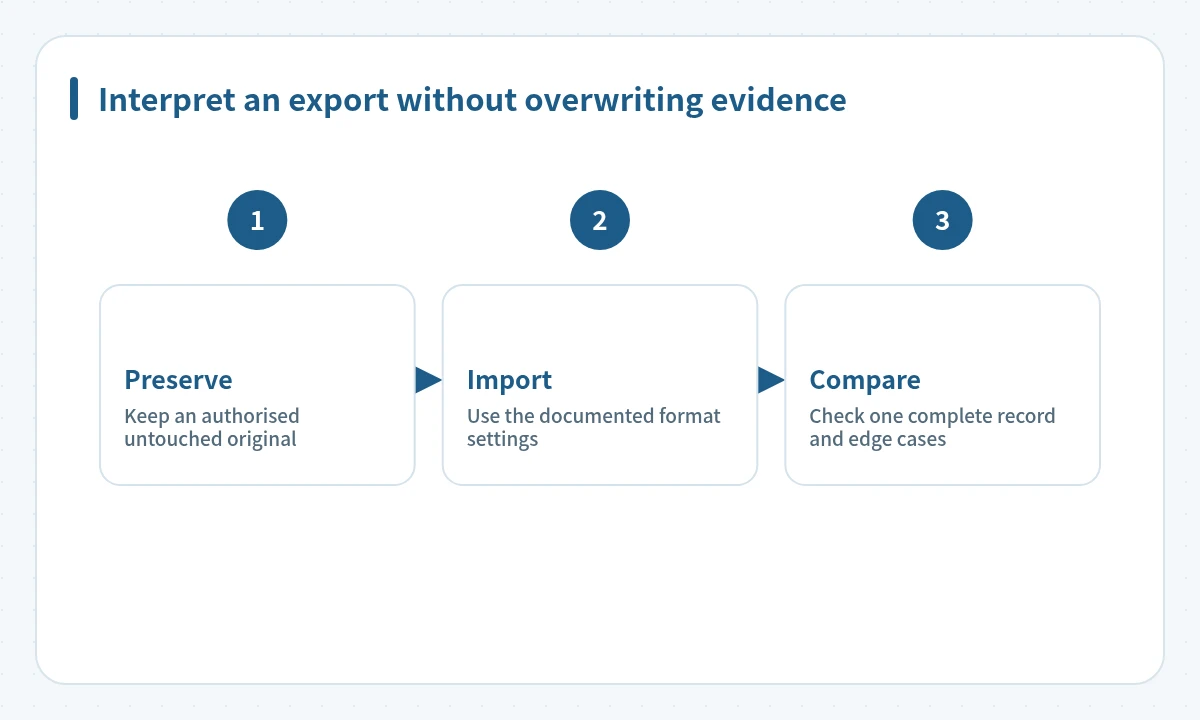
Save an authorised original in an appropriate location and work on a separate copy. Opening a file in a spreadsheet and saving it again can change its contents or structure. If the first interpretation was wrong, an untouched original gives you a reliable starting point.
Confirm that the download is the expected export rather than an HTML sign-in page or error response with a convenient filename. Check the selected account, resource and date range too. Correct character rendering cannot make a file from the wrong task suitable for the intended use.
Interpret bytes and columns deliberately
For text imports, tools may let you choose a character interpretation, separator and column handling. Microsoft’s Text Import Wizard guidance explains these controls for supported Excel workflows. Other tools can present different interfaces; follow the controls available in the environment you actually use.
Use the export documentation where it specifies an encoding. Do not assume every CSV is UTF-8 or repair a file by repeatedly switching settings and overwriting it. Preview a known non-sensitive record and see whether the chosen interpretation preserves the text you can compare with the source.
A delimiter inside quoted text or a line break within a field is not necessarily a new column or message. Splitting every physical line can create a misleading record count. Use a format-aware import process that understands the export’s quoting rules.
Compare one complete row, then special cases
Check the recipient, body, timestamp and any stable record identifier against the authorised source view. A single readable word does not prove that the rest of the row is aligned. Look for values shifted into adjacent columns, truncated text or fields that were converted into numbers.
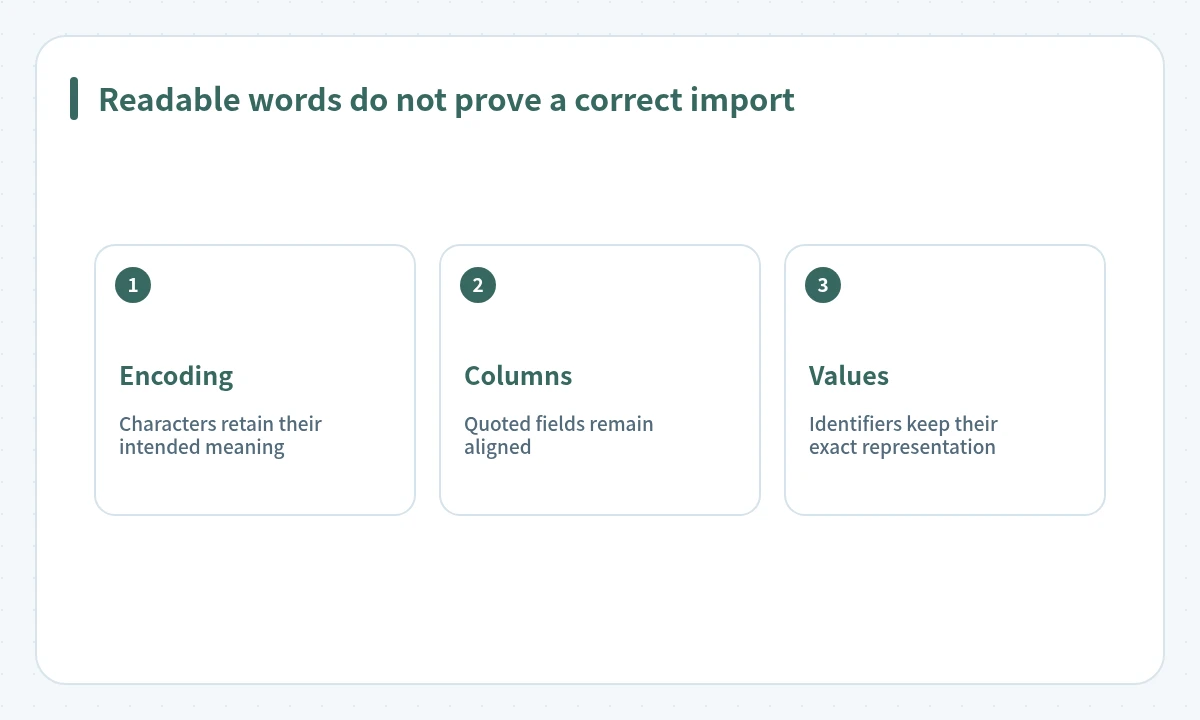
Phone numbers and message identifiers may need text treatment to preserve leading zeros and long values. Their digit-only appearance is not a reason to calculate with them. Keep original type information where the format provides it, and consult the field definitions before deciding an empty value means a missing message.
If the sample works, also inspect relevant edge cases such as a multiline body or characters outside the Latin alphabet. This is a check of the import method, not a claim that a few examples certify every historical record.
Report the smallest useful example
Explain the export format, tool and version, chosen settings and the field that changes unexpectedly. Where necessary, provide a deliberately non-sensitive reproduction with the same structural feature rather than an entire private inbox. Never put a live verification code into a public converter to demonstrate encoding trouble.
When the working copy is correct, save it separately and re-open it using the intended receiving workflow. Preserve the original until the task’s retention decision is made. That final check catches changes introduced during saving instead of treating a readable preview as a completed conversion.
