
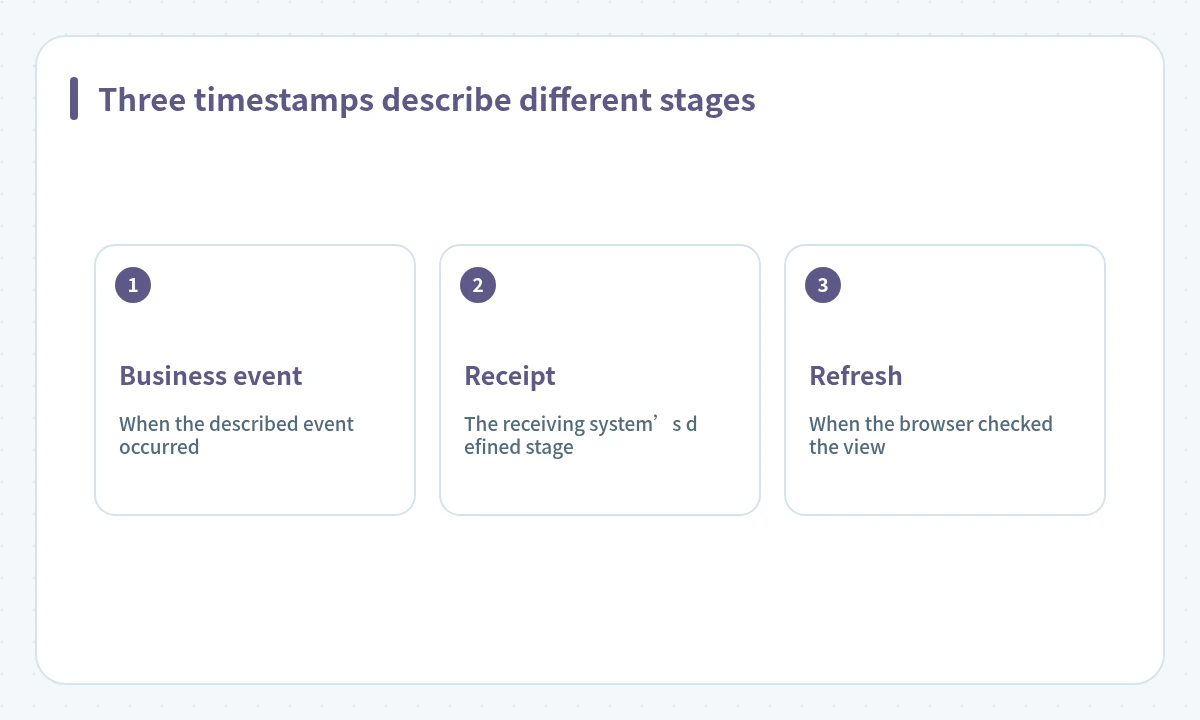
Business-event time, service receipt time and page refresh time describe different stages. Check field definitions and time zones before comparing two displayed times as if they measured the same event.
Give each timestamp a job
An event time belongs to the business occurrence described by the message. A receipt time belongs to the receiving system’s defined observation. A refresh time describes when your browser requested or displayed data. The exact field definitions come from the relevant service; a label saying “time” is not enough to establish which one it means.
For example, a notification may mention an appointment scheduled for tomorrow. That appointment time is not the time the text was sent. A page updated this afternoon may also display a record received in the morning. Neither example provides a measurement of network transit on its own.
Preserve the original value before normalising it
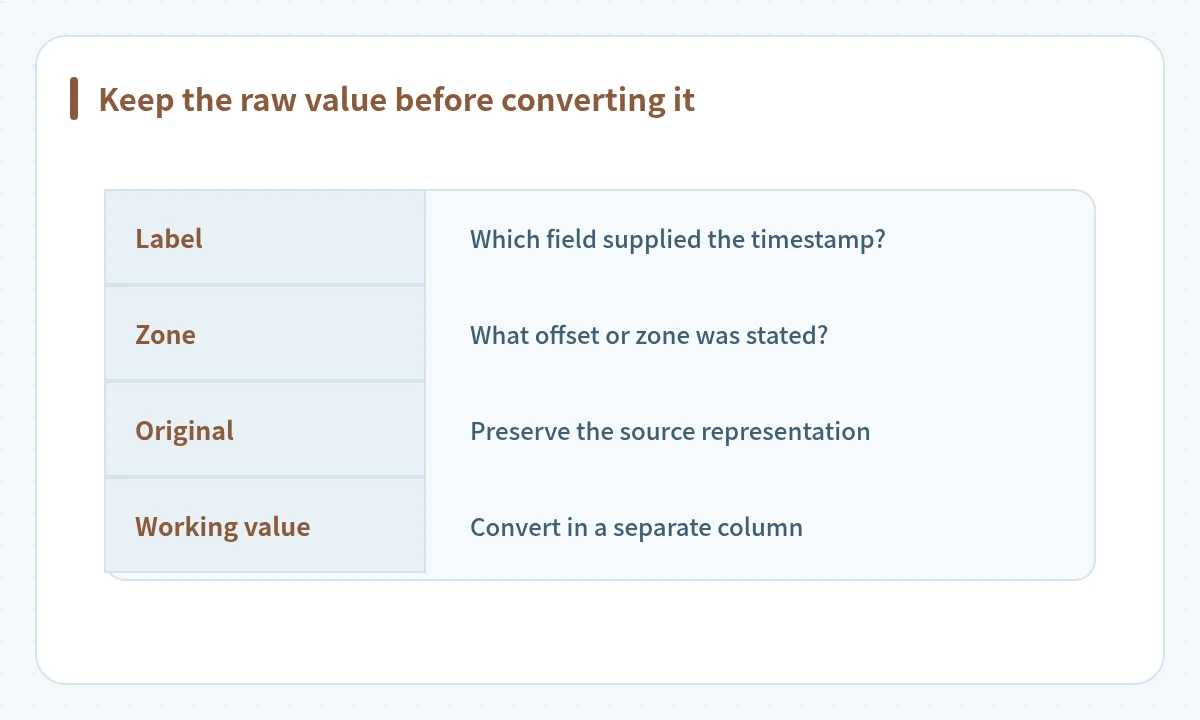
Keep the timestamp as displayed, its field name and the stated time zone or offset. If the source does not identify a zone, record that uncertainty instead of silently assigning your computer’s local setting. A browser and a business system can legitimately show different clock readings for the same instant.
Convert values only in a separate working column. This keeps the original available if a daylight-saving change, date boundary or incorrect assumption later matters. For a screenshot, include enough surrounding labels to explain the field while masking unrelated private details.
Do not automatically repair an unfamiliar timestamp by changing a device clock. First check the device’s normal time settings and the service’s field documentation. Changing several environments during an investigation can make later comparisons less reliable.
Decide what evidence would establish a delay
| Observation | What it can support |
|---|---|
| Event described in the text | When the business says that event occurred or is scheduled |
| Defined receiving timestamp | When that system recorded its stated receiving stage |
| Browser refresh time | When you checked the view, rather than when delivery happened |
A delay claim needs comparable stages and a shared understanding of the clocks. If you only know when you opened the inbox, say the message was first observed then. That is useful information without claiming it arrived at that exact moment.
Build a timeline without filling the gaps by guesswork
Write the authorised action you initiated, the observations available from each system and any interval for which evidence is missing. If the receiving record is present but the browser showed it only after a manual refresh, investigate the display update separately from the receiving path.
For a support enquiry, include the date, time zone, relevant masked recipient and a labelled record reference. Keep active codes and unrelated history out of the initial report. A provider can then compare the correct interval with its own records, rather than trying to interpret a bare “10:30” copied from a screen.
If a later check reveals that one timestamp had a different meaning, update the working interpretation while retaining the original observation. Do not rewrite the evidence to make the timeline look more complete than it is.
