
An e-sign invitation tells you that a document needs attention; it does not establish that the signing process is complete. Use a trusted route to check the sender, file version, assigned role and current workflow state before deciding what to do.
Locate the intended document
A sim free virtual phone inbox may receive an invitation where the service permits that contact method. Match it to the known business context and sender. The same document title can appear on a revision, a withdrawn draft and a completed copy, so use the workflow's formal reference instead of the filename alone.
If the invitation is unrelated to you, do not open someone else's material to investigate further. Verify the receiving information with the known sender and use the service's supported correction or rejection process. Avoid forwarding the invitation to an uncertain recipient who might gain access to private content.
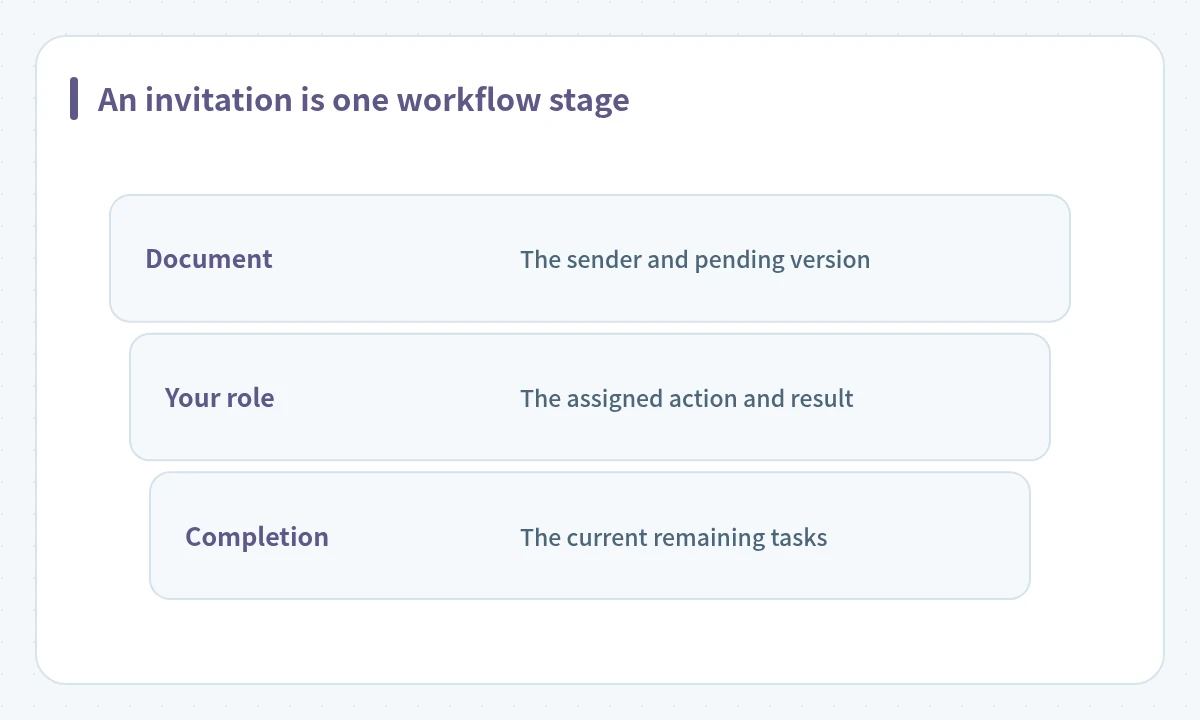
Separate viewing, an individual action and completion
Reading a file and completing your assigned action are different steps. Your part being finished may still leave other participants or approvals outstanding. Use the service's current workflow record to understand the remaining steps rather than interpreting the notification heading as a complete outcome.
| Stage | What to verify |
|---|---|
| Invitation | The sender and pending document |
| Your action | The assigned role and actual result |
| Workflow | Any remaining or withdrawn steps |
| Completed copy | The current version and retrieval route |
Read the actual document and the interface explanation before acting. Ask the relevant sender or adviser about unclear substantive terms where needed. The SMS can direct your attention to the file, but its short wording should not replace an understanding of the material you are being asked to handle.
Keep revisions related without confusing them
When a document changes, establish whether the earlier invitation remains valid. Do not submit actions against two different versions merely because both old and new messages are still visible. A screenshot showing completion for an earlier draft does not explain the status of a later revision.
Use the supported record to identify the current version and retain the relationship to any superseded invitation where the workflow provides it. If the display is ambiguous, ask the sender to clarify the reference before continuing rather than inventing a version order from text arrival times.
Where several documents appear together, determine whether the notice concerns a package or an individual file. Completion of one item may leave another awaiting attention under the workflow. Check the current task list instead of using the first completed document as a summary of the whole package. This is particularly useful after a revision, when a familiar filename can obscure the fact that a different action is now assigned.
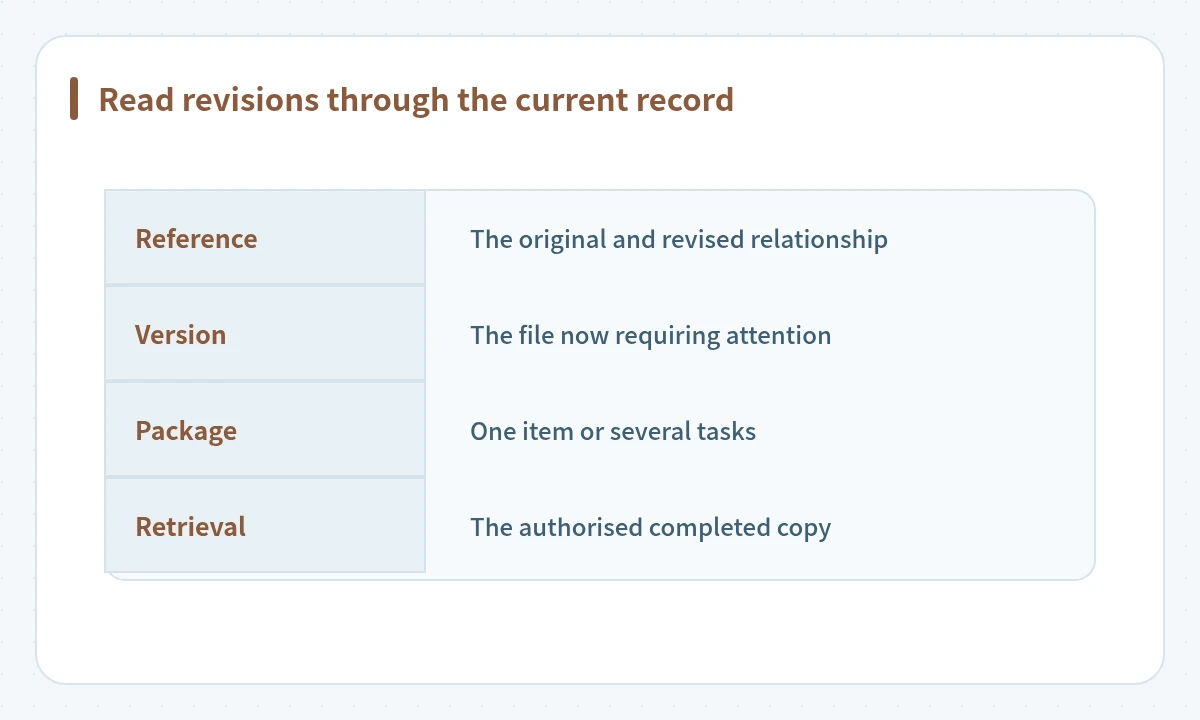
Retrieve the result through the authorised channel
A document link can carry access capability, so do not paste its full value into a public support thread. Use the service's retrieval process and keep only the necessary workflow reference in coordination notes. Do not provide authentication codes to a person offering to replace the formal verification step.
After a completion notice, inspect whether the result you need is actually available and whether any remaining action has an owner. Before a temporary contact number becomes unavailable, check the route for revisions and account recovery. A clear current file record is more useful than a long sequence of invitations whose individual status no one has confirmed.
