
The mobile data SIM, handset messaging line and selected browser receiving resource are different objects. Changing the internet connection does not by itself switch the inbox number.
For the complete workflow around this question, continue with Receive SMS Online: Complete Steps, Codes and Troubleshooting. The link opens the relevant section.
Find the setting’s actual target
A phone can present choices for calls, mobile data and messaging, depending on the device and carrier arrangement. Those labels describe particular functions. They should not be treated as a single switch that transfers every communication account to another number.
Apple’s Dual SIM guidance illustrates how supported iPhone configurations handle line choices. Follow the instructions for your actual device; another model or operating system may offer different controls. These device settings do not, by themselves, redefine a number assigned through an independent browser service.
Before making a change, distinguish the carrier line from the web account. A number visible inside a receiving website may remain selected when the browser moves between Wi-Fi and mobile data. That observation alone does not establish anything about the carrier line’s incoming messages.
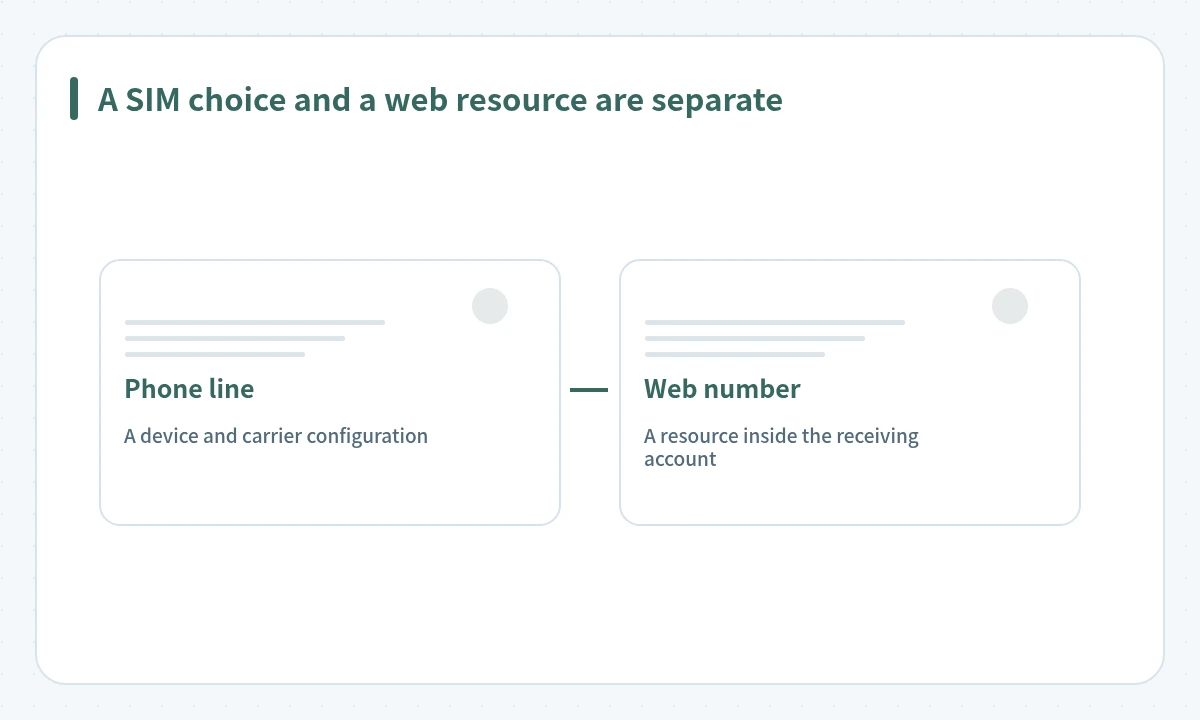
Decide where this particular message belongs
Check the full intended recipient and the channel the sending business is using. A message addressed to a carrier line should be investigated through that line’s supported receiving route. A message addressed to a separate web number belongs to the authorised provider view for that resource.
Do not search every inbox for an interchangeable code. Keep the target account, action and recipient together. If the target page displays an old saved number, changing the phone’s data SIM cannot correct that remote account field. Use the business’s normal settings or supported verification flow instead.
| Choice or observation | What to identify |
|---|---|
| Default mobile-data line | Which carrier connection carries browser traffic |
| Carrier message destination | The actual line addressed by the sender |
| Selected web number | The resource shown by the receiving service |
If the webpage stops loading after the switch
Treat access to the website as a separate test. Record whether the browser can reach the known service address and whether sign-in and the intended inbox query complete. A connection failure cannot establish that the remote number stopped receiving messages.
Compare one relevant condition at a time using an approved environment. If returning to Wi-Fi makes the page accessible, describe that access result. Do not report that Wi-Fi repaired the number’s receiving capability unless there is separate evidence about that stage.
If the phone gives each plan a nickname, retain the actual line identity in the work note too. A personal label such as “work” need not match the receiving website’s resource name.
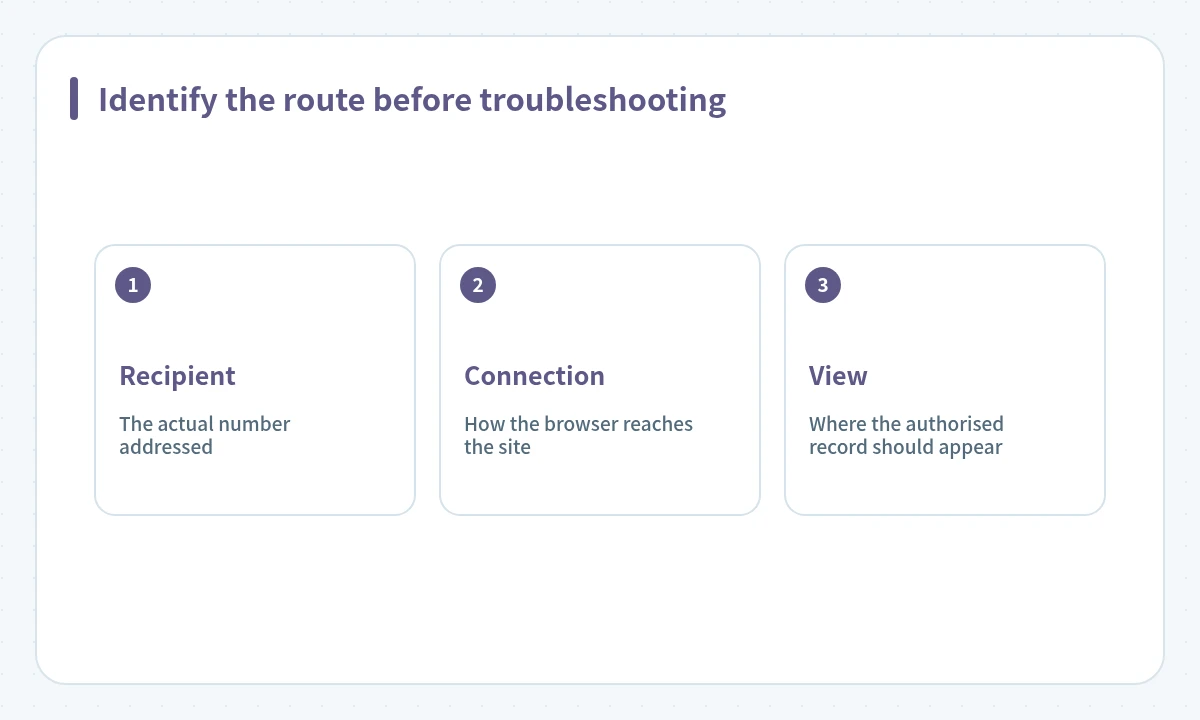
When asking for help, name the setting changed and the interface affected. A useful description separates “the carrier’s messaging app shows no matching message” from “the web inbox cannot be queried on this data connection.” Mask private numbers and avoid sending active codes.
Once access is restored, confirm the current web account, resource and date range before continuing. A recovered connection may bring back a familiar page without restoring the selection you expected. The relevant result is the correct receiving record and the target business’s current response, not merely a different SIM icon.
Main guide for this question
Receive SMS Online: Complete Steps, Codes and Troubleshooting
