
An expired download link and an expired licence term describe different things. When a digital-file text no longer opens, identify which object has become unavailable before concluding that the underlying product entitlement has ended.
Name the expiring object
A digital virtual phone inbox may receive a notice about a temporary download address, a claim window or an account entitlement. Read the wording and locate the relevant order through the provider's known site. A link's stated lifetime should not automatically replace a product's separate usage conditions.
Match the item and version as well as the order reference. Similar filenames can belong to different revisions or packages. A previously downloaded file does not establish the current account's complete entitlement, and an unfamiliar page asking for credentials is not a suitable shortcut for obtaining a replacement address.
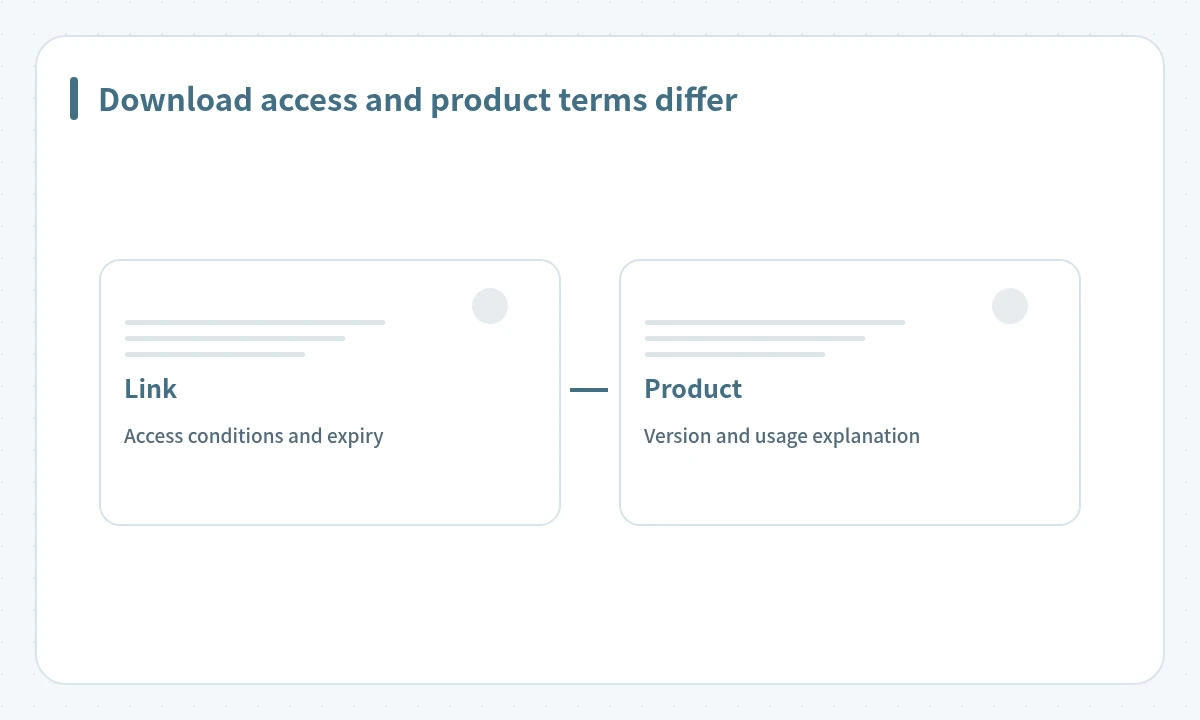
Review access and permitted use separately
An address that opens shows the current download route is usable under its access conditions. It does not explain whether redistribution, commercial use or another intended activity is permitted. Equally, an inaccessible temporary address does not provide the full answer about the product's applicable licence conditions.
| Object | What to inspect |
|---|---|
| Download address | Access scope and expiry conditions |
| Order | The purchased or claimed item |
| File version | The content actually retrieved |
| Licence information | The stated uses and applicable term |
If the relevant description is unclear, ask the provider about your specific item and intended use. A download-success notification cannot supply terms that the product documentation leaves unresolved. Keep the answer attached to the actual version rather than applying it to unrelated files.
Request another copy through the supported process
Where your account remains eligible, use the provider's documented route to obtain a fresh address or retrieve the item. Do not alter token parameters or borrow another person's download URL. A temporary link can carry access capability, so avoid pasting the full value into a public discussion when reporting its failure.
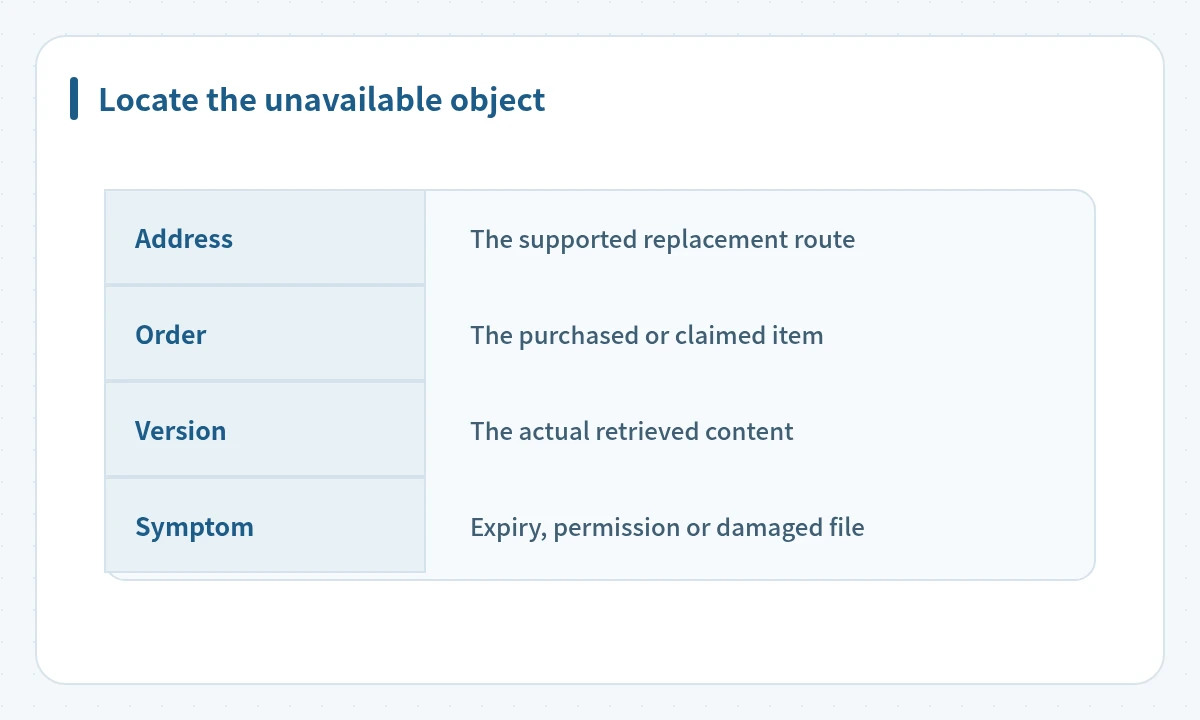
Separate expiry from a permission failure and from a damaged file. Those symptoms call for different questions. The current account may need a new link, the wrong account may be open, or a completed transfer may have produced an unreadable file. Describe what you observed without prematurely choosing one cause.
For a package containing several files, identify which part is unavailable. A replacement link for one item may not cover the entire package, and a failed preview may differ from a failed download. Give the provider the relevant item name through its approved support channel. Keep the investigation precise rather than claiming the whole product is missing when the observed problem affects a single component or viewing method.
Keep only the records needed to investigate
Start with the product, version, original order reference and relevant time through an approved private support route. Passwords and complete personal directory listings are unnecessary. If a screenshot is useful, limit it to the error and remove unrelated account details.
For a short-term contact arrangement, check how future product notices and account recovery will work before the number stops being available. Manage local copies according to the applicable product conditions. A file continuing to open on your device is a technical observation; the product's actual usage explanation remains the place to resolve what you are permitted to do with it.
