
Identify the document, version and effective arrangement described by an update notice. Receipt time does not determine version validity, and a new text does not replace a previously downloaded file.
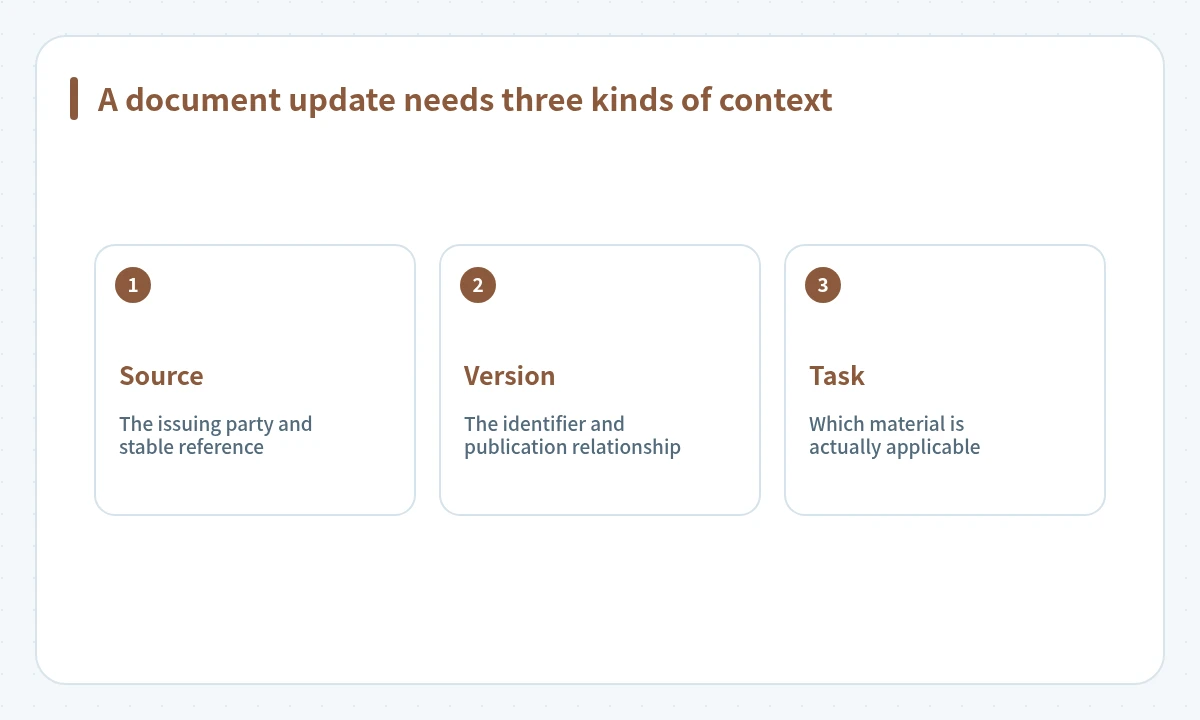
Identify the version relationship
The same filename can be reused, and different projects can have similar titles. Look for a stable document or task reference, version identifier and relevant dates. If the official page does not explain them, ask the responsible party instead of guessing from the download name.
Latest publication and applicable version are different questions. A new issue might concern future work while an existing task follows a separately defined arrangement. A general SMS guide cannot decide the legal or business effect of a particular contract or policy.
The message’s arrival time also need not be the document’s effective time. Keep the actual published context rather than inferring that a file became applicable when the notification appeared in your inbox.
Separate access from acknowledgement
Some updates provide a view; others request a distinct acknowledgement. Read the actual page. Opening or downloading a file should not be silently interpreted by the reader as agreement to every proposed change.
If action is required, complete it through the appropriate supported process and inspect its result. An inbox record can show that a notice exists while the business task remains incomplete. Keep those observations distinct when coordinating with colleagues.
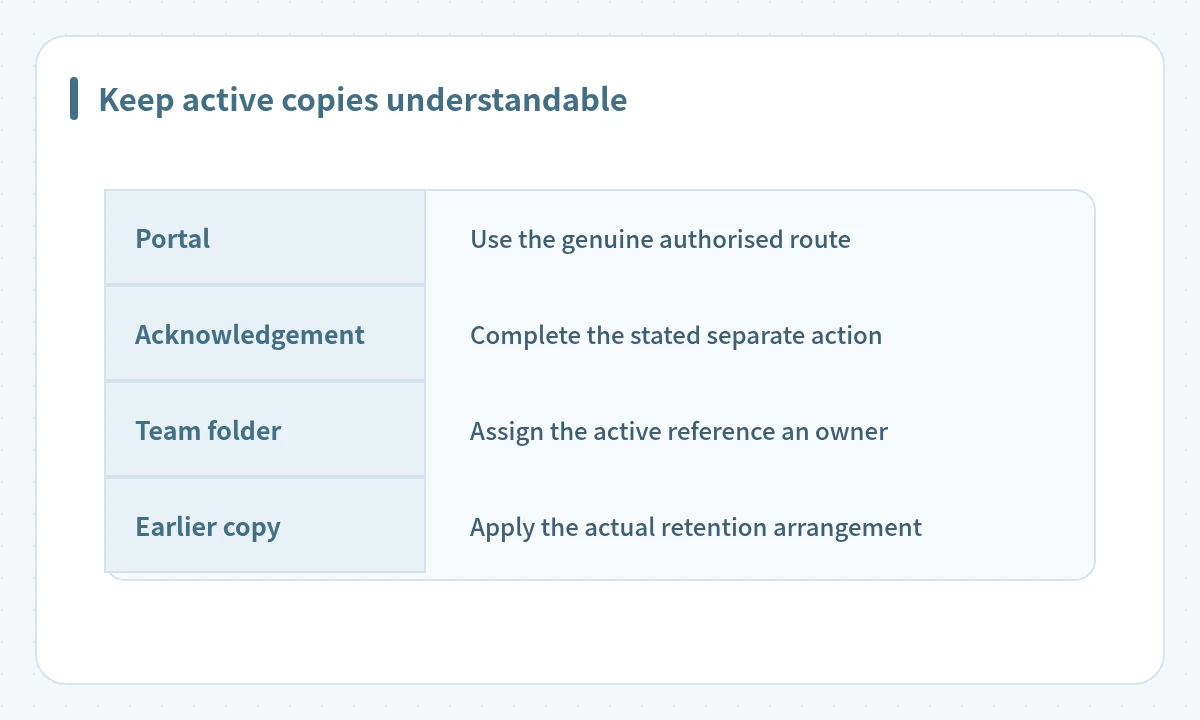
A link may require an account or have a defined access period. If it fails, return to the known document portal or official support. Do not guess URL parameters or ask another person to disclose credentials. The receiving service cannot override document authorisation.
Share a permitted copy with its context
Where sharing is allowed, retain the project, version and date information needed to understand the file. Renaming an old download as current does not update its contents. Removing source context to make several copies look consistent can make later checking harder.
A link carrying an access token needs handling appropriate to its actual scope. Do not assume it is public because it is easy to copy. Someone who only needs to know a changed arrangement may not need the complete private document package.
Where a team uses a shared folder, identify the owner responsible for updating its active reference. Several renamed downloads can leave colleagues choosing different files. Keep a clear pointer to the applicable source rather than assuming everyone saw the same notification.
Review the copies actually in use
Inspect relevant saved files, bookmarks and collaboration attachments. Identify which version remains appropriate and which should be handled under the applicable retention arrangement. Do not delete all earlier records based on a generic cleanup suggestion when a real business process requires some of them.
For discrepancies, report the document reference, version and observation time without posting the full private file publicly. The responsible publisher can then explain whether the message, portal or local copy is out of step.
An operator can test this with fictional versions and a delayed notice. The current destination should explain the intended relationship while keeping the source version traceable. The useful outcome is alignment between the task and its appropriate material, rather than simply having the most recent text or the newest-looking filename.
