
Verify a new inbox domain through an existing official channel before entering credentials. A page displaying a familiar receiving number does not independently establish that the page is trustworthy.
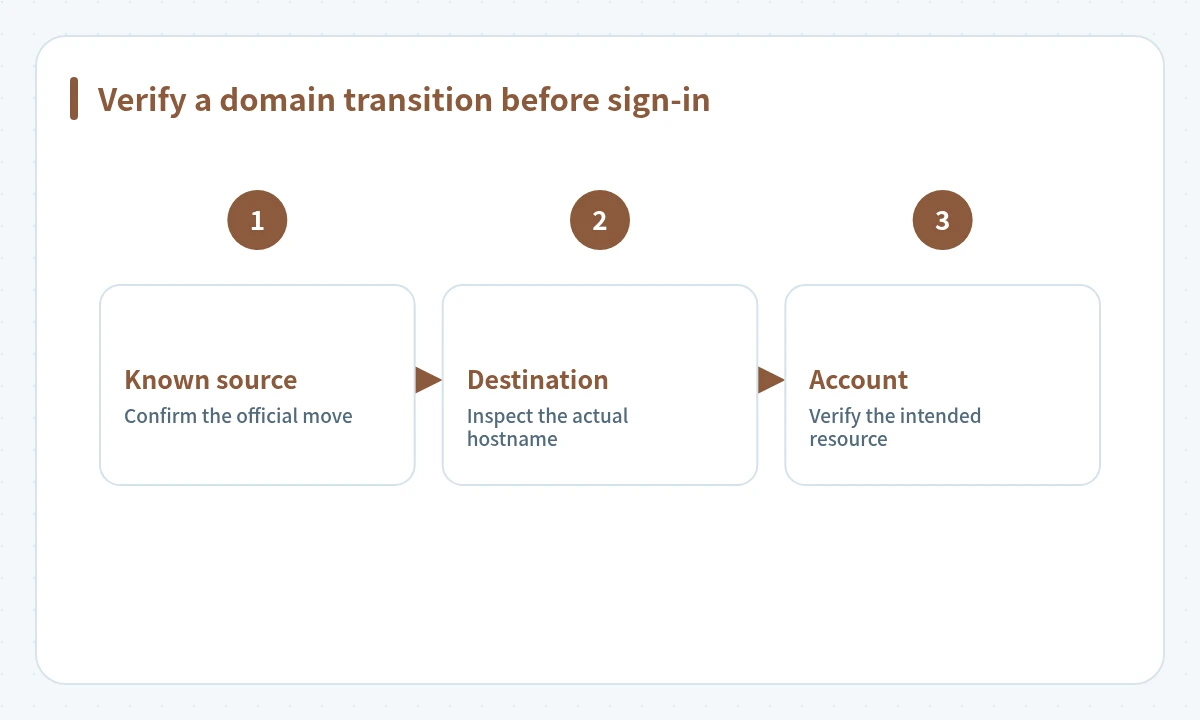
Start from a source you already know
Use the provider’s established website, signed-in application or verified support route to confirm the destination and change date. A message announcing a move can be genuine, but an unexpected link by itself does not establish that. Do not search for a replacement login page and choose the first result merely because its design looks familiar.
Read the entire hostname, including the actual registered domain and any subdomain. A familiar word in the path or at the beginning of a long hostname is not sufficient. If the destination has a certificate warning, stop and ask through the known channel rather than bypassing the warning to see whether the form accepts your password.
Expect browser state to be part of the transition
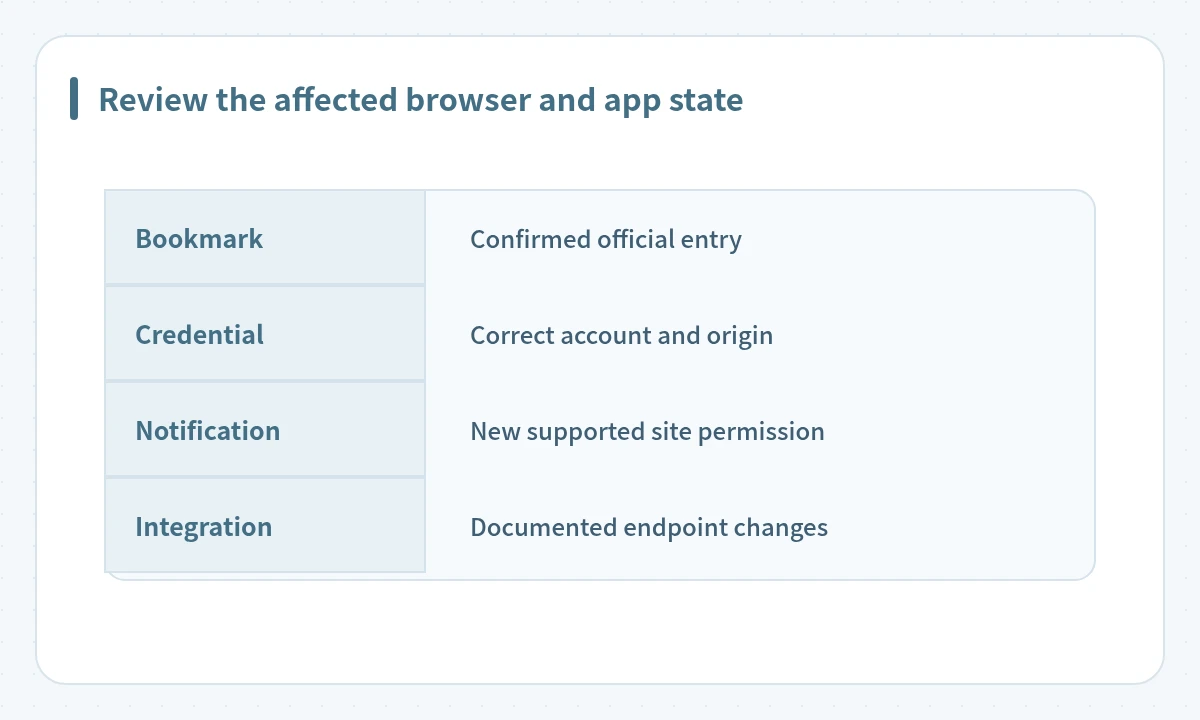
Cookies and saved credentials are associated with web origins and application rules. A move may require a new sign-in or an explicit migration flow. Do not manually copy session cookies into the new site or accept instructions from an unverified page to export your browser profile.
A password manager not filling the new page can be a useful reason to pause. Verify the move before updating the saved entry. Conversely, a password manager offering a credential is not the only check you need; confirm that the intended account and service are still involved.
| Item | After destination verification |
|---|---|
| Bookmark | Update to the confirmed official entry |
| Saved sign-in | Review the correct account and origin |
| Notification permission | Check the new supported site separately |
| Integration | Follow documented endpoint and credential changes |
Verify the resource after signing in
Confirm the intended receiving number, account and available history through a normal query. The presence of the same branding does not prove the correct account was migrated. If several workspaces exist, inspect the one the task actually uses.
Do not assume a website move also changes the phone number, transfers its ownership or extends its rental. Those are separate product changes that need their own notice and acceptance criteria. Likewise, a custom domain might affect only presentation while the documented API remains elsewhere.
For a team, appoint someone to maintain a short transition note: confirmed entry, change date, affected integrations and unresolved issues. Keep secrets out of the note. If the old domain remains available during a transition, use it only as the provider currently documents; do not infer an indefinite fallback period.
If you already submitted credentials to a suspicious destination, use the verified provider’s account-security process to change affected access and review sessions. Deleting the browser history does not revoke a credential. Treat destination verification as part of retaining control of the inbox, alongside control of the number itself.
