
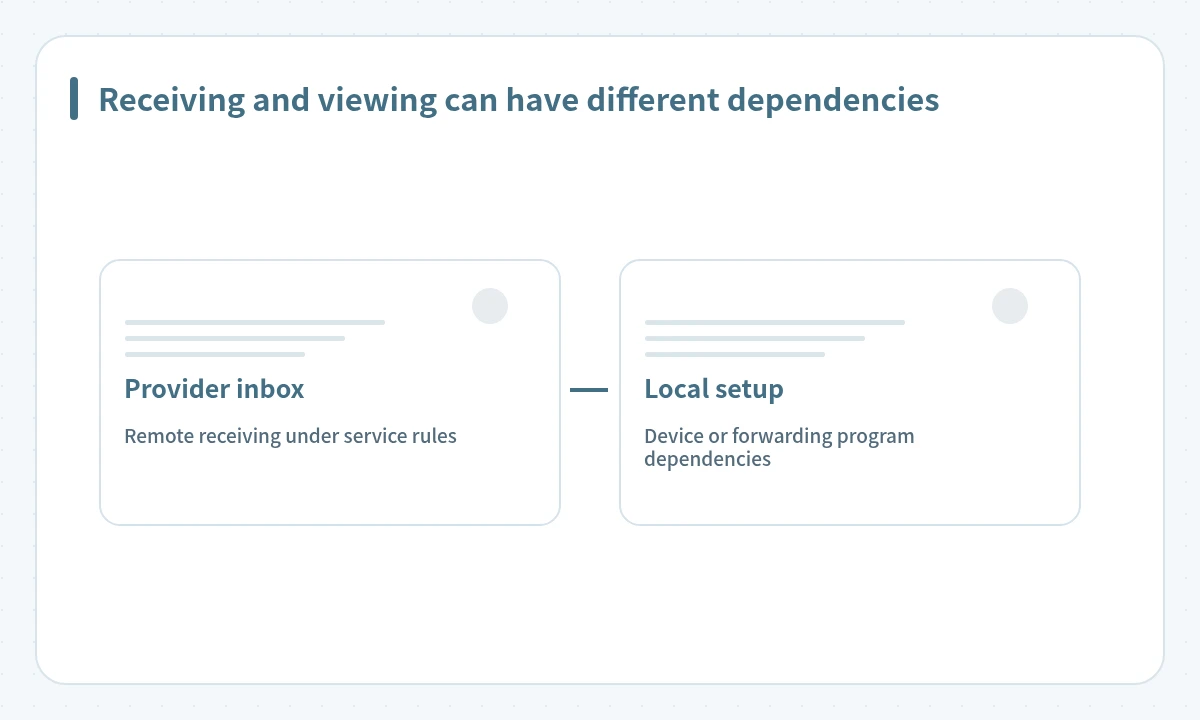
A sleeping browser may stop polling or updating. Establish whether the provider receives and stores messages independently or whether the receiving path depends on local equipment or software.
For the complete workflow around this question, continue with Receive SMS Online: Complete Steps, Codes and Troubleshooting. The link opens the relevant section.
Locate the part that actually receives
If the provider receives and stores messages independently, the browser is primarily a viewing client. An offline computer then affects when you can query the records. Whether records remain available, and for how long, still depends on the service’s resource and retention rules.
A setup that depends on a local phone, modem or desktop forwarding program has other dependencies. Sleep may interrupt a component that does more than display the inbox. Do not apply conclusions about a remote hosted service to a locally dependent system.
Two useful questions for the provider are whether receiving continues when the browser is closed and whether later queries include the offline interval. Ask for the scope and conditions of the answer. “Always online” is less informative if nobody has identified which component must remain online.
Locking, closing a lid and sleeping can differ
A locked screen does not necessarily mean the system has stopped running. Closing a laptop lid can have different results according to its power settings and management policy. Read the relevant device configuration rather than diagnosing the receiving service from the screen’s appearance.
Notifications add another distinction. A missing popup after wake does not prove there was no incoming message. The notification system, browser session and receiving record may each be in a different state. Query the actual inbox before generating replacement verification requests.
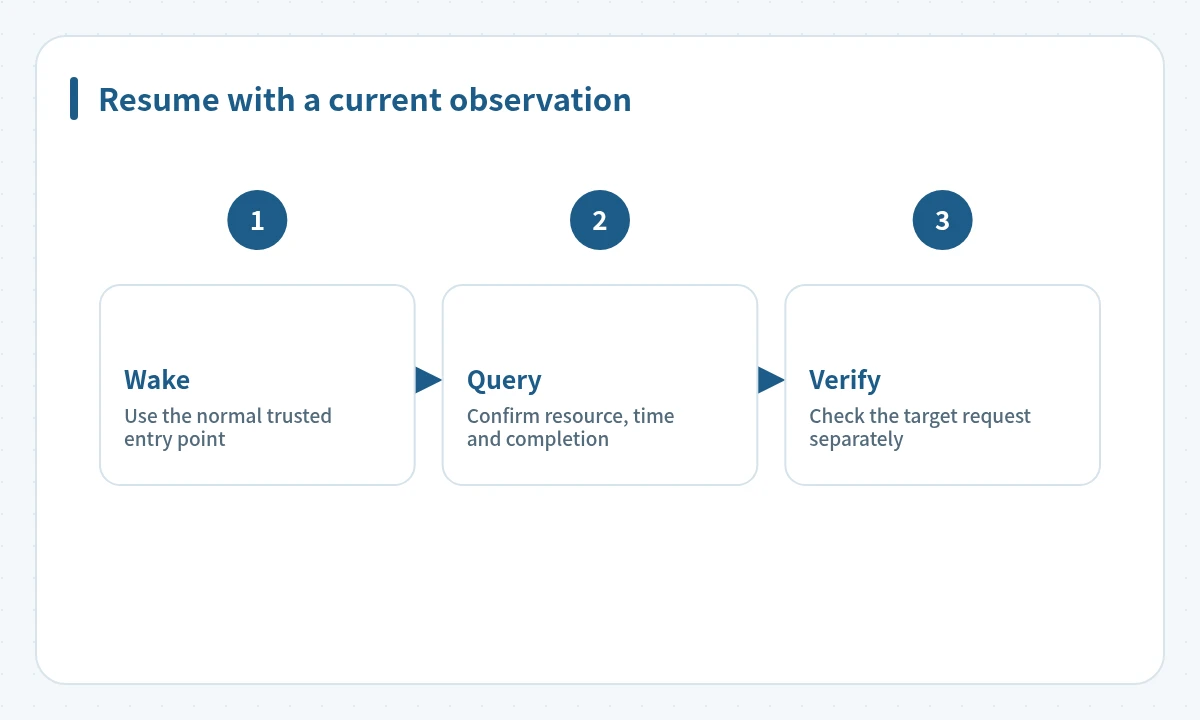
Resume with a current query
After wake, enter through the normal trusted route. Confirm the account, receiving resource and selected time interval. A list left open before sleep can remain readable without having refreshed, so look for a normally completed query rather than relying on the fact that the old page still scrolls.
If the session has expired, follow the supported sign-in process. Do not disable security controls simply to keep an old tab working. Also check that the number’s allocation remains active; waking the device does not renew a resource that ended while it was offline.
Message availability is not code validity
A stored text may be present even though the target website’s verification request has ended. Device power settings do not extend that request. Start sensitive tasks when you can complete the required steps, and follow the target business’s instructions if a task has timed out.
If you need to assess the current receiving arrangement, use an authorised ordinary-text test. Record the resource state, put the computer into the intended state and send harmless content from a resource you control. After wake, compare the returned record and timestamps.
That exercise describes the observed conditions, not permanent reliability or compatibility with every verification sender. If a local application genuinely must keep running, follow its documented power and network requirements, including organisational restrictions. Confirm the dependency before changing broad system settings; keeping a screen awake is not a substitute for understanding the receiving path.
Main guide for this question
Receive SMS Online: Complete Steps, Codes and Troubleshooting
