
Stop if a code message describes a different amount, recipient or operation from the task you initiated. Check the current business action through its known official entry point before submitting the code.
Read the words around the digits
A message may distinguish signing in, changing contact details or confirming another operation. Matching the number of input boxes is not enough. A code for a security-setting change should not be treated as an interchangeable response to a login request.
Compare the information actually supplied. Not every message contains an amount or recipient, and missing detail is not an invitation to invent the purpose. If the relationship is unclear, inspect the task through the known official application or website rather than relying on instructions from an unexpected caller or chat.
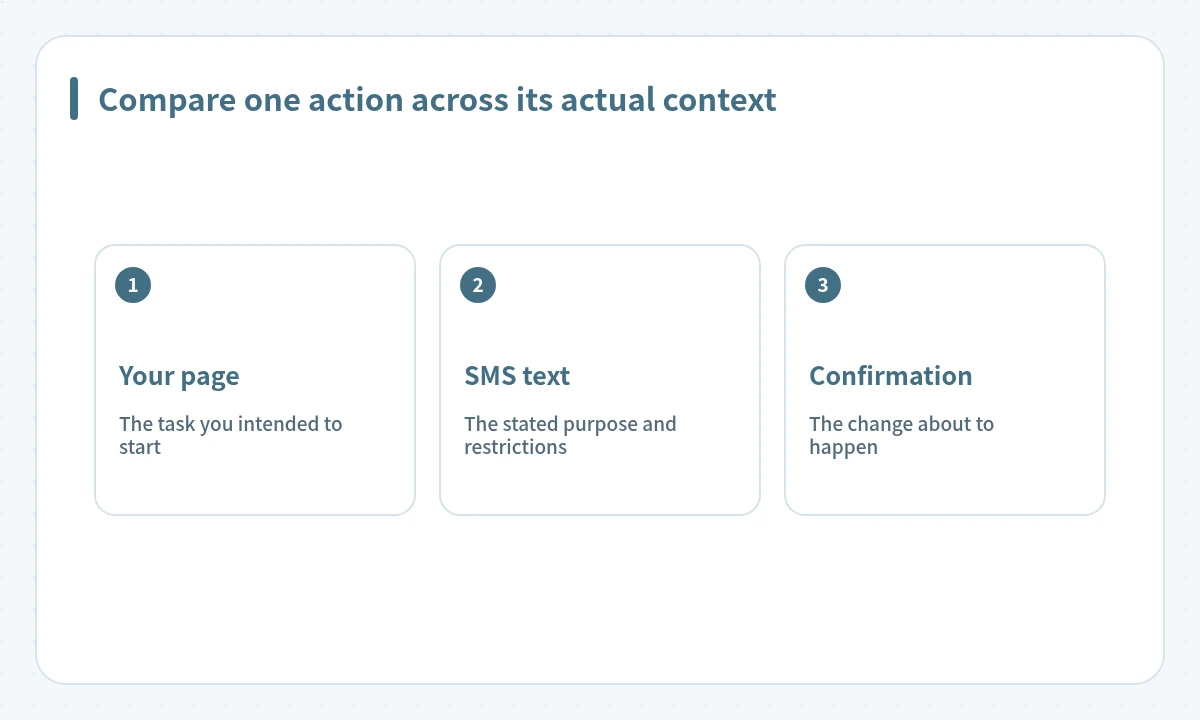
Compare one task across three places
| Location | What to confirm |
|---|---|
| The page you opened | The account and operation you meant to initiate |
| The original message | The stated purpose and any explicit restrictions |
| The final confirmation | The change that will actually happen |
The account holder can make this comparison inside the authorised interfaces. A support helper does not need a screenshot containing the active code. A description such as “I started sign-in, but the message describes a phone-number change” already communicates the important mismatch.
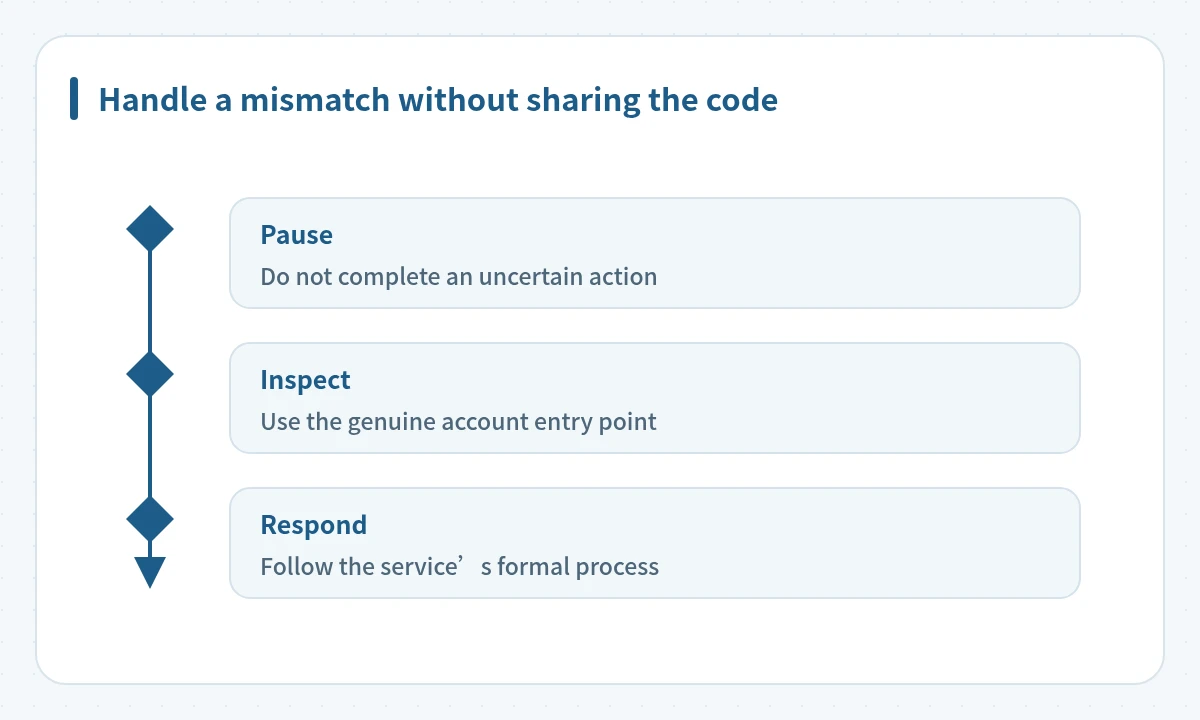
Do not alter an amount merely to make it agree with the unexpected message. Do not fetch an older text or trigger repeated requests in the hope of finding one that fits. Pause the uncertain process and establish the current account state through the official route.
Pressure to finish does not resolve a mismatch
Someone saying “enter the code now and we will correct it later” has not explained what you are authorising. A familiar name or conversation history does not replace the business’s actual confirmation. Keep the decision with the person who owns the account and understands the intended action.
If an internal colleague is helping, they can locate the proper settings or explain an error without taking possession of authentication material. Delegation should use supported account permissions, rather than a code passed through a chat and detached from its original context.
If you already submitted it, check the result
Use the genuine business entry point to inspect the relevant order, security settings or activity record. Submission alone does not tell you whether a change completed. Record the time and affected object, then follow that service’s security or correction process if the result was not intended.
Do not return to a suspicious contact for an alleged reversal, or provide another code in exchange for restoring the account. If formal support needs a report, give non-sensitive identifiers and a clear account of the mismatch. Keep passwords, active codes and session information out of the report.
Different services define code purposes and validity differently, so no text should be treated as general permission for every operation. The necessary outcome is an understood and intended action, with a result that can be checked. Making a verification indicator turn green is not enough when the underlying task is wrong.
