
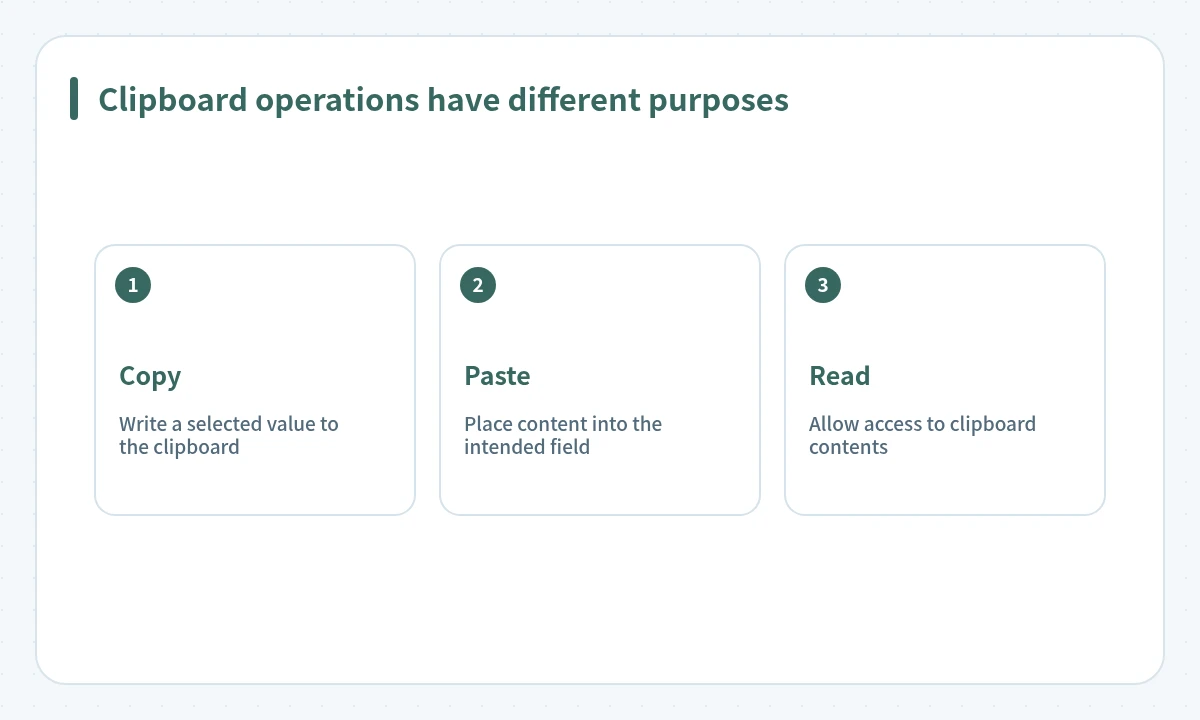
Reading a message, copying selected text and allowing a webpage to read the clipboard are different actions. Identify the requesting site and button before granting access.
Which action did you initiate?
A deliberate click on a copy button should relate to a specific visible value. Pasting into a verification field should target the business operation you intend to complete. A request to read the clipboard can involve information copied elsewhere, so it deserves attention beyond the familiar appearance of the receiving page.
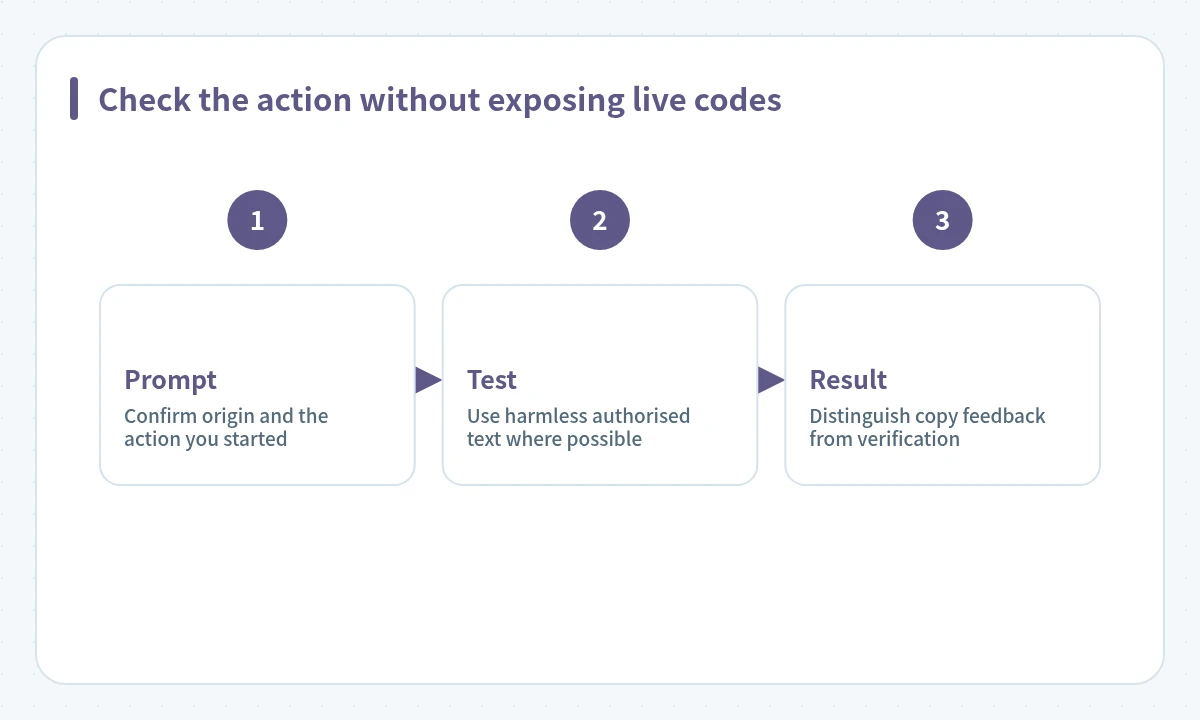
Check the requesting origin and the wording of the browser prompt. If you did not start a relevant operation, pause and inspect the page through its known address. Do not approve access simply to remove a popup or because a message has just arrived.
Permission behaviour depends on the environment
The Clipboard API documentation distinguishes reading from writing and explains security constraints around access. Browser implementations and interaction requirements differ. A missing prompt does not prove that an operation succeeded, and a prompt in one browser does not define what another will show.
Use the current controls in your actual browser to inspect or change a site’s permission where available. On a managed device, follow the administrator’s requirements. Avoid disabling unrelated protections or installing an unknown clipboard helper to solve a simple copy problem.
Test the result without exposing a live code
A copy-success message is feedback from the page, not a guarantee that the intended value reached the destination unchanged. If a harmless authorised test value is available, use it to check whether copying and pasting work. Do not paste a current verification code into an unrelated public textbox just to inspect it.
For the real task, confirm the target field, the exact characters and the current account before submission. A clipboard can contain an older value from another window. If copying failed, do not repeatedly submit that stale content and interpret every rejection as a receiving failure.
A permission change should have a known purpose and a reversible scope. Note what you changed so that a later support session does not inherit a broad allowance that nobody remembers granting.
Describe permission trouble without sending the clipboard
A useful report identifies the browser and version, the requesting site, the action taken, the prompt wording and the observed result. It should not include a dump of everything previously copied. A reproduction using harmless text often explains the interaction more clearly than a recording of authentication material.
Separate a denied permission from a blocked control, a page error or a successful copy followed by rejection at the verifier. Those failures belong to different stages. Restoring one browser capability does not establish that the business accepted the code.
After the task, consider any copied sensitive value according to your normal device-handling rules. Clipboard history and synchronisation, if enabled, can involve separate copies; the receiving website’s sign-out button does not necessarily manage them. Check the features you actually use rather than assuming every device retains or syncs the same information.
