
A class-change text may affect one session rather than the entire timetable. Establish the dates covered by the notice before allowing a calendar's default edit option to extend the change to every future class.
Identify the course and session
When a flexible online sms number receives a supported course notification, check the course, group and original session date through the teaching provider's known route. A shared teacher name or recurring weekday is insufficient when several groups follow similar schedules.
Read the effective date separately from the notification time. A delayed message about an earlier revision should not move a calendar back to an obsolete arrangement. Check whether a subsequent notice or current timetable already supersedes it before making another edit.
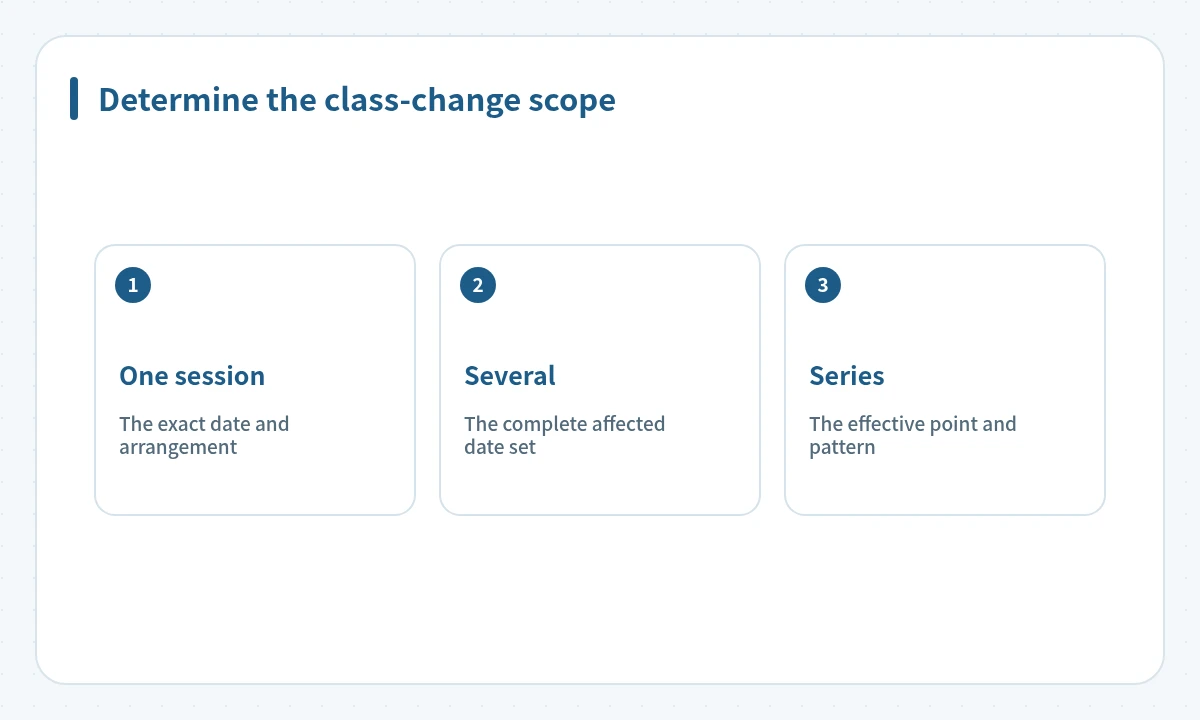
Determine the full change scope
A room change for one class, a replacement session and a recurring schedule amendment describe different arrangements. Ask for the covered dates if the message is vague. Then choose the matching calendar action: this event, specified events or the appropriate recurring series under the software's supported behaviour.
| Scope | Required detail |
|---|---|
| One session | The exact date and arrangement |
| Several sessions | The complete affected date set |
| Recurring timetable | The effective point and new pattern |
| Replacement class | The original session and participation conditions |
Keep the location or online access method with the date. An old meeting address still opening does not establish that it is the intended entry for the revised session. Likewise, an expired temporary link is not by itself evidence that the course has been cancelled.
Ask a precise question about conflicts
If you cannot attend, identify the affected session and the arrangement you need clarified. A reply saying only unavailable leaves the provider guessing which class you mean. Use the course's official explanation for alternatives, attendance recording and materials rather than promising another participant an option that has not been confirmed.
Check whether the change requires a response or merely informs you of a confirmed update. Follow the stated process without repeatedly submitting the same acknowledgement. Preserve the course reference if the provider asks you to raise a scheduling question through a separate support channel.
Check other events affected by the revised class time only after the session’s scope is confirmed. Travel or collection arrangements may need one change while the regular series remains appropriate. Keep those related calendar items linked by a clear note, rather than altering every recurring commitment automatically. If the provider later revises the session again, that small record makes it easier to update the actual dependencies without disturbing unrelated weeks.
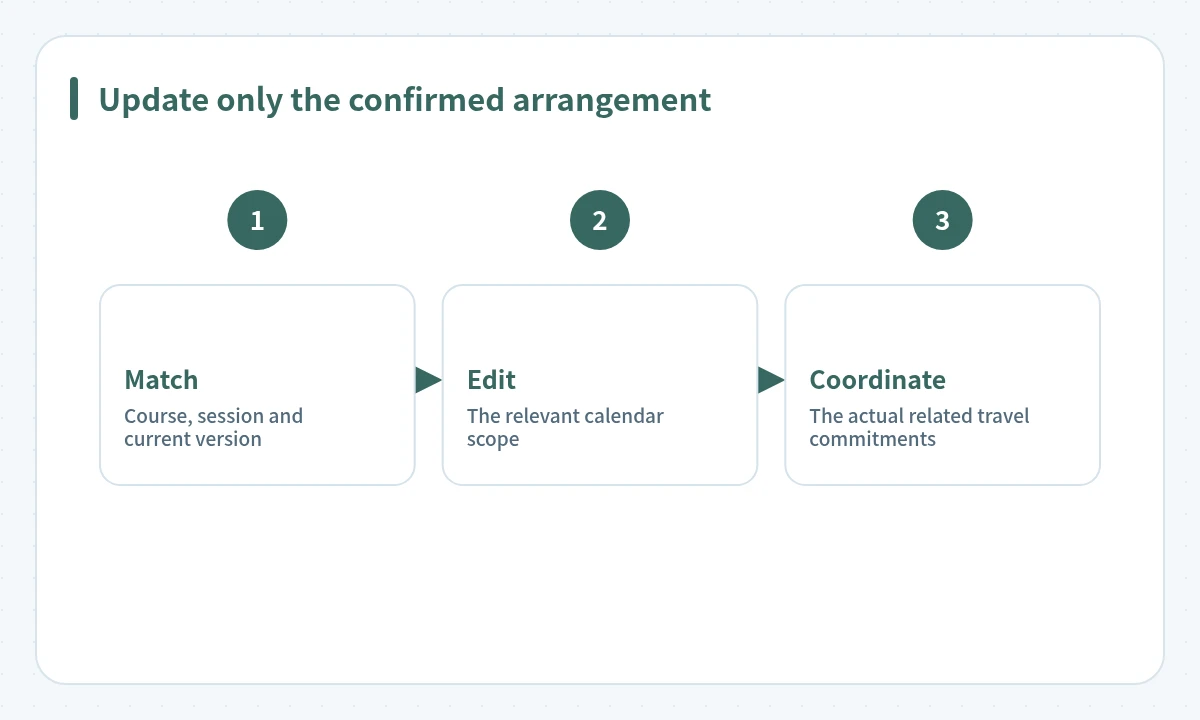
Keep coordination on the current version
Share the current date, place and next action only with people who need to coordinate. Avoid circulating other participants' names and private contact information. Where children are involved, keep class lists and family details within the provider's appropriate communication arrangements.
Finally compare the calendar with the current course timetable and leave unconfirmed details as explicit follow-up items. A notification helps identify the change, while the actual schedule defines its continuing scope. Keep useful current records without allowing years of unrelated old texts to decide where the next session will take place.
