
When query or pagination controls stop responding, establish whether the action triggered a request before diagnosing message delivery. Keep the same authorized account, assignment and query conditions throughout the comparison.
Identify the controls affected
Open the inbox through its formal entry and compare query, pagination and navigation controls. One failing control calls for an action-specific report; an unresponsive page calls for a loading and session check. A saved copy or static embedded preview is not the live inbox.
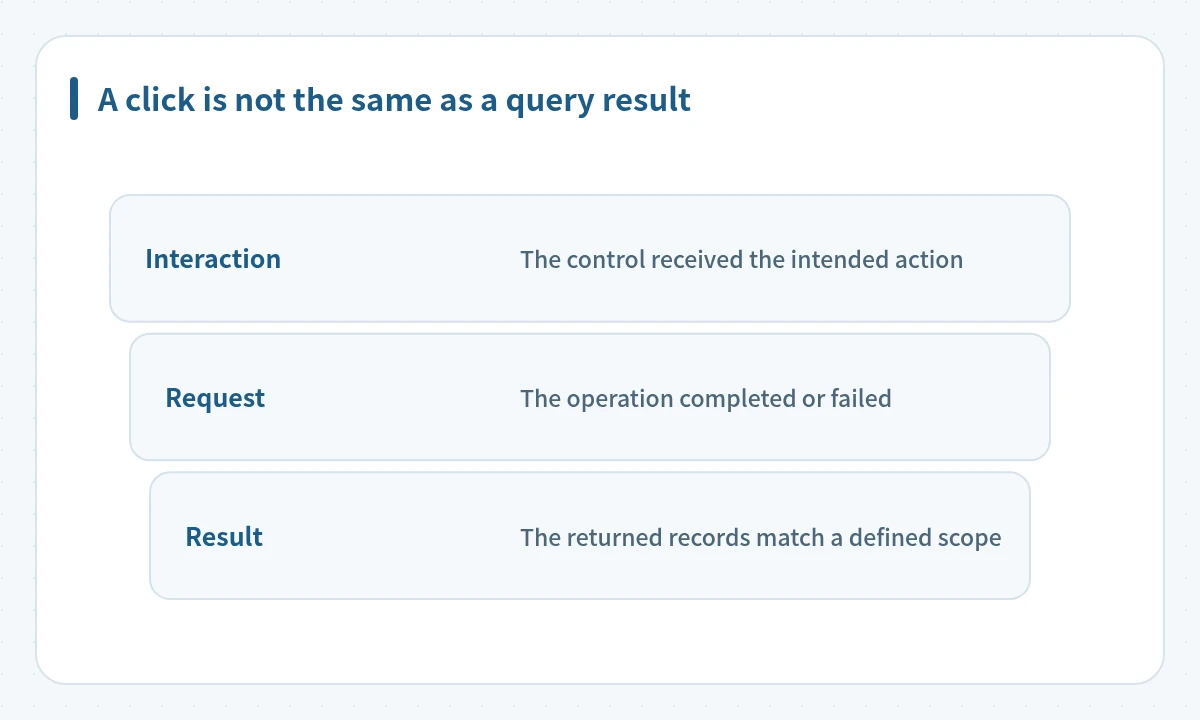
Read the response to one query
| Observation | Next action |
|---|---|
| Sign-in required | Restore the official session and return to the original assignment |
| Loading or error response | Retain its wording and time |
| Empty result list | Inspect number, date, filters and available records |
| No visible change | Investigate the browser context or whether a request started |
Users familiar with developer tools can inspect the network activity generated by that action. A successful HTTP status does not exclude an application-level error in the response. A clear interface report is sufficient if those tools are unfamiliar.
Change one browser condition at a time
- Compare a supported browser using the same account, assignment and query.
- Inspect whether a content blocker affects a script required by the trusted site, using a specific site-level investigation.
- Ask an administrator to handle organization-managed devices and avoid unfamiliar repair extensions.
Record the original response before each comparison. Changing several settings and sessions together makes it difficult to identify which condition affected the result.
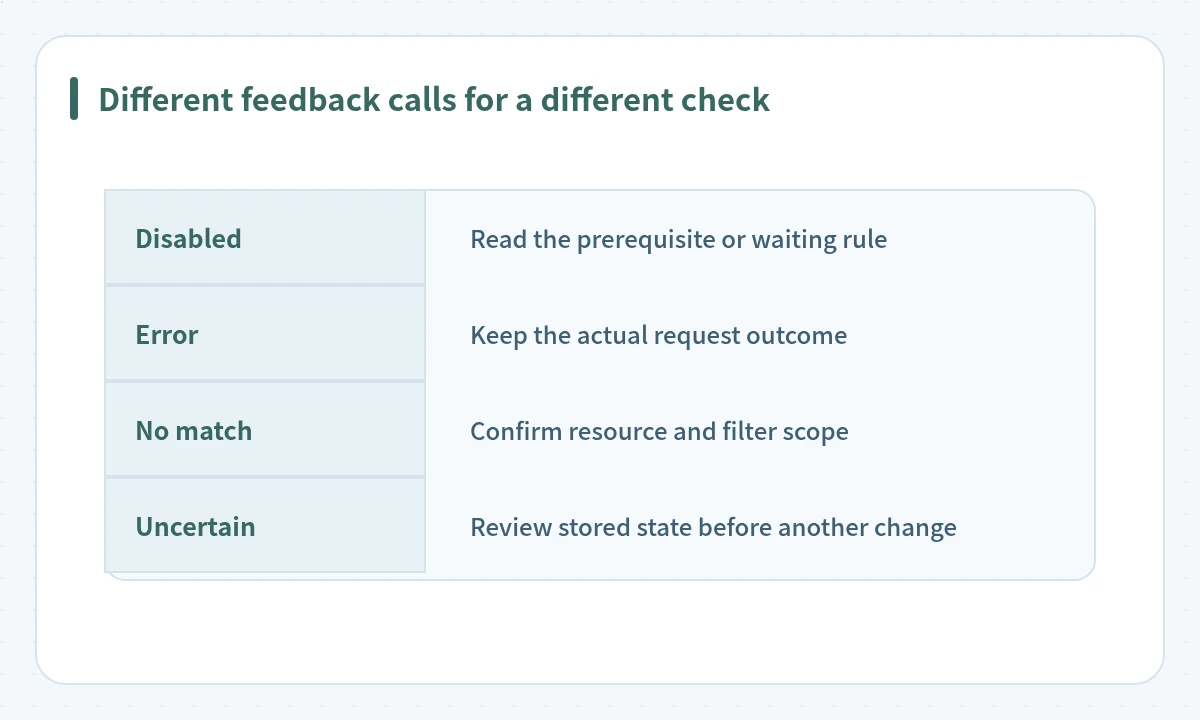
Run one normal query after controls recover
Return to the intended account and number, apply the original filters and inspect the result. An empty list now calls for a receiving-context investigation; a specific error calls for its corresponding response.
For payment, deletion or settings controls, inspect existing execution records before trying again. Give support the page, browser or device version, last action and redacted error. Remove usable values and complete message contents from public images.
