
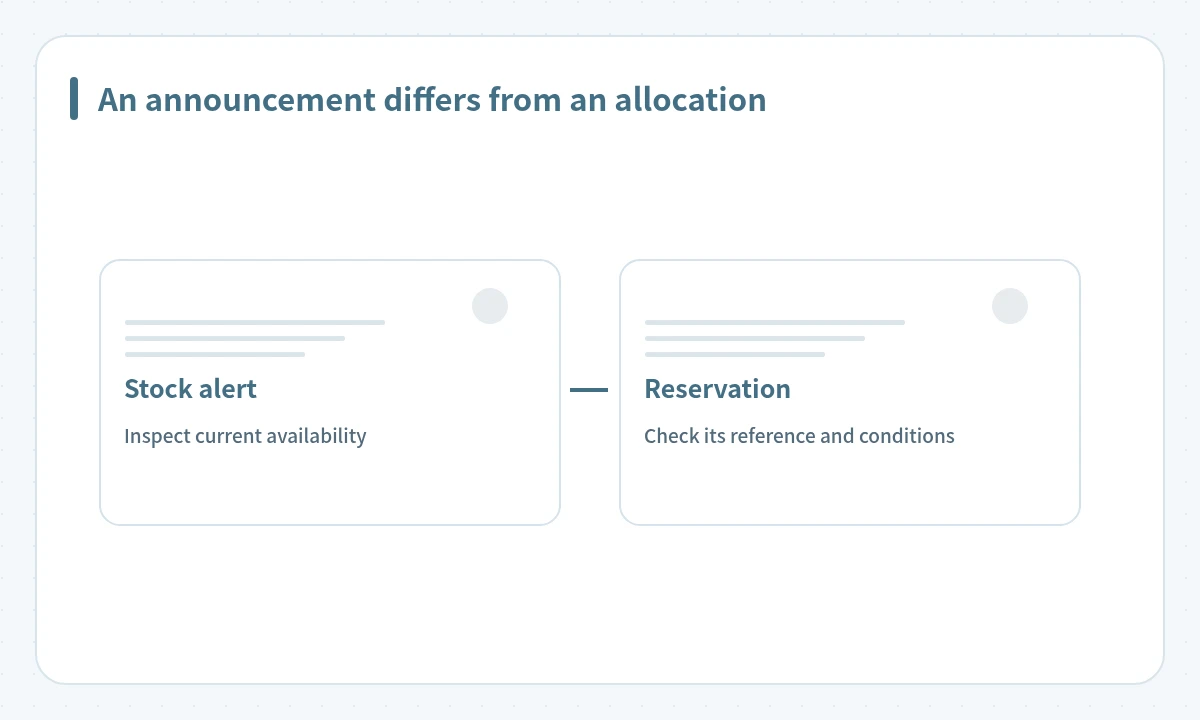
A back-in-stock text usually tells you to check an offer again. Before making plans around it, find out whether the message announces availability to a group or confirms a reservation specifically attached to your account.
Match the alert to the exact item
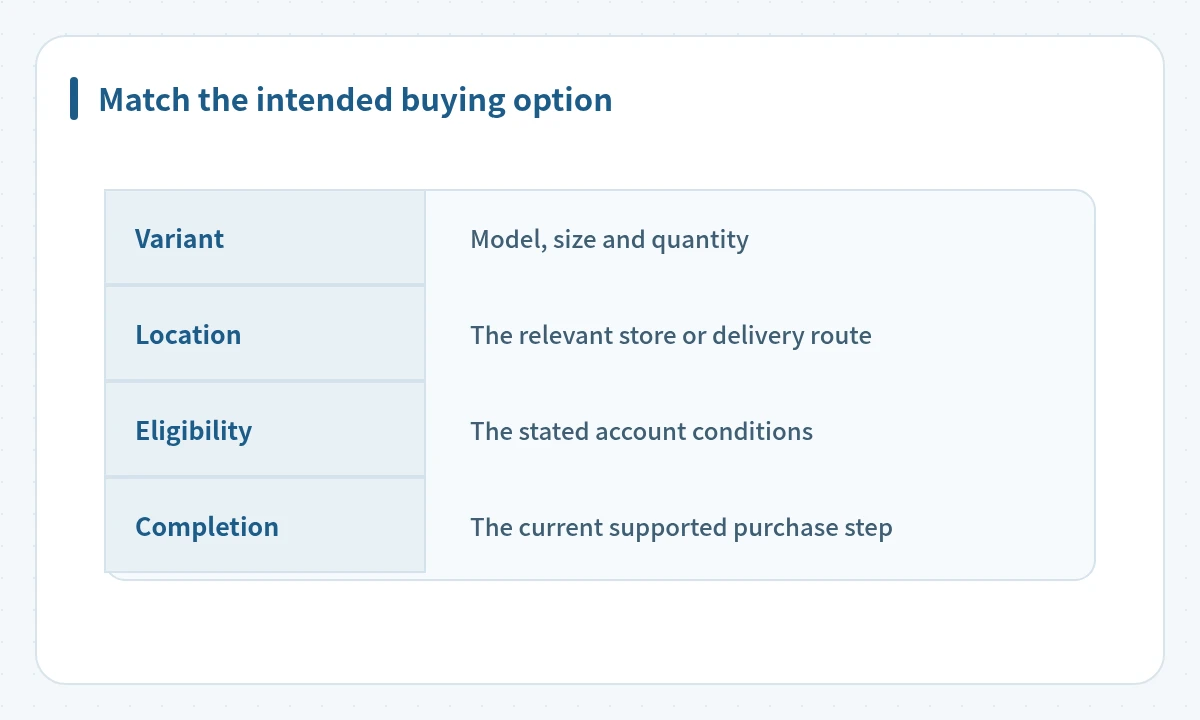
Start with the product identifier, selected variant and location or sales channel. A size, colour, package quantity or compatible model can change what available means for your task. Open the merchant through your usual route and select the same variant before comparing the notice with the live product page.
An online shared sms number can be used only for a suitably controlled, non-personal demonstration of a notification flow. Keep real shopping accounts and reservation references out of a shared public inbox. For an actual purchase, use a permitted private contact arrangement and review the store's notification terms.
Look for a stated allocation
A general stock alert and a named reservation are different claims. A reservation needs a defined object and whatever conditions the merchant actually states: the account or reference, the item, any expiry and the supported completion process. If those details are absent, ask whether anything has been held instead of reading a broad announcement as an allocation.
| Notice | What to establish |
|---|---|
| Stock announcement | Current availability for the selected variant |
| Queue invitation | Eligibility and the next permitted step |
| Named reservation | Its reference, conditions and stated expiry |
Do not manufacture urgency from the time a text arrives. If the merchant states an expiry, read its time zone and the action needed to keep or complete the reservation. Where no time is stated, a notification receipt time cannot supply one. The relevant conditions belong to the offer, not to an assumption about how stock alerts normally work.
Recheck availability at the buying step
Availability can change while a notification is being delivered or read. Check the selected item at the supported buying step, including the chosen delivery or collection location where that matters. A product-page headline may be broader than the specific variant you need. Record the exact mismatch if you contact support.
Keep collection availability separate from delivery availability if the seller offers both. A store-specific stock update may have no relationship to the warehouse serving your delivery address. Select the intended method before judging the result. If an alert was for a particular location, retain that location in a support question rather than reporting that the product is unavailable everywhere. This keeps the inquiry narrow enough for the merchant to answer from its actual inventory records.
Manage alerts without changing the underlying order
After obtaining the item, review whether you still want reminders for the other variants you selected. Follow the merchant's supported preference controls. Stopping alerts does not cancel a placed order, and clearing a message does not release a reservation unless the service explicitly makes that action part of its process.
If an alert leads to an unavailable page, avoid repeatedly submitting the same purchase merely to test whether stock appears. Check the account for any existing order result first. A useful inquiry names the item, variant, relevant alert time and the current page outcome. This gives the merchant a concrete availability question without claiming that a general reminder promised you a particular unit.
