
The last text to arrive may not contain the current appointment time. Check the same appointment’s date, location and status through the known business route before confirming or attending.
Identify the appointment before comparing times
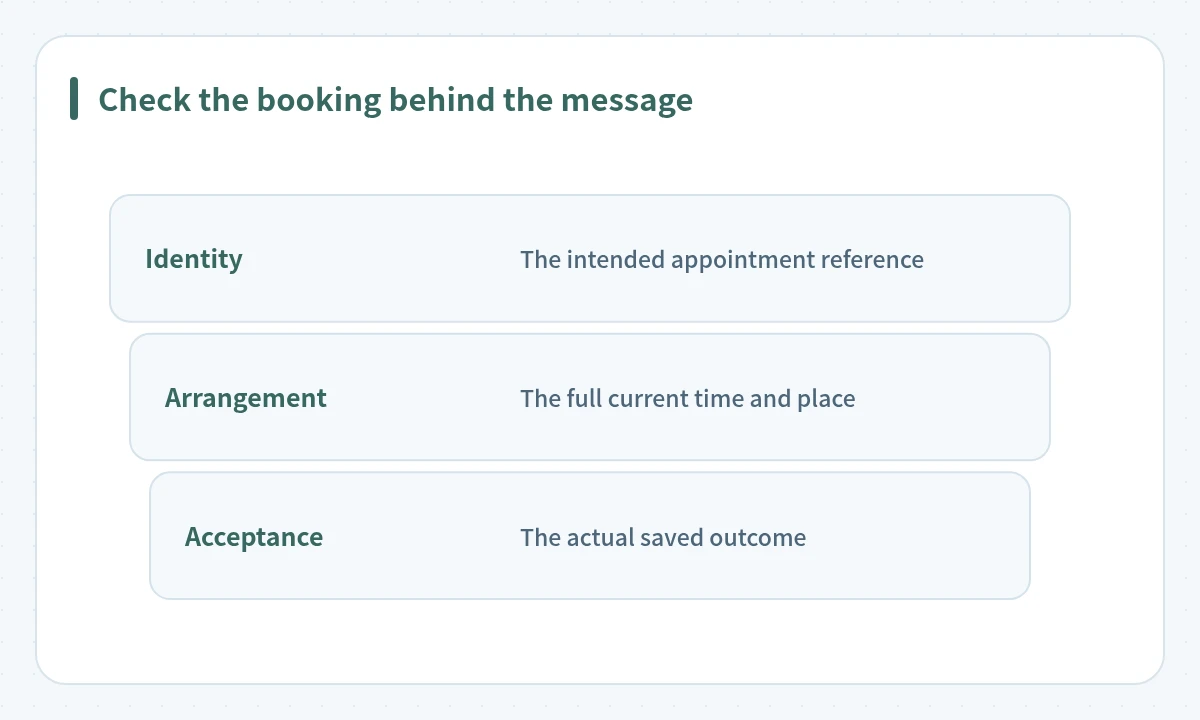
Use the booking reference and service context, not a familiar name alone. A shared contact arrangement can receive notices for several people or several visits. Keep identity details limited while using the protected business record to distinguish the intended task.
A proposed slot and a saved change are also different states. Wording such as a new time is available may require a choice. Read the actual booking page rather than assuming the notification itself completed that choice.
If you did not make the booking, do not use a visible message to explore another person’s account. Report a mistaken contact through the relevant official route. Receiving a text is not permission to manage every task it mentions.
Confirm the date, zone and location together
A revised hour is not enough if the date or venue changed too. Keep the complete arrangement, including the business’s stated time context where relevant. The receiving number’s prefix does not establish which time zone applies to the appointment.
When important information is absent, return to the booking details. Do not fill gaps with the previous notification and accidentally combine an old location with a new time. A current account record should be the point at which those facts are checked together.
Where acceptance is required, use the supported control and inspect its saved result. If submission times out, check the existing booking before creating another. A received text and a completed confirmation are separate observations.
Handle a late old reminder without reversing a change
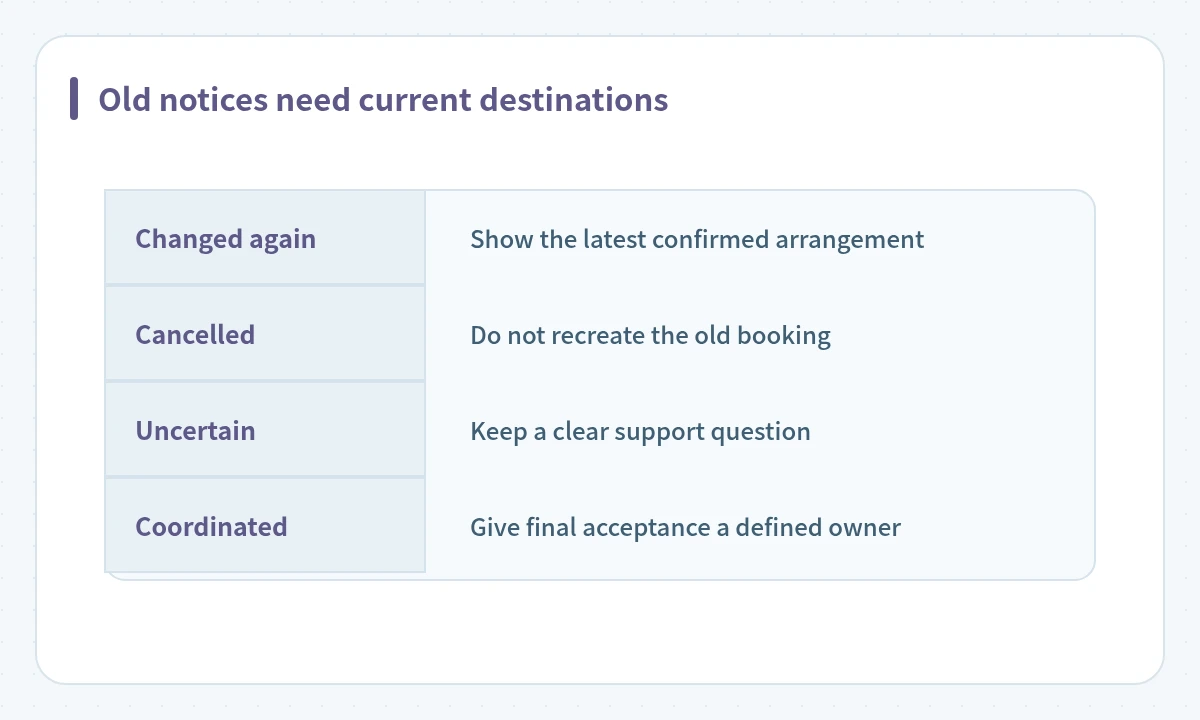
Compare the notification with the current booking and its event context. A previously prepared reminder can be seen after a later change. Its arrival order should not silently replace an arrangement already confirmed through the business.
If the records disagree, retain the booking reference, observation time and limited description. Ask verified support which arrangement applies. You do not need to share active codes or a complete inbox history to state that two times differ.
If several people coordinate the booking, record which person is responsible for the final acceptance. Two helpers acting from different old messages can create conflicting changes even when each thinks they are confirming the same arrangement. Use the supported shared workflow rather than parallel guesses.
Give coordination a clear owner
Someone helping a family member or colleague may only need the agreed time, not authority to change the account. Use the business’s actual delegation process where one exists. Do not forward a login-bearing link as an ordinary calendar note.
For operators, a controlled test can cover a change, another change and cancellation before an older message is opened. The destination should show the current booking rather than recreate an obsolete one. Remaining queued work should follow the defined current-state rules.
Close the task with the confirmed reference, date, location and responsible person. If acceptance or support action remains outstanding, keep that condition explicit. The useful outcome is a coherent arrangement, not merely evidence that a rescheduling message reached an inbox.
