
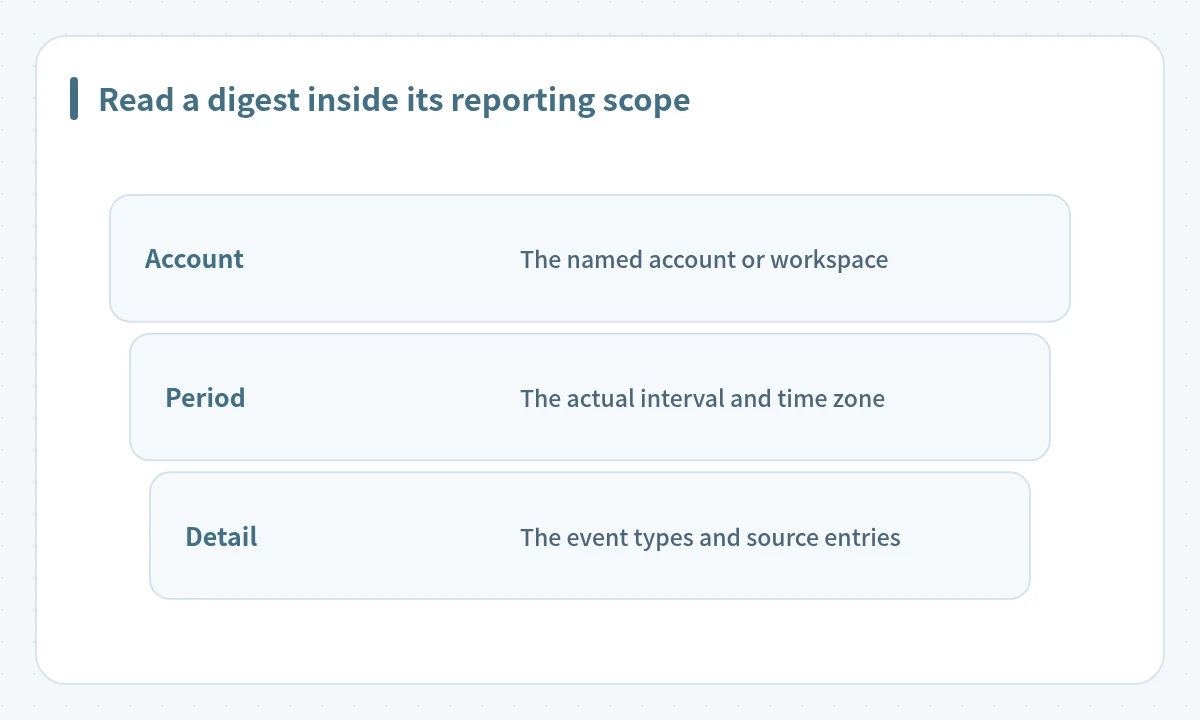
An account activity digest compresses many events into a short message. Its total becomes useful only after you establish which account, period and kinds of activity the digest includes.
Read the scope before the number
Open the account through its known site and compare the digest with the available activity detail. Check the reporting period and time zone, plus any account, workspace or device filter shown by the service. A summary for one workspace cannot explain activity in another merely because both notifications reach the same number.
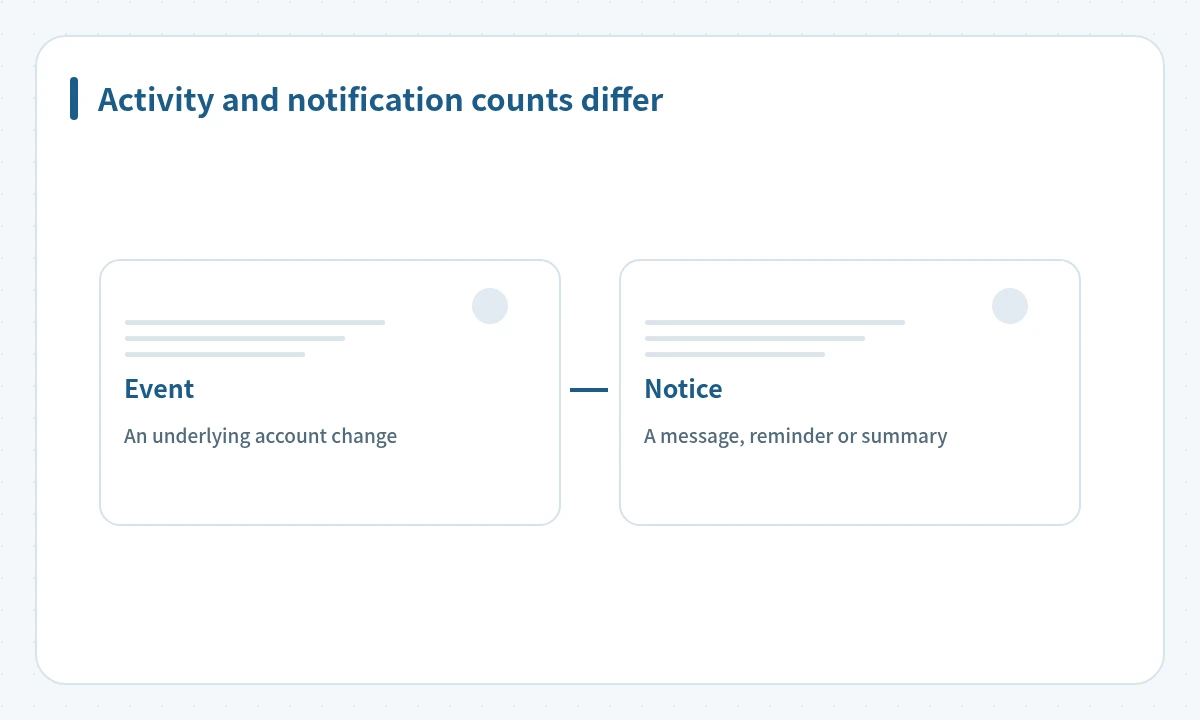
If you use no sim web sms receiving where the service permits it, keep the digest associated with the correct account. Avoid using a shared message count as an activity metric. Several notifications can describe one event, while a single digest can summarise many events under the service's own reporting rules.
Separate a business event from its notices
An event may produce a notification, a reminder and a later summary. Counting those messages together would measure communication attempts rather than the underlying activity. Use the service's event references or activity records when available. If the digest does not explain its counting rule, ask what the number represents before using it in a work report.
| Digest element | Question to answer |
|---|---|
| Account scope | Which account or workspace is included? |
| Period | Which event interval and time zone apply? |
| Count | Which type of activity is counted? |
| Detail | Where can the relevant entries be inspected? |
Read event times separately from digest delivery time. A late digest can correctly describe an earlier period. Compare equivalent intervals when checking another report; a rolling interval and a calendar day are different boundaries. Document the actual definition rather than silently shifting it until two totals match.
Investigate an unfamiliar item through its detail
If an entry looks unexpected, inspect the available account, device and event information without assuming that the summary wording tells the entire story. Follow the service's security process when the activity appears unauthorised. Do not send an authentication code to someone who claims that replying will remove the event from your digest.
When a digest includes several event types, compare like with like in any follow-up report. A login, preference change and successful task completion answer different questions even if the summary groups them under activity. If the service exposes filters, preserve the effective selection with your internal calculation. If it offers only an aggregate, avoid assigning that aggregate to a more specific category that the available records do not actually identify.
Use summaries for orientation and records for decisions
A digest can be a useful prompt for a routine check. A decision to close a support issue, attribute work to a colleague or explain an account change needs the relevant underlying record. Where the detail is unavailable, keep that limitation in your internal note instead of presenting a count as a verified history.
Review notification preferences if the digest covers irrelevant accounts or periods. Change the correct subscription rather than deleting unrelated account activity. Keep the minimum useful reference when recording your conclusion. This preserves the digest's practical role as a summary while preventing its compact wording from becoming a stronger claim than the available records support.
