
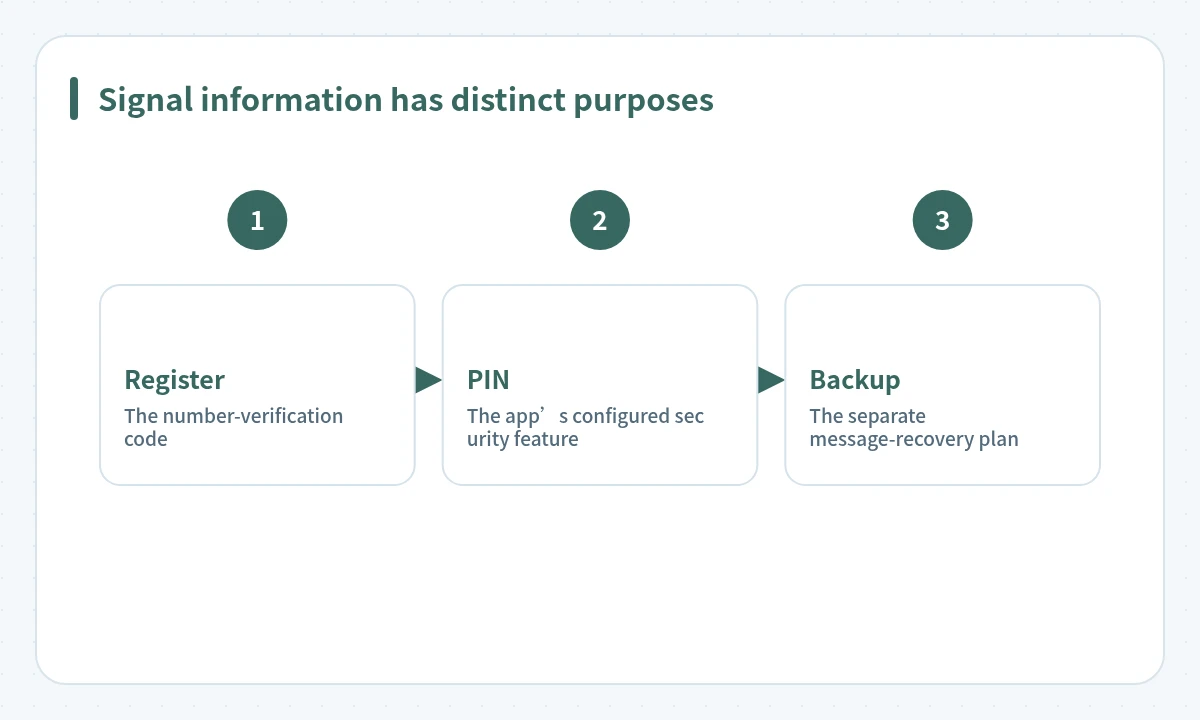
Signal verification codes and Signal PINs are different information. A registration text checks the phone-number step, while a later PIN request concerns an additional setting. Repeatedly requesting SMS does not automatically answer a PIN field.
Identify the credential requested on the screen
Signal's registration guidance requires a number able to receive the relevant text or call. Its PIN guidance describes a separate feature associated with profile and settings recovery and, when enabled, registration lock. A Signal PIN is not the registration SMS, the device screen-lock passcode or a backup recovery key.
If the app has already accepted the registration code and now asks for a PIN, inspect the PIN or official recovery choices. Continuing to refresh the message inbox addresses the earlier step. Write down the screen's label before troubleshooting, because similar-looking number fields can otherwise conceal a change in purpose.
A PIN does not restore chat history by itself
Signal explicitly distinguishes the PIN from a chat backup. When changing phones, plan registration, the account's security information and the applicable message-transfer or backup process separately. A successful number check cannot establish that the old conversations have been moved to the new device.
| Information | What to associate it with |
|---|---|
| Registration code | The current number-verification request |
| Signal PIN | The account's configured PIN feature |
| Backup recovery information | The backup process actually used |
| Device passcode | Local access to the phone |
Do not combine these secrets in a screenshot for public troubleshooting. Support needs to know which label appears and what failed, not the actual PIN or recovery key. Two credentials being numeric does not make them interchangeable.
If registration itself has not completed
Check the complete number and country code, then confirm you still control the intended line. Examine relevant message filtering and carrier restrictions, and read any retry limit in the app. Observe that limit instead of switching through devices or numbers in an attempt to get around the check.
If the app offers a call, use the official option and relate the call to your own registration request. Never disclose the code to a stranger offering to finish setup. A legitimate receiving route is part of your account access, not a service to hand over to an outside helper.
Prepare the change while the old phone still works
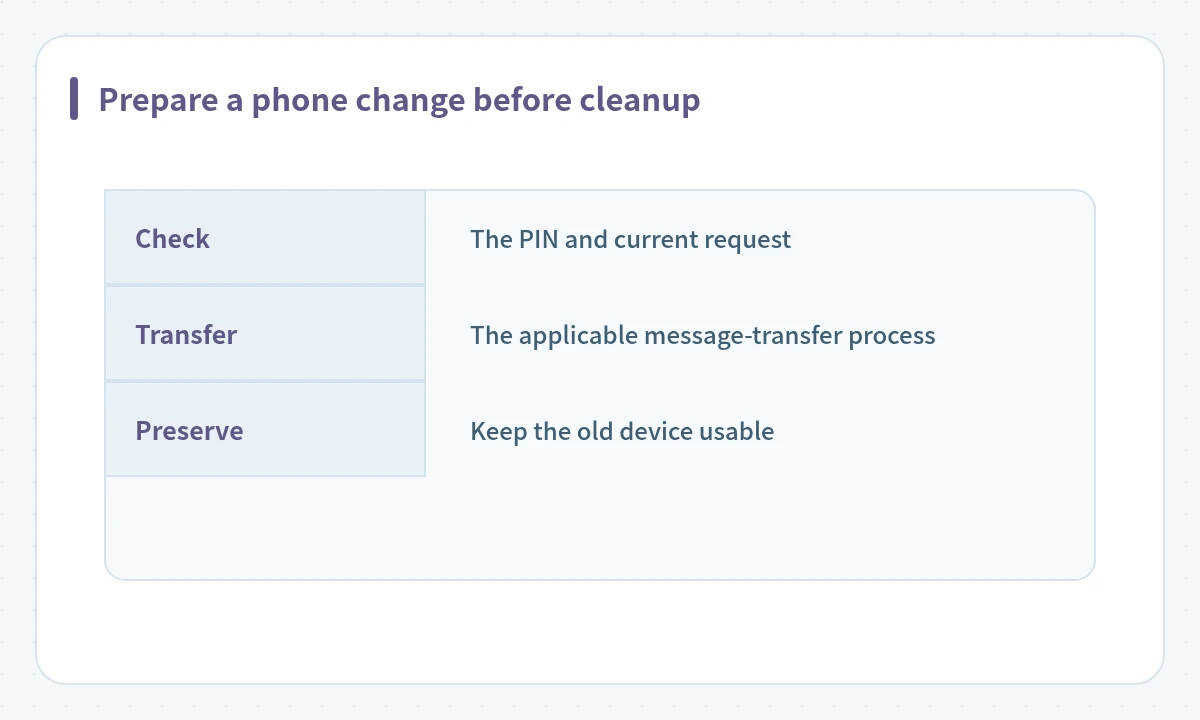
Before clearing an old phone, check whether you remember the PIN and whether the message-transfer arrangements appropriate to your app version are ready. Keep the old device intact if the new process stops unexpectedly. Deleting application data, losing the old line and forgetting the PIN at the same time removes several useful options at once.
When asking for help, distinguish between not receiving registration SMS and having passed registration but being asked for a PIN. Include the relevant error and timing, with private values hidden. Follow the official instructions for any registration-lock restriction; there is no dependable external shortcut that legitimately removes it on demand.
A phone change is easier to manage when each piece of information has a named purpose. That is more useful than treating a text, a PIN and a backup key as different versions of the same code.
References
Signal: Signal PIN; Signal: Register a phone number.
