
SHEIN verification codes during a phone-number change should be matched to the destination named now. The page may still be checking existing information. A new line receiving ordinary messages does not establish that the present challenge should target it.
Identify the stage before diagnosing reception
SHEIN's US contact-update guidance describes checking the current number during a change, then following the update process. Menus and options should be read from your own account rather than treated as identical across every screenshot or regional service.
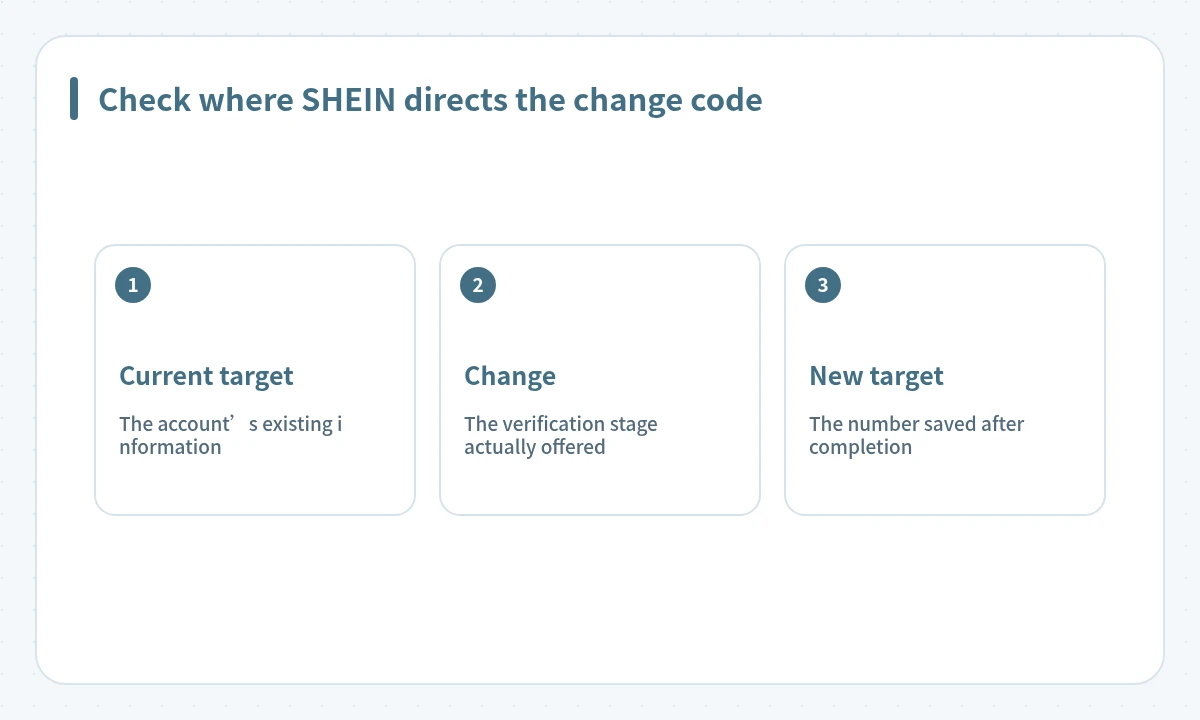
Compare the masked digits and field description. If existing information is being checked, establish whether that old target remains available. Once the flow requests the replacement, investigate the new line. Without that stage distinction, a correctly directed old-number request can be misreported as failed delivery to the new one.
Reception and saving need separate results
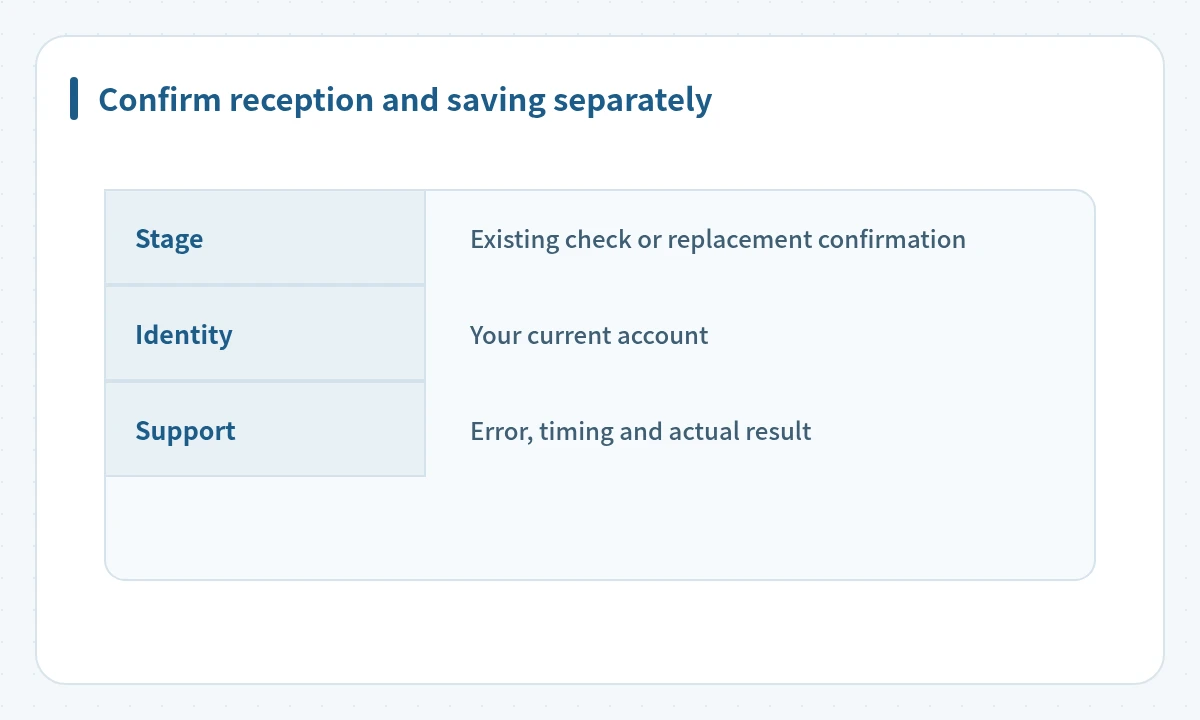
| Stage | What to inspect |
|---|---|
| Existing-information check | The account and recorded destination |
| Contact update | The replacement the page permits |
| Save result | The information actually recorded afterward |
After a value is accepted, continue to inspect whether the change saved and whether another requirement remains. A message arriving does not establish completion of the update. If the flow stops, preserve the error and time instead of repeatedly resubmitting an older page.
Keep one identifiable operation open while checking. Requests for several contact fields can create messages with different purposes. The current field and destination are more useful than whichever value arrived last on the phone.
Email changes follow their own conditions
The official guidance also describes email updates and conditions related to the original account registration. If the page requests email, inspect that address rather than apply phone instructions to it. For missing email, examine spelling, filtering and the current request instead of assuming every confirmation uses SMS.
When old information is inaccessible, use formal customer assistance and describe the stage and remaining resources. Do not hand a password, code or identity material to an outside operator. Creating several new accounts is not a harmless way to test the old account's contact relationship.
A support screenshot should retain the field, masked destination and exact message while hiding private values. The report can identify an old-target check, replacement confirmation or failed save without containing the credential that would complete it.
Review account and business information afterward
Confirm that the updated target fits a line you intend to maintain before retiring old resources. Inspect orders, addresses and other information through their separate settings. A security-number update is not evidence that every delivery contact changed automatically.
If expected information differs after entry, compare the actual identity before making further updates. Preserve a usable old session while investigating. This sequence keeps the task tied to the right destination and avoids repeated new-line reception tests when the unfinished requirement still concerns existing account information.
During a planned contact change, write down which field is being edited and which masked destination receives the request. Review those two observations together after saving. This distinguishes a completed old-number confirmation from a replacement contact that has actually been recorded in the account.
References
SHEIN US: Registered email and phone changes; SHEIN: Email-code reception checks.
