
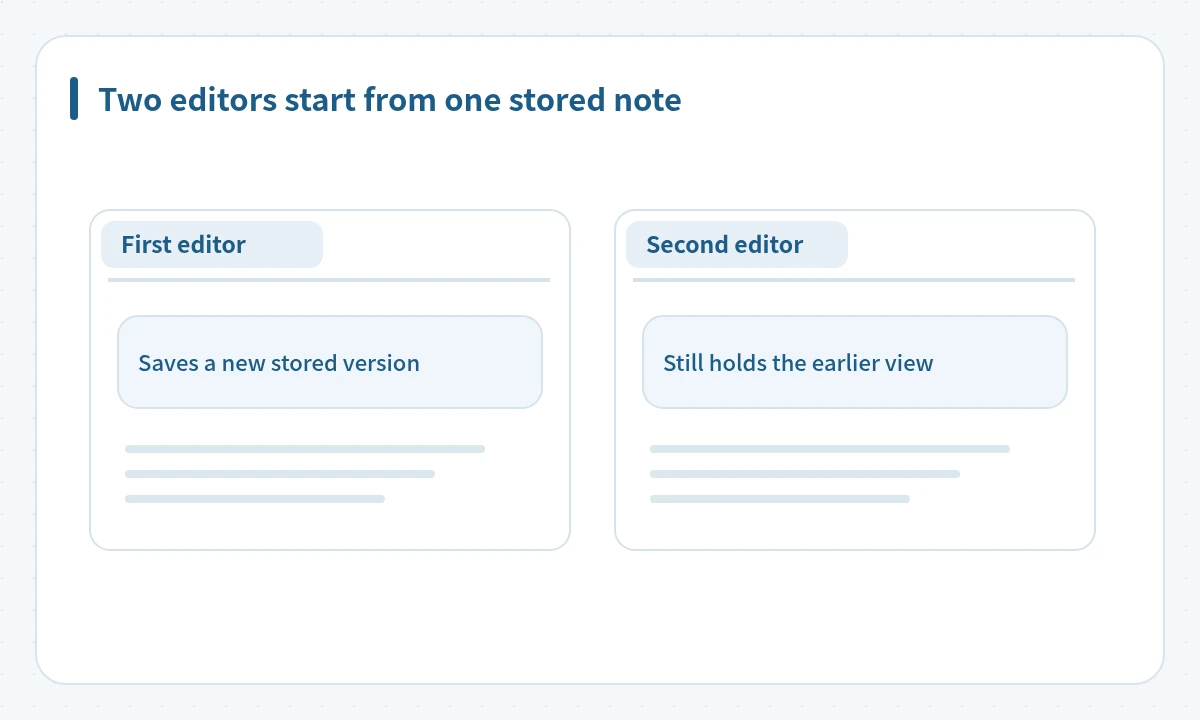
Two people can edit the same inbox note from different versions and both see a save confirmation. Check how the service handles conflicting edits before relying on shared notes or assignments.
The received message and your team’s annotation are separate objects. This discussion concerns editable workflow data, such as a note or an assignee. It is not a reason to alter the original SMS body or rewrite the evidence of what was received.
Reproduce the collision with a harmless note
Use an authorised test item containing no personal data. Open it in two sessions. In the first, change one part of the note and save. In the second, try to save a different change based on the older view. Observe whether the application warns, merges, overwrites or refuses the second save.
Do not infer the rule from the colour of a success banner. Reload the item through a normal query and inspect the stored result. If a history view exists, check what it records. If the service does not document conflict handling, report the observed behaviour without assuming every field follows the same rule.
A conflict warning needs a usable next step
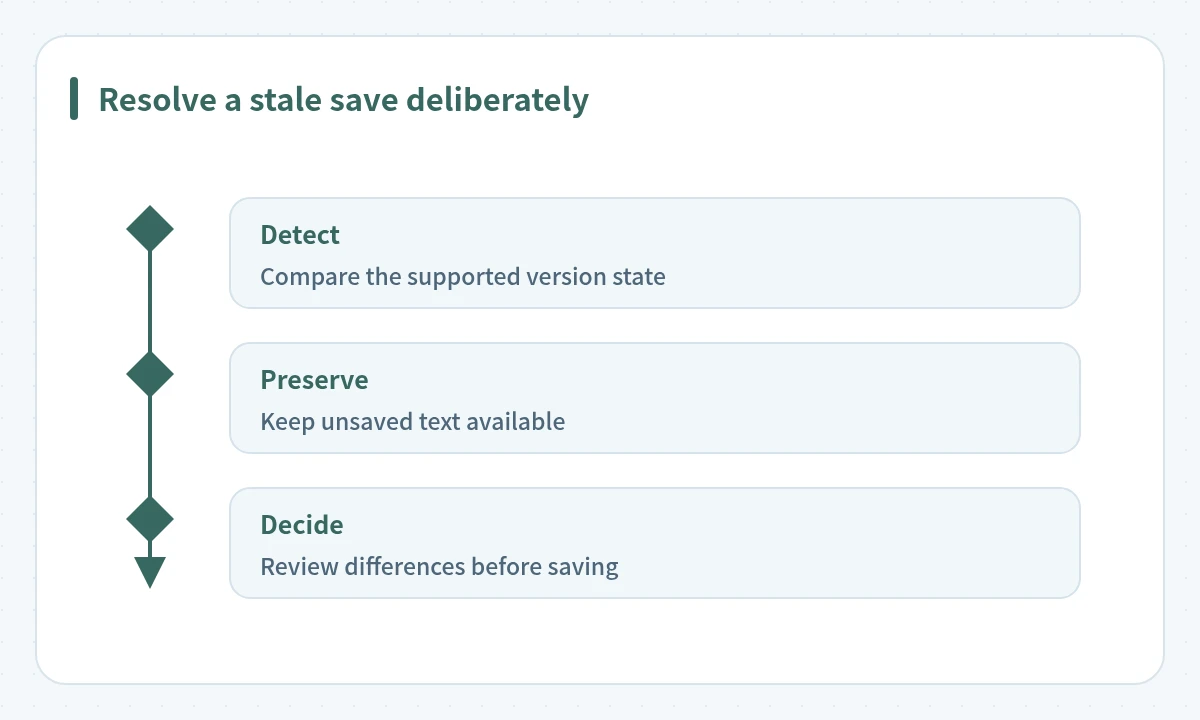
A system using version checks can reject a save that was based on an older record. At the HTTP level, conditional requests such as If-Match are one mechanism for preventing lost updates. This is a design example, not a statement that a particular inbox implements that header.
For the person editing, the important outcome is practical: keep their unsaved text available, show that the stored item changed and allow a deliberate comparison. Asking someone simply to reload may discard their work. Automatically retrying the stale save may overwrite the colleague’s update and defeat the check.
Agree on field ownership when the software has no guard
If the service uses last-save-wins behaviour, reduce simultaneous work rather than pretending the problem is solved. Assign one person to edit the shared note for the duration of a task, or use separate supported comment entries instead of repeatedly replacing a single text field. Keep the procedure proportionate to the work.
A handover should identify the current assignee, the latest stored note and any outstanding action. It should not contain live codes or require everyone to copy the whole inbox into a group chat. Where a draft exists only on one device, make that limitation explicit before handing the task to another person.
| Change | Question before saving |
|---|---|
| Assignment | Has someone else taken responsibility? |
| Shared note | Am I editing the latest stored version? |
| Resolution | Has the underlying task actually finished? |
If changes disappear, give support the test item reference, approximate save times and the two non-sensitive edit sequences. Keep account passwords and session cookies out of the report. The useful question is whether the second write replaced newer data, not whether both users were allowed to open the inbox.
Technical background: MDN: If-Match and conditional updates.
